




01. Edit your st 121 online
Type text, add images, blackout confidential details, add comments, highlights and more.

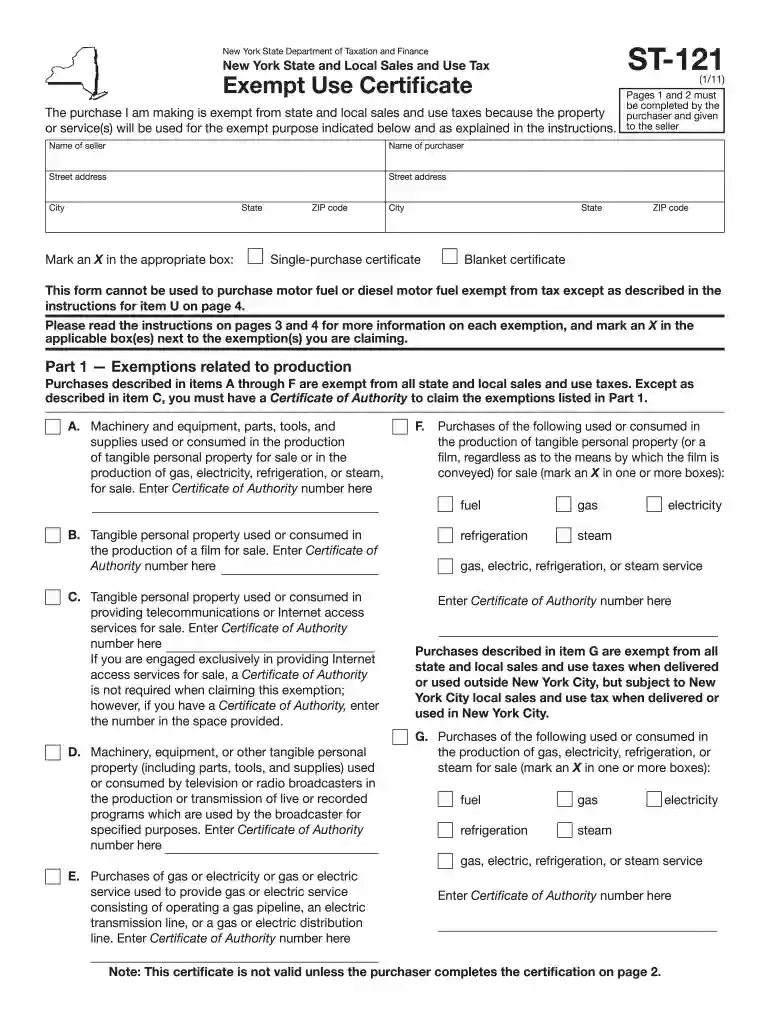
Type text, add images, blackout confidential details, add comments, highlights and more.

Draw your signature, type it, upload its image, or use your mobile device as a signature pad.

Send st121 via email, link, or fax. You can also download it, export it or print it out.

Start using our platform today for free to streamline your ST-121 form completion!
We've got more versions of the st 121 form. Select the right st 121 version from the list and start editing it straight away!
At DocHub, your data security is our priority. We follow HIPAA, SOC2, GDPR, and other standards, so you can work on your documents with confidence.
145-121. Americana. Mansfield 211. Service kit No 630-0030. Mansfield. 130-164. Claro St. Thomas Creations. 6120. Arlington. Hoov-R-Line 9400.021. St. ThomasRead more
ST 121 - Surgical Asepsis. 3 Credit Hours. Asepsis and sterile technique to establish and maintain a sterile field used in surgery will be introduced.
If you have a valid Certificate of Authority, you may use Form ST-121 to purchase, rent, or lease tangible personal property or services exempt from tax to theRead more


