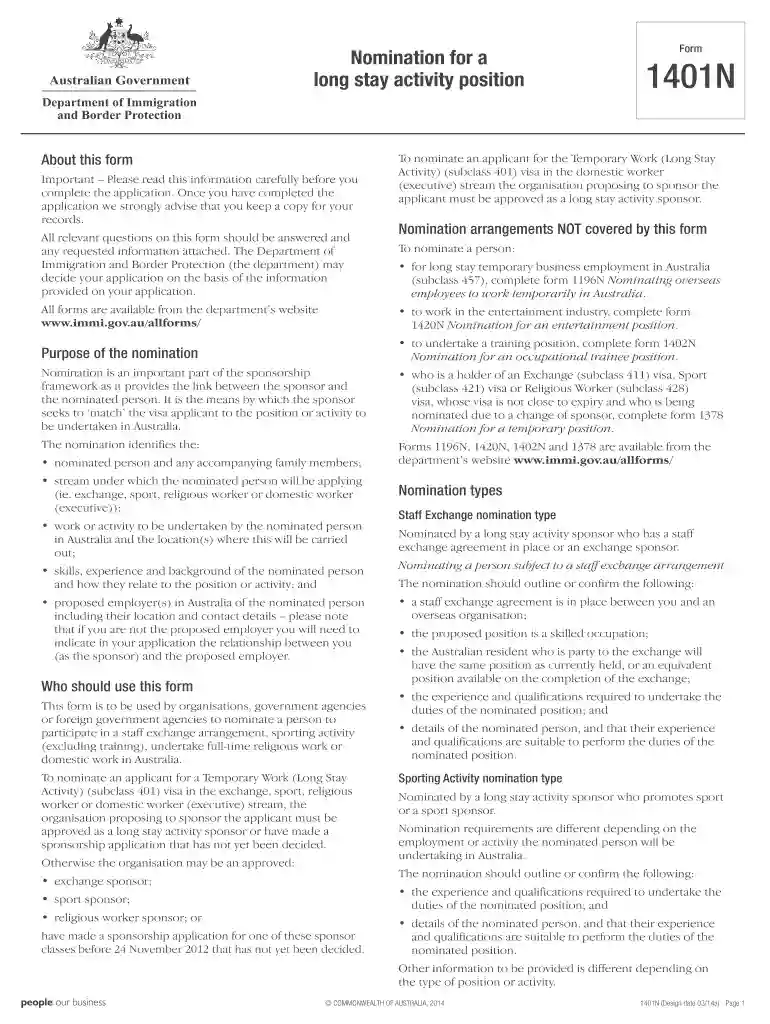
Nomination form 1401n 2014-2026

Get Form
nomination form 1401n 2014 Preview on Page 1

Here's how it works

01. Edit your form online
Type text, add images, blackout confidential details, add comments, highlights and more.

02. Sign it in a few clicks
Draw your signature, type it, upload its image, or use your mobile device as a signature pad.

03. Share your form with others
Send it via email, link, or fax. You can also download it, export it or print it out.

How to use or fill out nomination form 1401n 2014 with our platform

Form edit decoration
9.5
Ease of Setup
DocHub User Ratings on G2
9.0
Ease of Use
DocHub User Ratings on G2
  1. Click ‘Get Form’ to open the nomination form 1401n 2014 in the editor.
  2. Begin by filling out Part A, which includes general information about your organization. Ensure you provide your legal registered name and Australian Business Number (ABN).
  3. In Part B, specify the nominated position details. Indicate the type of nomination (e.g., Staff Exchange, Sporting Activity) and provide relevant employment details.
  4. Proceed to Part C where you will describe the qualifications and experience of the nominated person. Attach any necessary documents as specified in the checklist.
  5. Complete Parts D and E by detailing the responsibilities and duties associated with the position, ensuring all fields are filled accurately.
  6. Finally, review your entries for completeness using the Document checklist in Part J before submitting your application.

Start using our platform today to streamline your document editing and submission process for free!

See more nomination form 1401n 2014 versions

We've got more versions of the nomination form 1401n 2014 form. Select the right nomination form 1401n 2014 version from the list and start editing it straight away!
Versions Form popularity Fillable & printable
2015 4.8 Satisfied (103 Votes)
2014 4 Satisfied (34 Votes)
2014 4.3 Satisfied (61 Votes)
be ready to get more

Complete this form in 5 minutes or less

Get form

Got questions?

We have answers to the most popular questions from our customers. If you can't find an answer to your question, please contact us.
Contact us
Online nomination forms offer many benefits for both nominators and organizers. It makes the nomination process easier for everyone. Nominators can submit their nominations from anywhere, and organizers can easily collect and organize the data, allowing you to docHub more people.
Completing a nomination (also known as an expression of wish) helps guide the scheme trustees when deciding who death benefits should be paid to.
How to write a nomination letter Include a header. Letters typically have a header to identify the sender and provide their contact information to the reader. Draft an introduction. After you complete your header, draft an introductory paragraph. Write the body of the letter. Create a summary.
Step-by-Step Process to File e-Nomination Step 1: Log in to the EPFO Member Portal. Visit unifiedportal-mem.epfindia.gov.in. Step 2: Navigate to e-Nomination Step 3: Click Proceed Step 4: Declare Your Family Status. Step 5: Add Family Member Details. Step 6: Save Family Details. Step 7: Set EPF Nominee Share.

Security and compliance

At DocHub, your data security is our priority. We follow HIPAA, SOC2, GDPR, and other standards, so you can work on your documents with confidence.

Learn more
ccpa2
pci-dss
gdpr-compliance
hipaa
soc-compliance