Type text, add images, blackout confidential details, add comments, highlights and more.

02. Sign it in a few clicks
Draw your signature, type it, upload its image, or use your mobile device as a signature pad.

03. Share your form with others
Send sf3112 via email, link, or fax. You can also download it, export it or print it out.

How to use or fill out sf 3112 fillable form with our platform
Ease of Setup
DocHub User Ratings on G2
Ease of Use
DocHub User Ratings on G2
Click ‘Get Form’ to open the sf 3112 fillable form in the editor.
Begin by filling in your personal information, including your name, date of birth, and social security number. Ensure accuracy as this information is crucial for processing.
In section 4, provide a detailed description of your disease(s) or injury(ies). Be specific about how these conditions affect your job performance and daily activities.
Complete sections regarding accommodations requested from your agency. Clearly state if any requests were granted and attach relevant documentation if necessary.
If applicable, indicate whether you have applied for Social Security disability benefits in section 11. Attach any required notices to support your application.
Review all entries for completeness and accuracy before saving or printing the form. Use our platform’s features to easily edit or correct any mistakes.
Start using our platform today to efficiently complete your sf 3112 fillable form for free!
It is fairly rare. When someone gets medically boarded out. if the medical board determines you are at least 50% disabled they may medically retire you. such as losing a leg in an IED explosion or something like that. This is a completely separate process than getting disability from the Veterans Administration.
How to fill out sf 3112?
SF-3112A: Applicants Statement of Disability Use clear language to explain your medical condition, symptoms, and how they impair your work performance. Avoid veering into overly technical medical jargon, and instead, present your situation in relatable terms. Include all conditions that contribute to your disability.
What are the common mistakes applying OPM?
View the sections below for more tips to avoid common application errors. Incorrect or incomplete SF 2818 (FEGLI, or life insurance) Missing health benefits documentation. Missing or incorrect marriage and spousal consent information. Missing or insufficient military service documentation.
Are there any disadvantages to FERS disability retirement?
The Cons of Filing for Federal Disability Retirement The process can be long and there will be periods of time where you dont hear anything about the status of your application.
Can I get OPM with depression/anxiety?
The U.S. Office of Personnel Management (OPM) pays early retirement benefits to eligible federal employees who become unable to perform essential functions of their jobs because of disabling mental or physical impairments.
sf 3112
Sf 3112 fillable form pdf downloadSf 3112 fillable form onlineSF 3107 fillable form PDFsf-50 form fillableSF-50 form PDFSF 3112 formsf-15 formSF 3112B form
People also ask
How to complete a fillable form?
How to fill and sign a PDF form: Open a PDF document in Acrobat. Click the Fill Sign tool in the right pane. Fill out your form: Complete form filling by clicking a text field and typing or adding a text box. Sign your form: Click Sign in the toolbar at the top of the page.
sf 3112b
2020 IRS form 1040
Fillable Forms. The IRS offers electronic versions of IRS paper forms that also can be e-filed for free. Free File. Fillable Forms is best for people
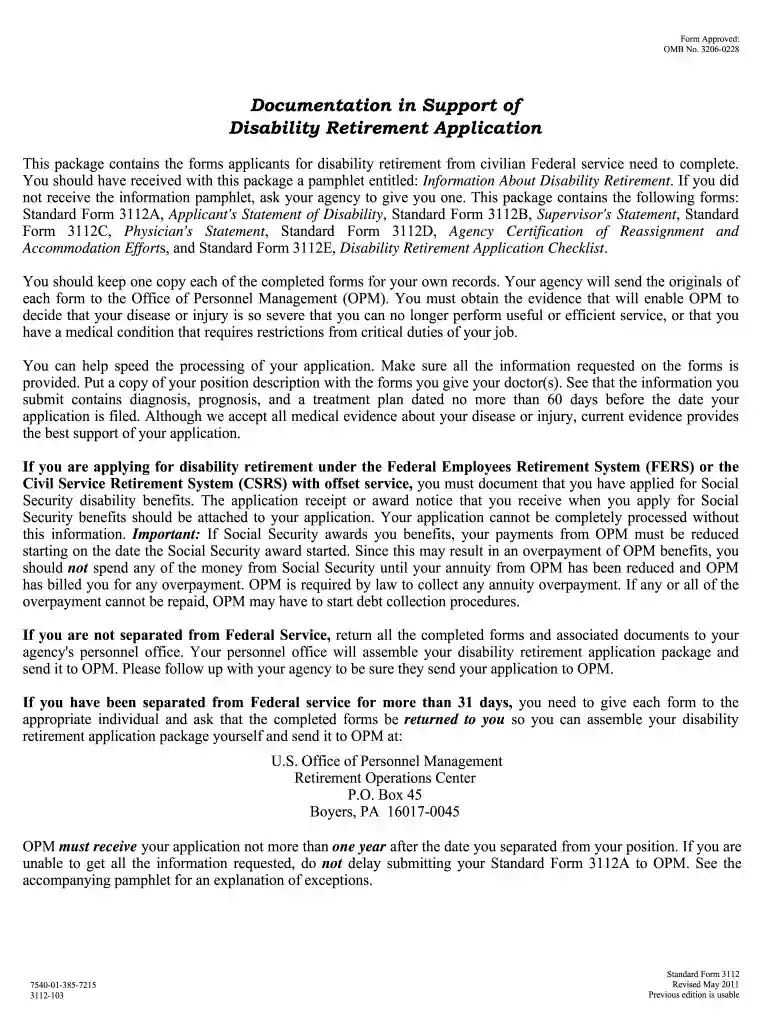
This package contains the forms applicants for disability retirement from civilian Federal service need to complete. You should have received with this
Cookie consent notice
This site uses cookies to enhance site navigation and personalize your experience.
By using this site you agree to our use of cookies as described in our Privacy Notice.
You can modify your selections by visiting our Cookie and Advertising Notice.