
Two pages side by side PDF



Access the Two pages side by side PDF feature within minutes
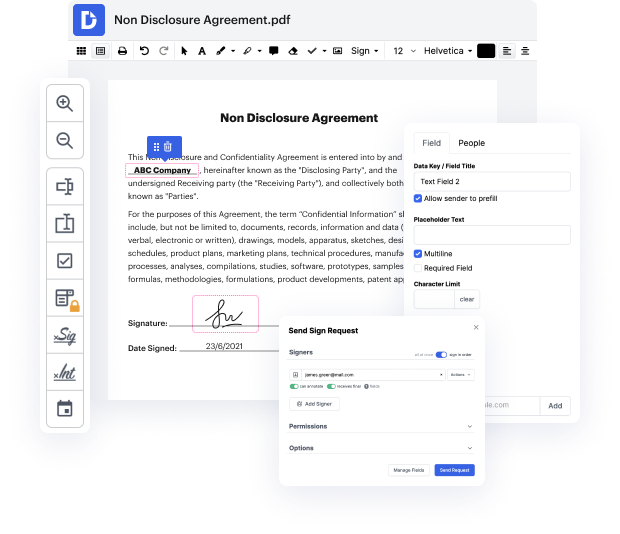
If your regular documents editing solution has you wrapping your head around its user interface or seeking third-party platforms with the functionality you require, it may be an indication to consider other options like DocHub that have each and every functionality at your fingertips. Discover multi-format file editing that makes completing any document task easy and gets the job done quickly with its packed feature set and user-friendly interface.
Access the Two pages side by side PDF feature in a few steps.
- Sign in to your DocHub account. If you don’t have one yet, you may register in a few clicks utilizing your existing credentials or by linking your current email account.
- Complete the registration and visit the Dashboard. There, you may view your editing history and add new documents.
- Pick the New Document button and add your file using the handiest method.
- Open your file for revision and access the “Two pages side by side PDF” feature.
- Save modifications and download the outcomes on your device.
Make document editing easy with DocHub’s feature-rich solution. Discover more options that can elevate your overall experience with documentation.
PDF editing simplified with DocHub






Drive efficiency with the DocHub add-on for Google Workspace
How to 2nd page
To merge two pages of a PDF into one page, open the PDF with Google Chrome, hit the print button, select "save as PDF," change pages per sheet to 2, and save the document.

Got questions about two page document?
How do I put two pages side by side in a PDF?
How do I make a PDF double sided?
How do I view two PDF pages side by side in Chrome?
How to combine 2 pages into 1 PDF?
Can you combine 2 pdfs side by side?
See why our customers choose DocHub


Security and compliance
At DocHub, your data security is our priority. We follow HIPAA, SOC2, GDPR, and other standards, so you can work on your documents with confidence.
Learn more


