


Getting full control of your papers at any time is essential to relieve your everyday tasks and boost your efficiency. Accomplish any objective with DocHub features for document management and practical PDF editing. Gain access, modify and save and incorporate your workflows along with other safe cloud storage services.
DocHub gives you lossless editing, the possibility to use any formatting, and safely eSign papers without looking for a third-party eSignature alternative. Maximum benefit of the file managing solutions in one place. Consider all DocHub features right now with the free profile.


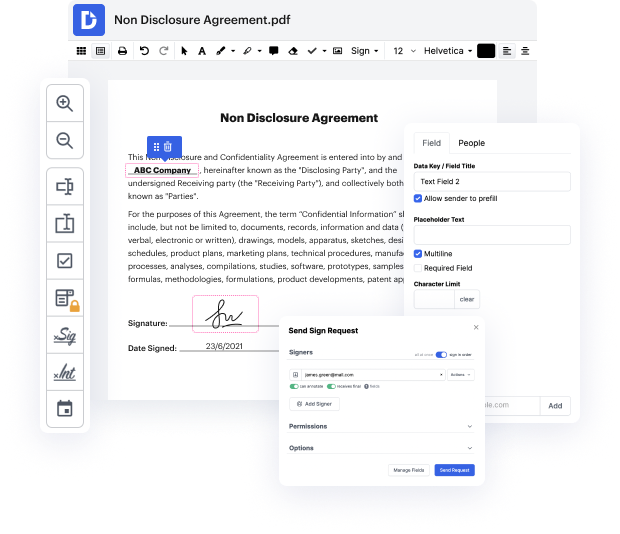
okay in this video I want to walk you through how to add a new document into your doc hub account where you want to get someone to sign the document so what youre gonna do is from your this is your home page once youre logged into it click on add new here this plus sign and then you can import a new document but its a little bit easier workflow if you just click on new sign request then youre gonna upload the file either from your computer your Dropbox account or Google Drive and maybe theyll add more later but anyways Ill go to Google Drive which is where I have this demo agreement that I want to use for this demo and its uploading the file and then once you get to here youre gonna this seems a little a little clunky a little weird but youre gonna click on create document here once its uploaded it and then its going to immediately ask you to put in the email address of anyone that you want to have signed the document so in this case Im just gonna put in one of my other one






