



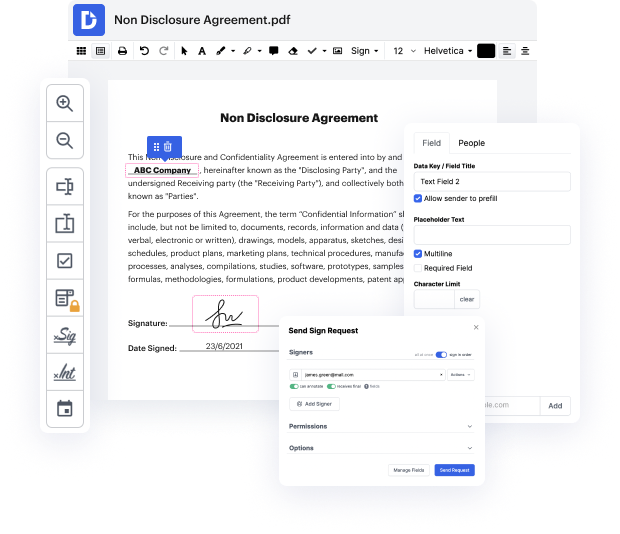
Having comprehensive control over your files at any time is vital to ease your day-to-day duties and enhance your efficiency. Accomplish any goal with DocHub features for papers management and hassle-free PDF editing. Gain access, adjust and save and integrate your workflows with other secure cloud storage services.
DocHub offers you lossless editing, the opportunity to work with any formatting, and securely eSign documents without having searching for a third-party eSignature alternative. Maximum benefit from the file management solutions in one place. Try out all DocHub functions today with the free of charge account.


In this video tutorial from PDF Run, viewers learn how to fill out a bill of lading, an essential legal document for freight shipments that acts as a transportation contract. To start, users should click the "fill online" button to access PDF Run's online editor. The process begins with entering the vehicle number and billing date. Next, users must provide details for the recipient, including the consignees' name, street address, delivery city, state, zip code, and the delivery route. Following this, similar information must be entered for the shipper, which includes the shipper's name, street address, shipping country, city, state, zip code, and any special instructions for the carrier.






