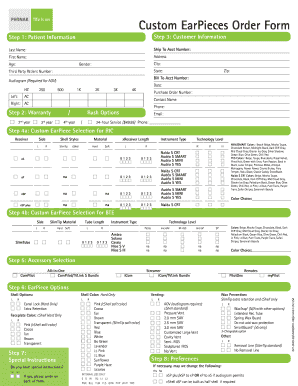
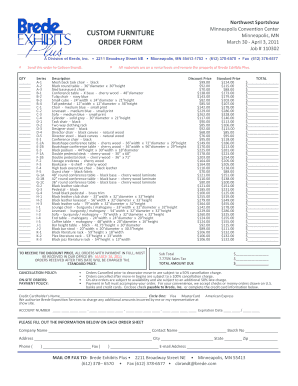
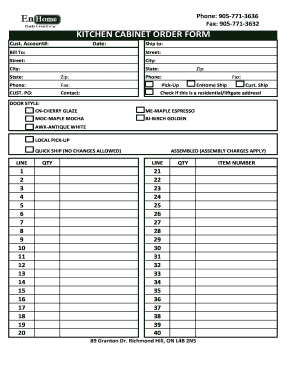
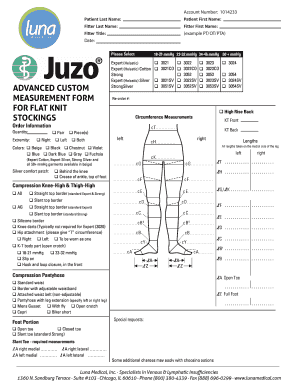
Work custom Order Forms

Explore state-specific Work custom Order Forms and modify them online. Utilize DocHub's robust document management tools and track your templates' progress with an activity log.

Manage Work custom Order Forms effortlessly online

Document administration can stress you when you can’t discover all the forms you need. Luckily, with DocHub's extensive form library, you can find everything you need and swiftly manage it without the need of changing among programs. Get our Work custom Order Forms and begin working with them.

Using our Work custom Order Forms using these easy steps:

  1. Check Work custom Order Forms and choose the form you need.
  2. Preview the template and click Get Form.
  3. Wait for it to upload in our online editor.
  4. Adjust your form: add new information and pictures, and fillable fields or blackout certain parts if required.
  5. Fill out your form, conserve changes, and prepare it for delivering.
  6. When all set, download your form or share it with your contributors.

Try out DocHub and browse our Work custom Order Forms category easily. Get your free profile right now!

Video Guide on Work custom Order Forms management

video background

Commonly Asked Questions about Work custom Order Forms

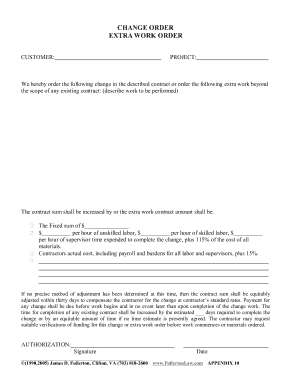
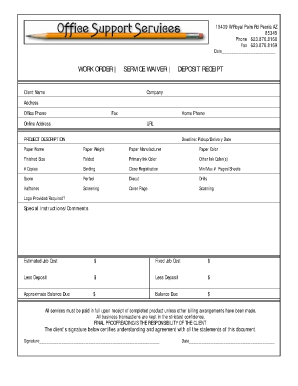
A work order is a document that provides all the information about a maintenance task and outlines a process for completing that task. Work orders can include details on who authorized the job, the scope, who its assigned to, and what is expected.
For example, setting up a new piece of equipment or hauling away an old asset would fall under the standard work order category. What is a Work Order?: Maintenance Work Orders Made Simple Maintenance Connection resources Maintenance Connection resources
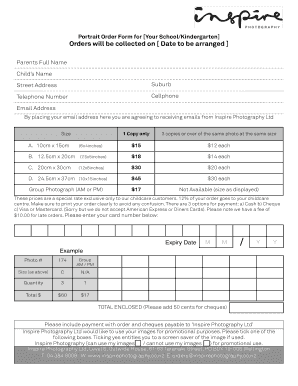
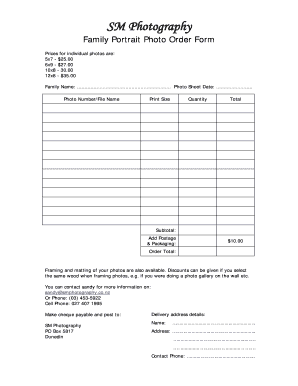
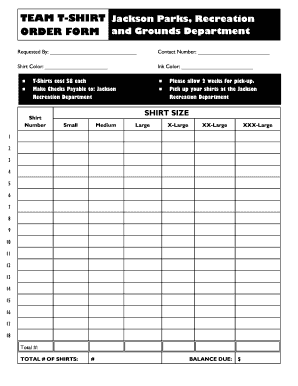
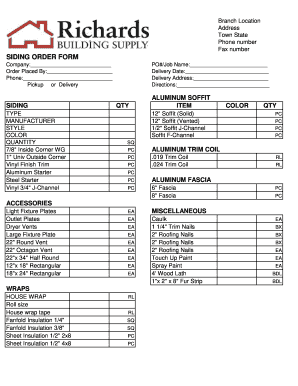
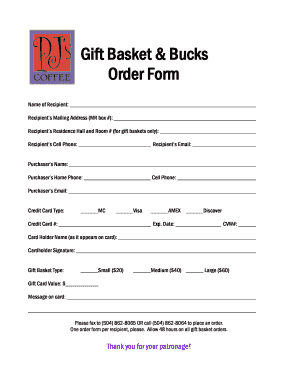
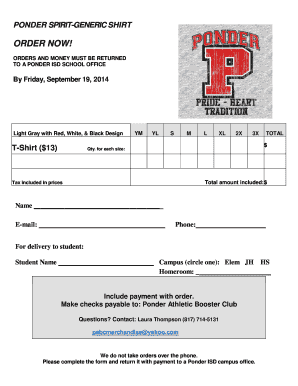
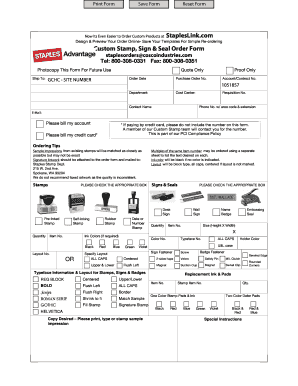
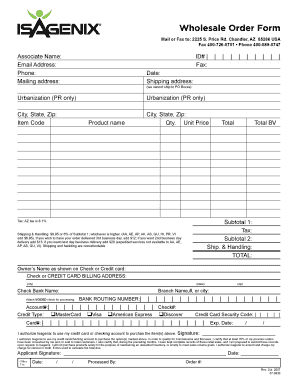
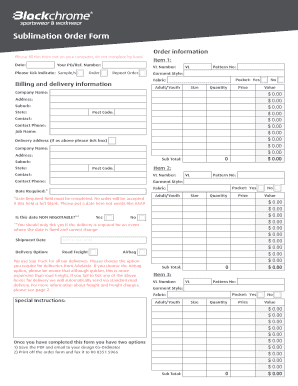
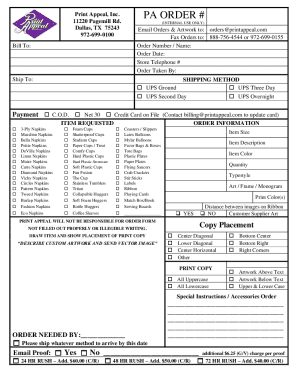
Custom orders. An order form is useful when a buyer wants to purchase goods or services from a seller, whether in person, online, or over the phone or email. It helps to gather all the necessary information to process the order efficiently and accurately.
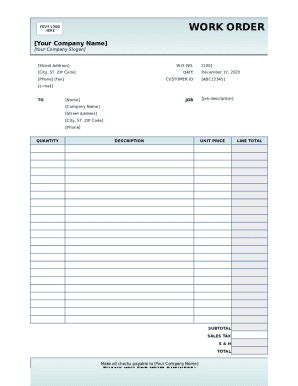
A standard work order template includes: Work order number: A unique identifier for the service ticket. Contact name: The name of the person requesting the work. Contact information: The requestors contact information. Description of work: A description of the work that needs to be done.
Steps to Create an Order Form Decide what to sell. Choose a form builder tool. Customize the template with proper fields. Add photos of the products. Customize the order form with branding. Set up a payment method. Set up a success message. Share the order form.
To create a work order: Include company details, recipient information, and the date. Specify Work Order in the subject line. Describe the work, timeline, costs, and payment terms. Include terms and conditions, authorization, and attachments as needed. Work Order Formats: Optimize Projects With Best Templates Vyapar App work-order-format Vyapar App work-order-format
Eight Steps to Creating a Work Order Management Process Understand and Implement the Right Maintenance Plan. Evaluate Paper vs. Implement CMMS Software. Create Work Orders for All Tasks. Use SOP Templates. Prioritize Work Orders. Automate Work Orders for Recurring PMs. Develop a Work Order Review Process. How to Create a Work Order System (That Works) Maintenance MaintainX blog how-to-create-a- MaintainX blog how-to-create-a-