
Create your Texas protective Order Form from scratch
Start Building Now




Here's how it works
A detailed walkthrough of how to craft your Texas protective Order Form online
Step 1: Start with DocHub's free trial.
Visit the DocHub website and sign up for the free trial. This provides access to every feature you’ll require to create your Texas protective Order Form with no upfront cost.
Step 2: Access your dashboard.
Sign in to your DocHub account and go to the dashboard.
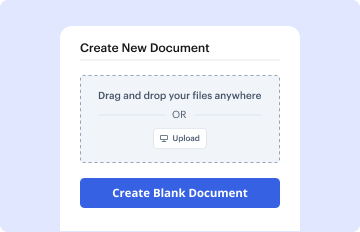
Step 3: Initiate a new document.
Click New Document in your dashboard, and choose Create Blank Document to design your Texas protective Order Form from scratch.
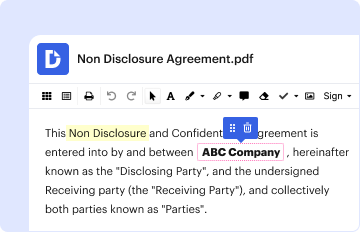
Step 4: Utilize editing tools.
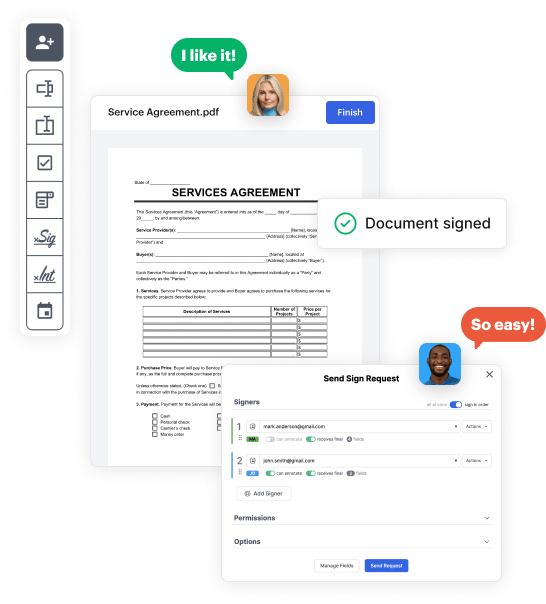
Place different fields such as text boxes, radio buttons, icons, signatures, etc. Arrange these elements to match the layout of your document and assign them to recipients if needed.
Step 5: Organize the form layout.
Organize your document quickly by adding, repositioning, removing, or merging pages with just a few clicks.
Step 6: Craft the Texas protective Order Form template.
Turn your newly crafted form into a template if you need to send many copies of the same document multiple times.
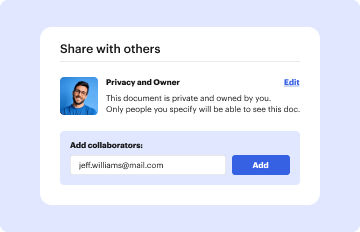
Step 7: Save, export, or share the form.
Send the form via email, share a public link, or even post it online if you wish to collect responses from more recipients.
