
Purchase sample Order Forms
Streamline your document processes with Purchase sample Order Forms templates. Adjust, complete, and eSign your order forms, and monitor their status with DocHub.

Create a new Purchase sample Order Form
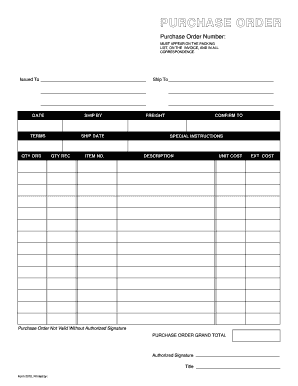
Purchase order template
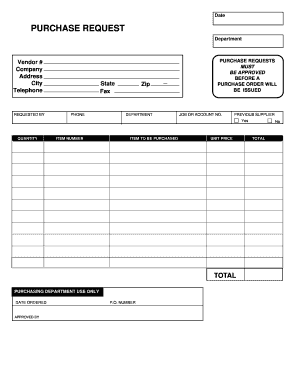
Purchase request form
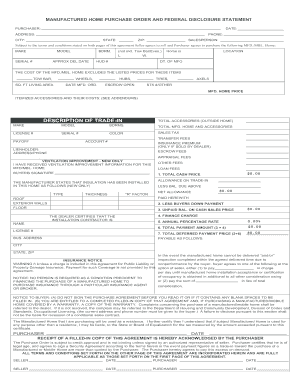
Manufactured home purchase order

Embroidery purchase order form
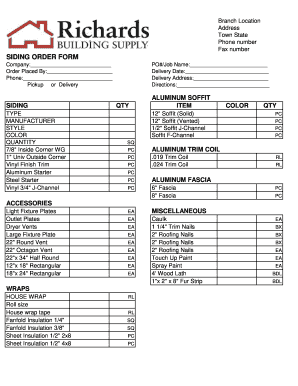
Siding order form
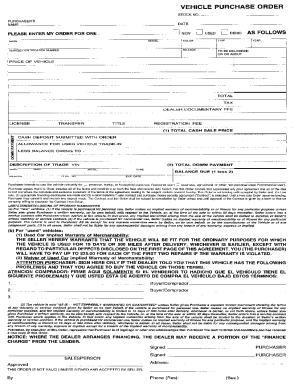
Used vehicle order form pdf
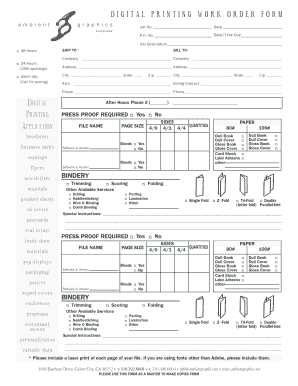
DIGITAL PRINTING WORK ORDER FORM
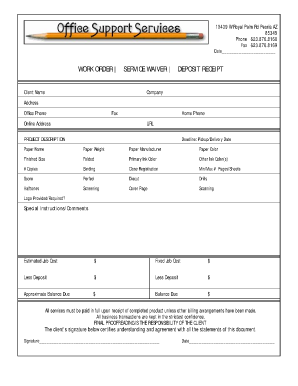
Job order receipt
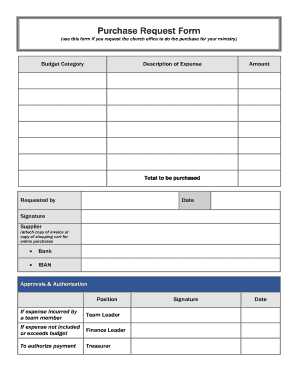
Purchase Request Form (use this form if you request the church office to do the purchase for your ministry) Budget Category Description of Expense Amount - ibcberlin
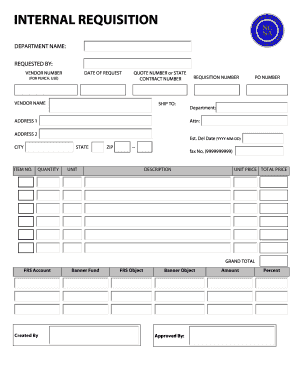
Internal requisition form
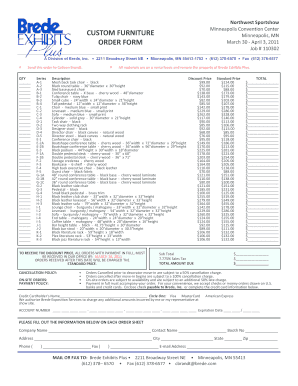
Furniture order form
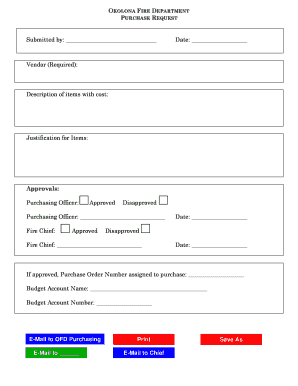
Purchase request form
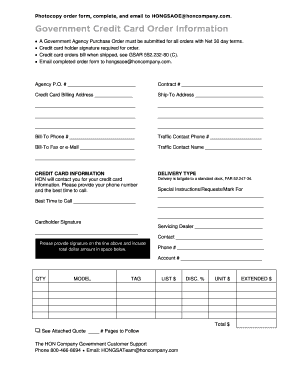
Government purchase order
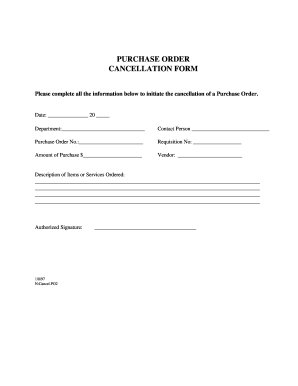
Order cancellation form
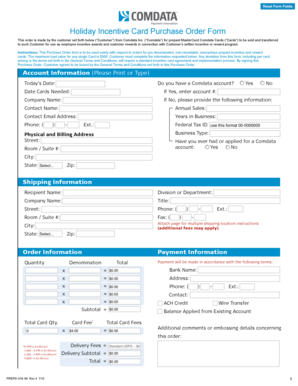
Holiday Incentive Card Purchase Order Form - Comdata

Pay order form
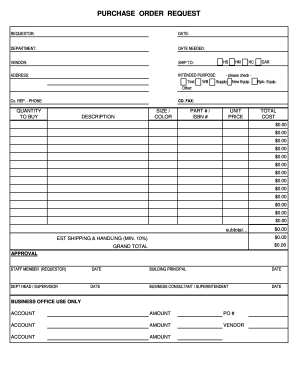
PURCHASE ORDER REQUEST - Northwest Area School District - northwest k12 pa
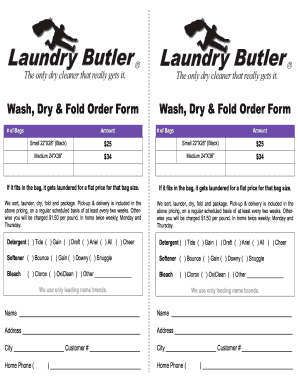
Laundry order form
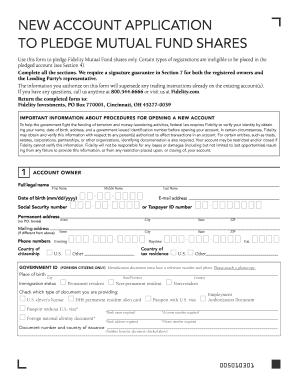
Mutual fund shares purchase request form

Video order form
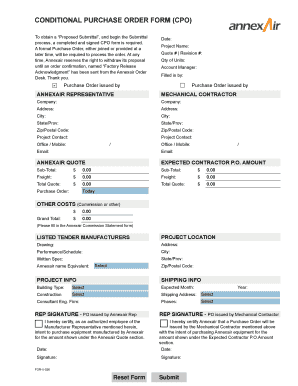
Conditional purchase order template

Purchasing Card Maintenance Form - North East Independent ...

Blank purchase order
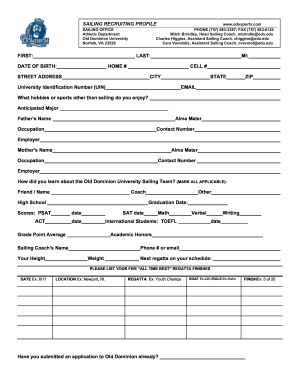
Job order form

Aformat of financial requistion
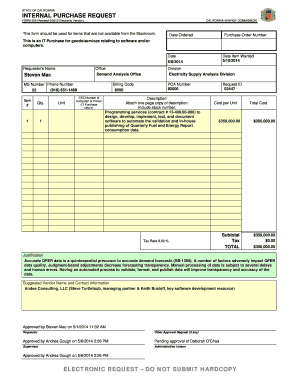
INTERNAL PURCHASE REQUEST
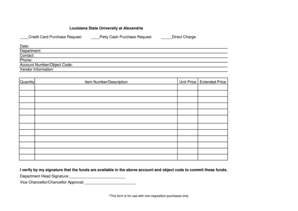
Credit Card Purchase Request
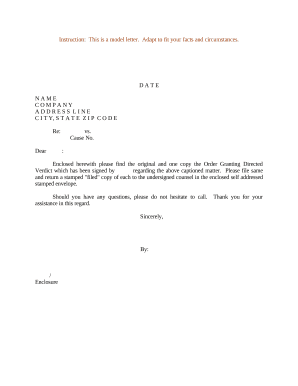
Sample letter order application
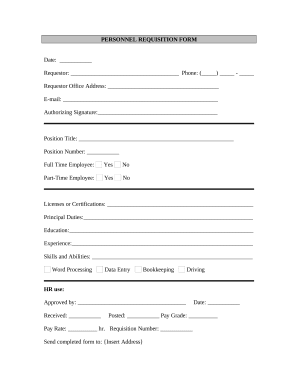
Requisition form
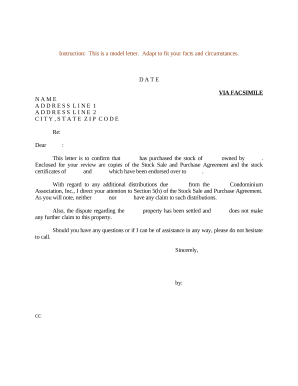
Sample letter purchase
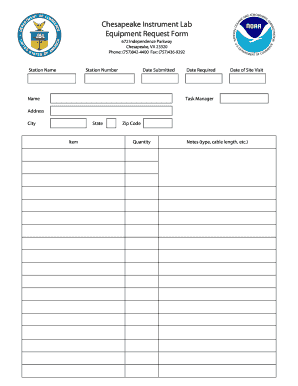
Tool request form excel
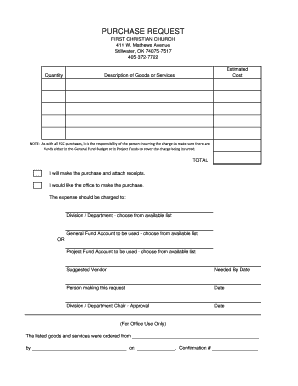
Church purchase order form
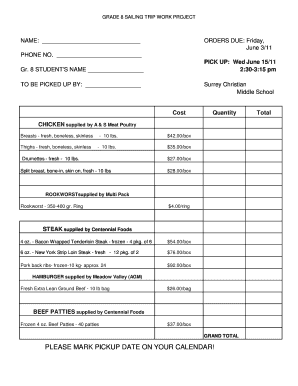
Meat order form template
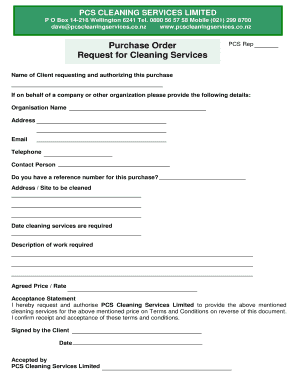
Purchase Order and Request for Cleaning Services
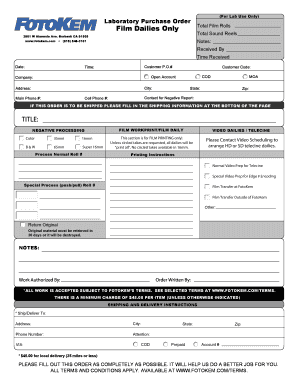
Laboratory Purchase Order
Get and manage Purchase sample Order Forms online
Improve your document managing with the Purchase sample Order Forms collection with ready-made templates that meet your requirements. Get the document, change it, fill it, and share it with your contributors without breaking a sweat. Begin working more efficiently together with your documents.
How to use our Purchase sample Order Forms:
- Open our Purchase sample Order Forms and search for the form you want.
- Preview your form to ensure it’s what you want, and click Get Form to start working on it.
- Change, add new text, or highlight important information with DocHub tools.
- Prepare your form and preserve the modifications.
- Download or share your document with other recipients.
Discover all the opportunities for your online file administration with the Purchase sample Order Forms. Get your totally free DocHub profile right now!
Video Guide on Purchase sample Order Forms management

Commonly Asked Questions about Purchase sample Order Forms
Format How to format a purchase order?
A standardized purchase order needs to have all the following details: Purchase order issue date. Company logo. Point of contact information. Name and billing address of the buyer and seller plus telephone/fax/emails. Purchase order number. Item numbers. Shipping method, terms, and date of delivery. What Is a Purchase Order? Types and Template Resources - Brightpearl brightpearl.com order-management purc brightpearl.com order-management purc
How to create a purchase order in Microsoft Word?
How to create a purchase order in Word Open a new Word document and select a template. Pick the page size you prefer. Make the gridlines visible. Insert your companys logo and slogan. Adjust the title of your form. Insert the companys information. Fix the sections for the data and purchase order number.
What is purchase order in simple Word?
A purchase order is a legal document form used by a buyer and sent to a supplier for an order. A purchase order specifies items, quantities, prices, and credit terms for a purchase from the vendor. A PO becomes a legally binding contract when a vendor accepts the purchase order.
How do I create a purchase order template?
How to make a purchase order template Create a prominent spot for the purchase order issue date. Add your company logo. Create customized sections for contact information. Add the purchase order number. Fill in the request for products or services. Add in sections for the order totals. Outline the payment terms.
Does Excel have a PO template?
Does Excel have a PO template? Yes, Excel offers pre-built PO templates you can use to create detailed and organized purchase orders. Like Word templates, Excel PO templates include fields for buyer/seller details, product specifications, prices, and shipping terms.
Does Excel have purchase order templates?
If you are comfortable working with Excel and want a simple yet effective purchase order spreadsheet, the Excel Purchase Order Template is great. This purchase order spreadsheet lets you keep a detailed record of your purchases, supplier information, itemized product details, pricing, and delivery instructions.
How to do a purchase order form?
Heres a breakdown of the typical purchase order form format: Header. Buyer and seller details, addresses, contacts, and a unique PO number. Date and delivery. Issue date and expected delivery date. Itemized list. Payment terms. Shipping/billing. Signatures. Logo and branding.
How to make How to make a purchase order form?
A complete purchase order should include the following information: Purchase order number (PO number) Company name and details - relevant contact information, business address, phone number. Purchase order date. Suppliers contact information. Item details - description, SKUs, quantity, unit measure, price. How to Create a Purchase Order (Example + Template) - Extensiv extensiv.com blog purchase-order-templ extensiv.com blog purchase-order-templ
Does Microsoft Word have a purchase order template?
Creating an order using Word First, open a Microsoft word document and click on the MS icon on the top left corner of the screen. From there, a drop-down list will appear, and then choose the option new. Under new, a list of template options will appear; choose the purchase order.
How to make a purchase order sample?
A typical purchase order format looks like: Purchase Order Number. Name and Logo of Buyer. Address of Buyer. Name of the Seller. Issuing Date. Delivery Location. List of Products/Services (including item ID, quantity, price) Subtotal Grand Total Amount.
Related Templates

U S Customs and Border Protection CERTIFICATE OF
The document is a Certificate of Registration issued by the U.S. Customs and Border Protection, detailing the exportatio ...

CBP Form 1300 Vessel Entrance or Clearance Statement
The document is a Vessel Entrance or Clearance Statement (CBP Form 1300) issued by the U.S. Customs and Border Protectio ...

Options Okanagan Drug Rehab Center in BC Drug Rehab Intake Form
The document is an intake form and agreement for the Options Okanagan Treatment Centre, which includes personal informat ...
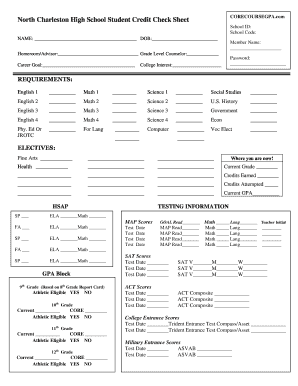
High school credit check sheet
The document is a Student Credit Check Sheet for North Charleston High School, designed to track students' academic prog ...

McKinney Vento bDeclarationb Formpdf - Rescue Union School District - rescueusd
The document is a declaration form for the McKinney-Vento Homeless Assistance Act, used by parents or guardians to confi ...

Nys e file signature authorization 2012 form
The document is the New York State E-File Signature Authorization Form TR-579-IT for the tax year 2012, which allows tax ...
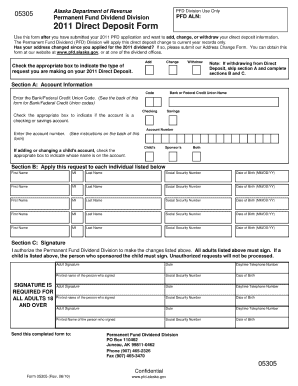
Pfd application 2020

552a(e)(3), this Privacy Act Statement serves to inform you of why DHS is requesting the information
552a(e)(3), this Privacy Act Statement serves to inform you of why DHS is requesting the information
The document is a Privacy Act Statement from the U.S. Coast Guard under the Department of Homeland Security, outlining t ...