
Office depot work Order Forms
Keep your records organized and up-to-date with our extensive Office depot work Order Forms library. Effortlessly tailor and adjust documents to ensure data accuracy.

Create a new Office depot work Order Form

Lease template
Elks membership application
Usps trucking contracts
Home depot short term disability
Abc employee list
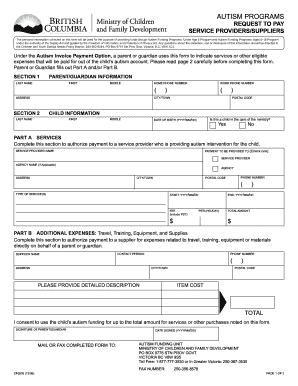
Request to pay form
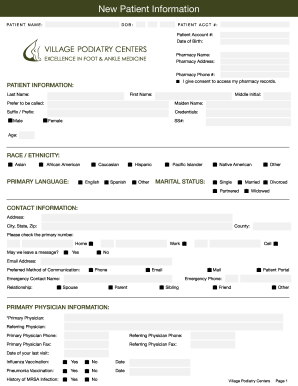
Village podiatry new patient forms
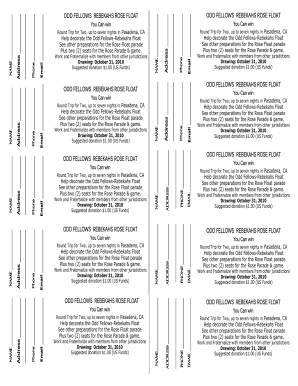
Ticket template 922 761
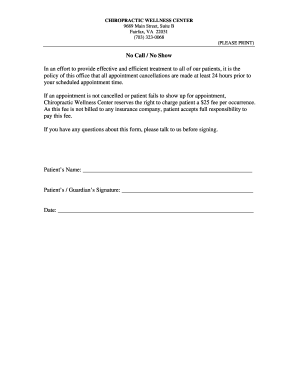
No call no show form
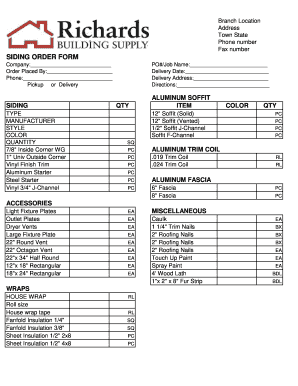
Siding order form

HVAC Service Order Invoice - Freedform
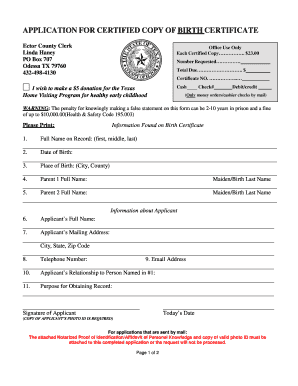
Birth certificate odessa tx
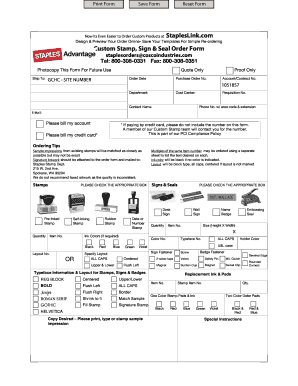
Staples advantage custom stamp order form
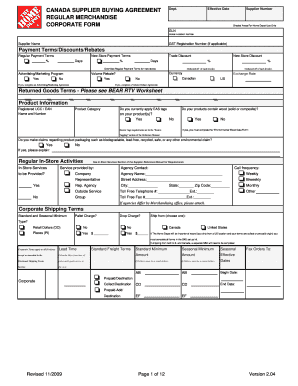
Home depot invoice pdf
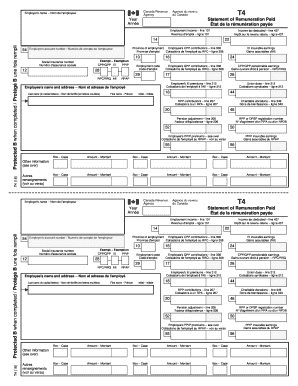
T4 statement remuneration
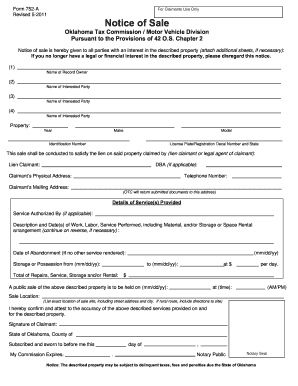
Filing title 42 in oklahoma 2011 form
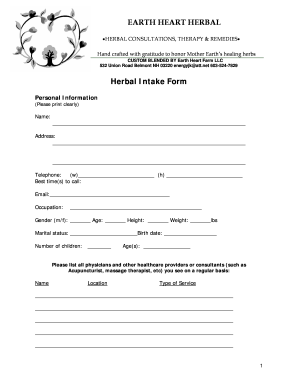
Herbalist intake form
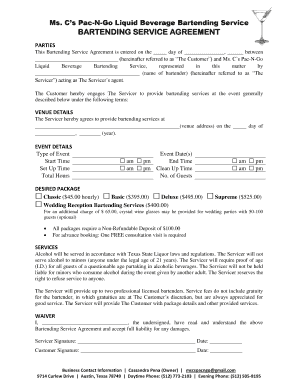
Bartending service agreement - PROFESSIONAL SERVICES
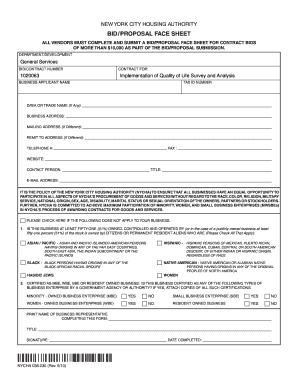
Nycha bid proposal face sheet
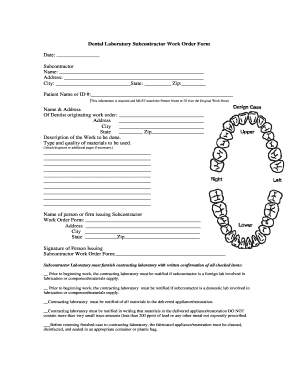
Dental lab order form pdf

Subway order form
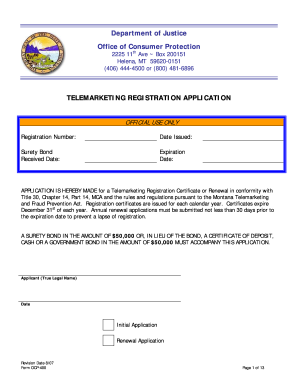
Telemarketing Registration Application - Montana Department of ... - doj mt

Staples advantage

Frequently Asked Questions Whom can I contact with ... - Office Depot
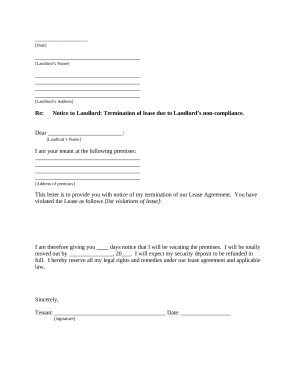
Letter from Tenant to Landlord containing Notice of termination for landlord's noncompliance with possibility to cure - Louisiana

Sfn 60688
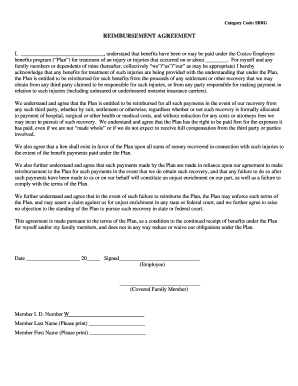
Costco subrogation information
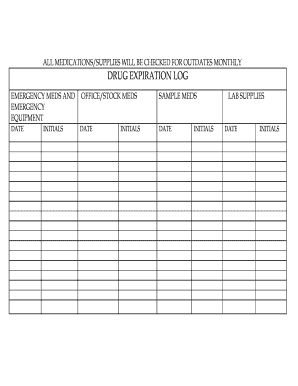
Expired medication log
Get and manage Office depot work Order Forms online
Accelerate your file management using our Office depot work Order Forms library with ready-made form templates that meet your requirements. Access the document template, edit it, fill it, and share it with your contributors without breaking a sweat. Begin working more effectively with your documents.
How to use our Office depot work Order Forms:
- Open our Office depot work Order Forms and look for the form you require.
- Preview your form to ensure it’s what you want, and click Get Form to begin working on it.
- Alter, include new text, or point out important information with DocHub features.
- Fill out your form and save the changes.
- Download or share your document template with other recipients.
Explore all of the opportunities for your online document administration with our Office depot work Order Forms. Get a totally free DocHub profile today!
Video Guide on Office depot work Order Forms management

Commonly Asked Questions about Office depot work Order Forms
What are work order forms?
A work order is a document that provides all the information about a maintenance task and outlines a process for completing that task. Work orders can include details on who authorized the job, the scope, who its assigned to, and what is expected. What is a work order? Six steps for the perfect work order - Fiix Fiix blog work-order Fiix blog work-order
Where can I return an item without a receipt?
Target does accept returns without a receipt, although ing to Targets return policy, your return may be denied. Walmart accepts returns without a receipt in stores, as long as the items are deemed returnable under Walmarts Return Policy. Costco accepts returns without a receipt.
How do I return to ODP?
Package your return in original box and enclose a copy of the packing slip with the item you are returning circled. Mark package Return to Office Depot. Leave package at a Visa mail stop for pick up by the Visa Mailroom staff.
How do I cancel a pickup order at Office Depot?
Return items to any Office Depot or OfficeMax store or using the self-service option in the mobile app. How can I cancel my In-Store and Curbside Pickup order? Simply call your pickup store and they will assist you with canceling the order.
Does Office Depot take purchase orders?
Can I place an order with a purchase order? To provide payment with a purchase order you would need a contract business account set up with Office Depot that allows for account billing. Frequently Asked Questions - Office Depot Office Depot help faq Office Depot help faq
Can I return my online order to Home Depot?
You can take your return to a store to receive Store Credit. Can I return my homedepot.com purchase to a store? Yes, items ordered online can be returned to our stores. Our store associates can look-up your online purchase with your credit card, order number, or email.
How to return an Office Depot order?
If you made your purchase online, go to your order history page, select the order you want to return then select Return in the upper right corner. Select the item(s) you want to return or exchange and print a FREE return label and drop your item off at any carrier location. Return Policy - Office Depot Office Depot help returns Office Depot help returns
How do I create a work order template?
The building blocks of a work order template include: Work order number: An identifier for tracking and reference purposes. Date of request: The date on which the work order is issued. Requestor information: The name and contact information of the person or department requesting the task. [Free Downloads] Customizable Work Order Templates - FMX FMX work-order-form-template FMX work-order-form-template
Related Templates

Brown adhd scale pdf
The document is an Adult Quality of Life Survey designed to assess various visual and cognitive symptoms experienced by ...

Form b rule 5 1
The document is a Certificate of Registration (Form B) under the Central Sales Tax Act, 1956, certifying that a specifie ...

Bad Check Complaint Form (PDF) - JacksonGov - jacksongov
The document is a form from the Bad Check Unit of the Jackson County Prosecutor’s Office, designed for victims to report ...

Paper Application - Department of Children and Family Services - dcfs louisiana
The document is an application form for child support services provided by the State of Louisiana's Child Support Enforc ...

Business Cards Option Aqxp Option A Business Card order form
The document outlines the process for ordering business cards from Vermont Correctional Industries, including fields for ...