
Make an google Order Forms
Locate appropriate documents with Make an google Order Forms catalog. Pick the form, modify and share it, and safely save completed documents in your DocHub account.

Create a new Make an google Order Form
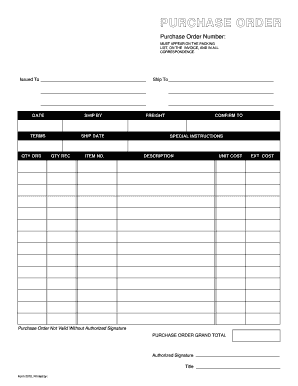
Purchase order template
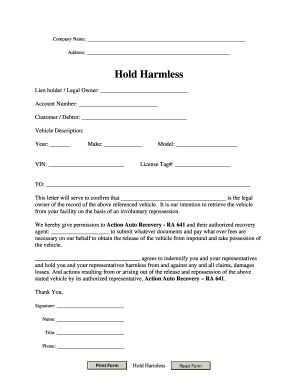
Repo order form
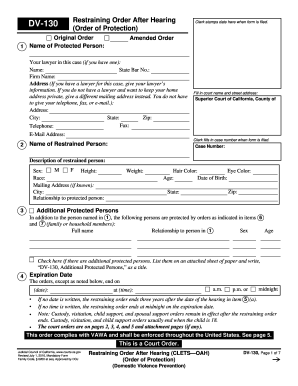
Restraining order online form
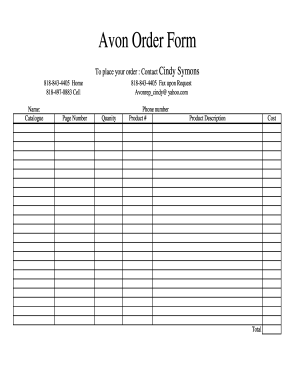
Avon order form

Restraining order template

Spirit wear order form template

Embroidery purchase order form
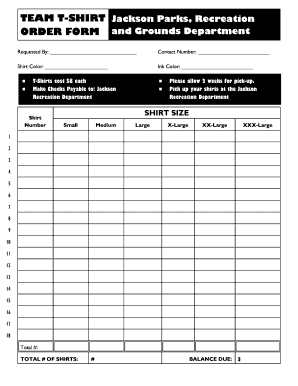
Editable t shirt order form
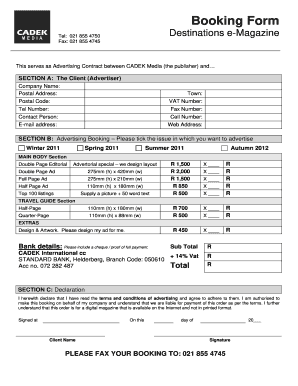
Order booking format
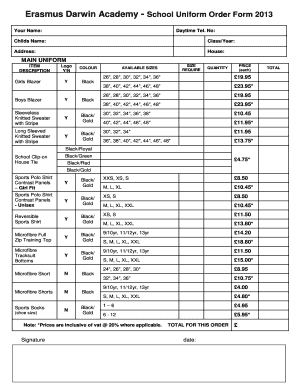
Uniform order form template
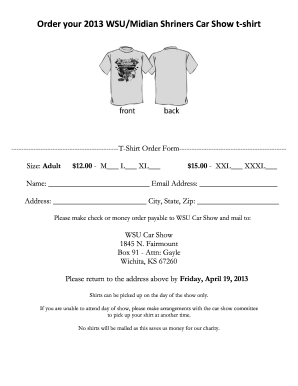
T shirt order form google forms
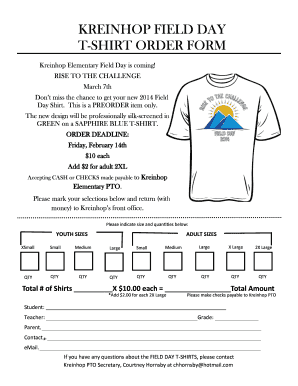
Tshirt order form
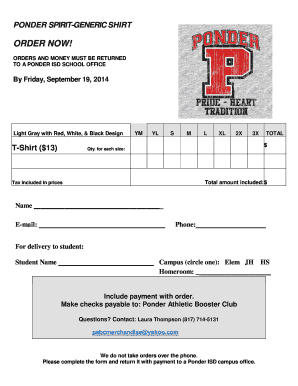
Tshirt order forms templates
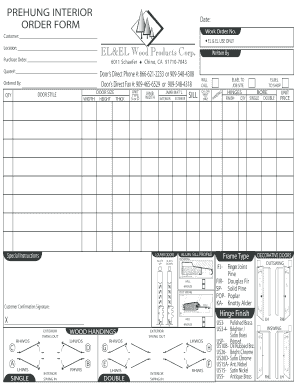
Interior door order form
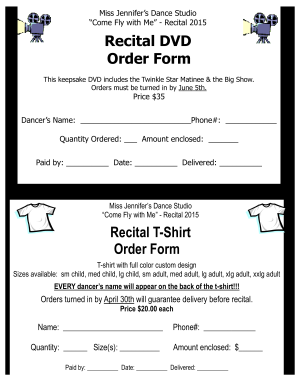
Dvd order form
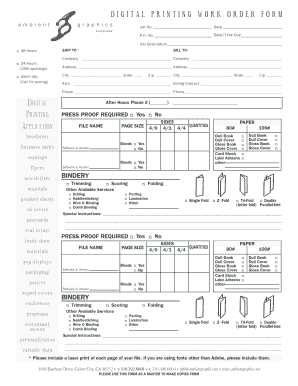
DIGITAL PRINTING WORK ORDER FORM
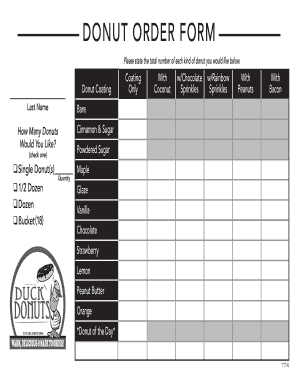
Donuts order form

Tshirt order form template
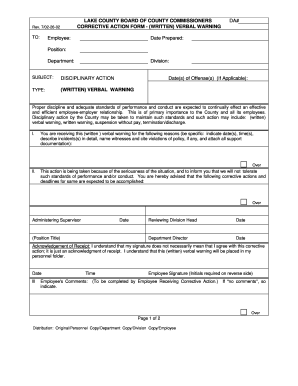
Verbal order form template
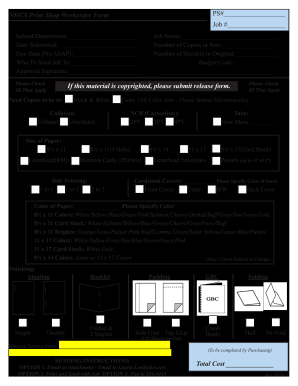
Print order form
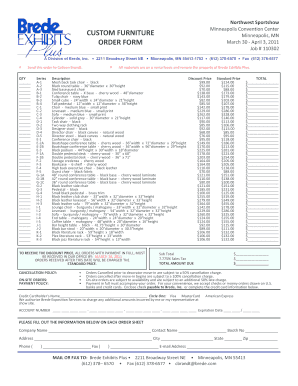
Furniture order form

Pay order form
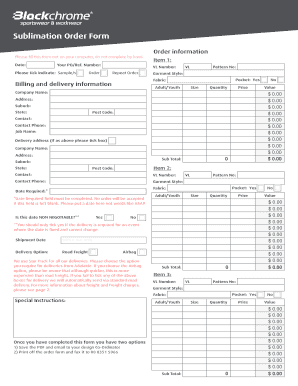
Sublimation order forms

BROKONb ORDER FORM

Customer order form
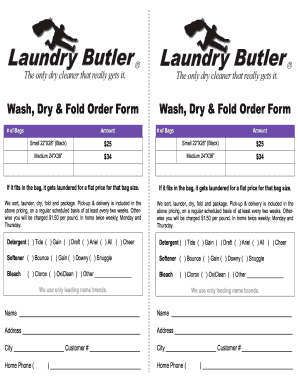
Laundry order form

Video order form
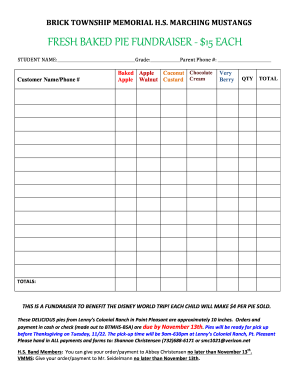
Pie Fundraiser Order Form - marchingmustangs.org
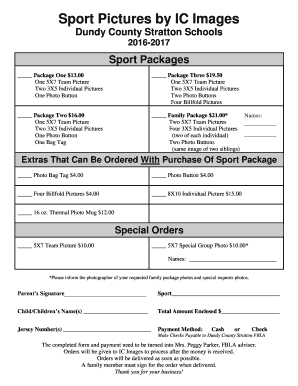
Sports photo packages order forms
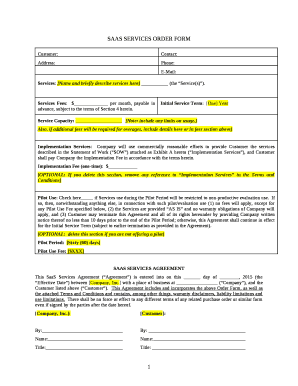
Saas order form template
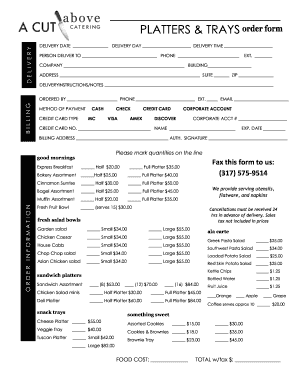
Catering order forms
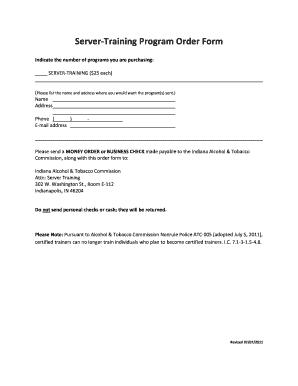
Training program order form template
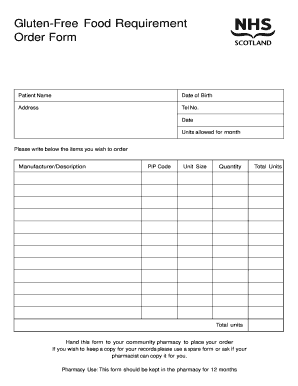
Food order form
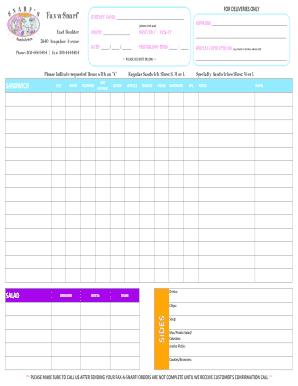
Sandwiches order form
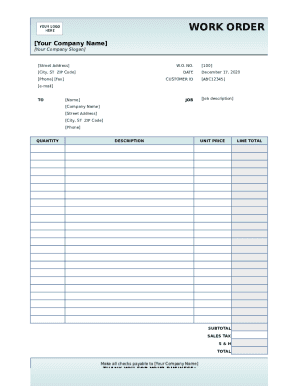
Work order template form
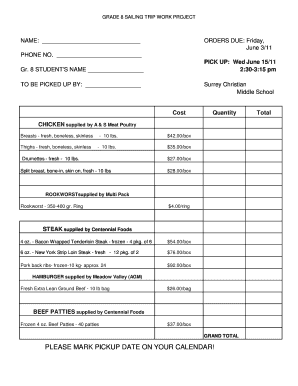
Meat order form template
-
1
- 2
Get and manage Make an google Order Forms online
Speed up your document managing with our Make an google Order Forms collection with ready-made templates that meet your requirements. Access your document template, change it, complete it, and share it with your contributors without breaking a sweat. Start working more efficiently with your documents.
The best way to manage our Make an google Order Forms:
- Open our Make an google Order Forms and search for the form you require.
- Preview your document to ensure it’s what you want, and click Get Form to begin working on it.
- Edit, include new text, or point out important information with DocHub tools.
- Fill out your form and preserve the changes.
- Download or share your form with other recipients.
Discover all the opportunities for your online file management with the Make an google Order Forms. Get a totally free DocHub account right now!
Video Guide on Make an google Order Forms management

Commonly Asked Questions about Make an google Order Forms
How to make a purchase order form?
Heres a breakdown of the typical purchase order form format: Header. Buyer and seller details, addresses, contacts, and a unique PO number. Date and delivery. Issue date and expected delivery date. Itemized list. Payment terms. Shipping/billing. Signatures. Logo and branding.
How do I make my own order form?
Steps to Create an Order Form Decide what to sell. Choose a form builder tool. Customize the template with proper fields. Add photos of the products. Customize the order form with branding. Set up a payment method. Set up a success message. Share the order form. How to Create an Order Form - With free templates - MightyForms MightyForms blog how-to-create-an MightyForms blog how-to-create-an
Can I use Google Forms to make an order form?
0:16 24:34 And how to create an order form in Google the different steps. And over here we have actually fiveMoreAnd how to create an order form in Google the different steps. And over here we have actually five steps that were going to cover for you. So you can pretty much understand how to do it so now lets
How do I manually create a purchase order?
Creating Purchase Orders Manually On the Main Menu, click Inventory . Click Purchase Orders . Click New . Click either By PLU/X-Ref or By Vendor/SKU . Complete the appropriate fields at the top of the Purchase Order window: Complete the appropriate fields in the middle of the Purchase Order window. Creating Purchase Orders Manually - SAP Help Portal SAP Help Portal saphelppos23 en-US content SAP Help Portal saphelppos23 en-US content
How to make a fillable order form?
Steps to Create an Order Form Decide what to sell. Choose a form builder tool. Customize the template with proper fields. Add photos of the products. Customize the order form with branding. Set up a payment method. Set up a success message. Share the order form.
How do I create a Google Form for clothing orders?
How to Make a Shirt Order Form on Google Forms Launch Google Forms. Create a new form by clicking the + Blank or Blank Form option. Give Your Form a Name and Description. Add T-Shirt Order Questions. Customize Question Types. Personalize Your Forms Appearance. Share Your T-Shirt Order Form. Keep Tabs on Incoming Order.
How to create a purchase order in Word?
How to create a purchase order in Word Open a new Word document and select a template. Pick the page size you prefer. Make the gridlines visible. Insert your companys logo and slogan. Adjust the title of your form. Insert the companys information. Fix the sections for the data and purchase order number. How To Create a Purchase Order in Word (And Why Its Important) Indeed career-development how-to- Indeed career-development how-to-
How do you write a simple purchase order?
What To Include In A Purchase Order? Purchase order number (PO number) Company name and details - relevant contact information, business address, phone number. Purchase order date. Suppliers contact information. Item details - description, SKUs, quantity, unit measure, price. Expected delivery date. How to Create a Purchase Order (Example + Template) Extensiv blog purchase-order-tem Extensiv blog purchase-order-tem