
Easy google Order Forms
Manage your document workflows with DocHub's robust Easy google Order Forms collection. Monitor changes, cooperate with team members, and securely store all your documents in one place.

Create a new Easy google Order Form

Nj restraining order form

Embroidery purchase order form
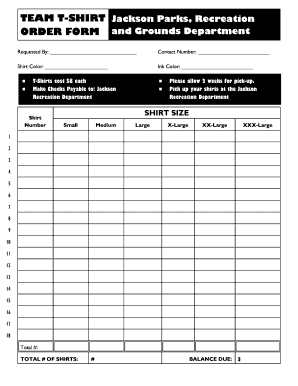
Editable t shirt order form
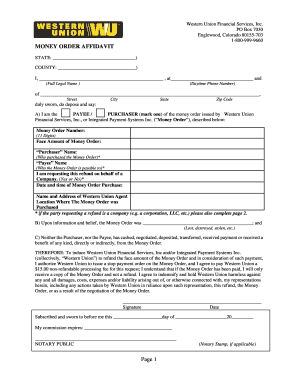
Western union money order affidavit
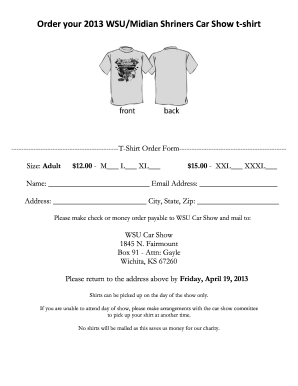
T shirt order form google forms
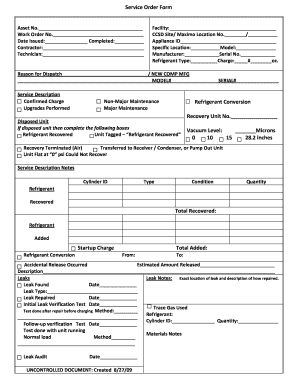
Ccsd order form
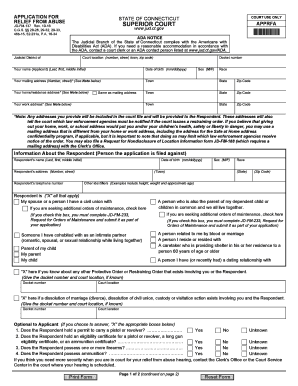
Restraining order forms ct
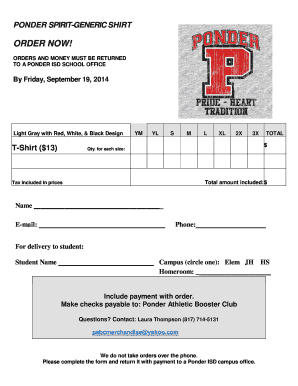
Tshirt order forms templates
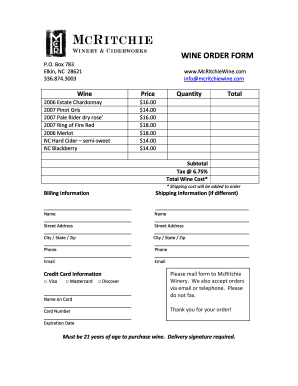
Wine order form template
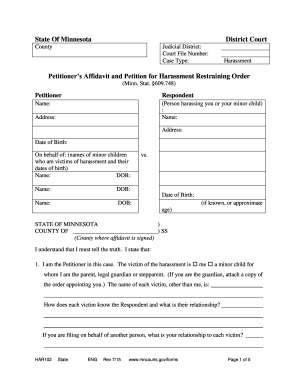
Restraining order mn

Subway order form 2021 pdf
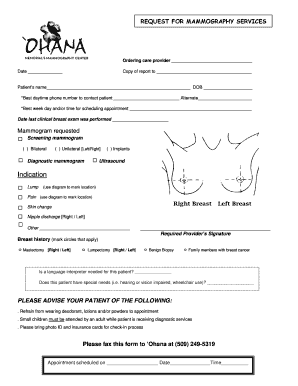
Mammogram order form
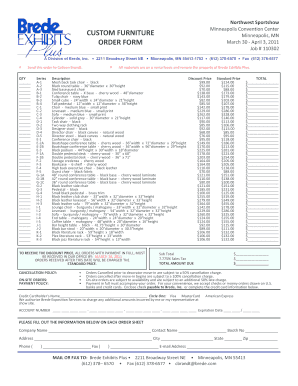
Furniture order form
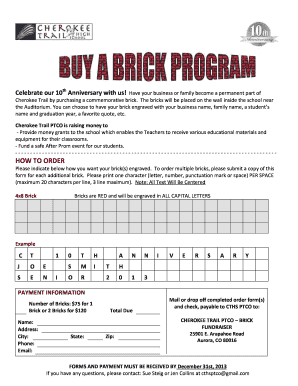
Brick fundraiser order form
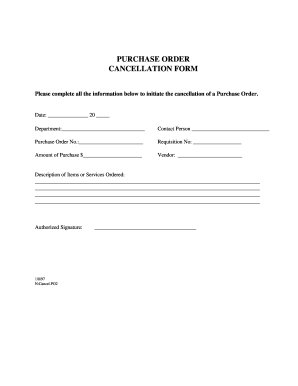
Order cancellation form
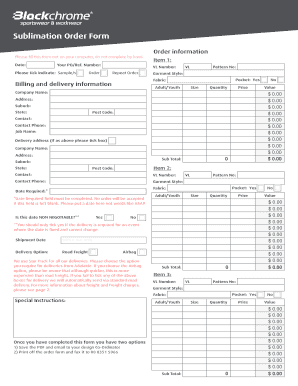
Sublimation order forms
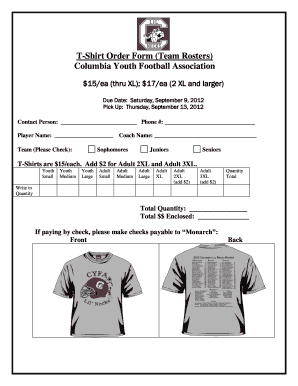
T-Shirt Order Form Team Rosters Columbia Youth Football

Money order research request form
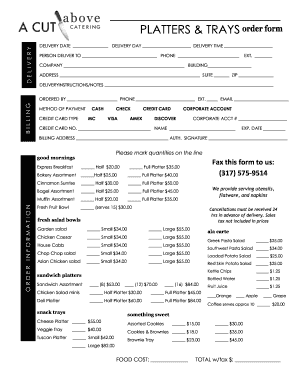
Catering order forms

Diploma Order Form - uhd
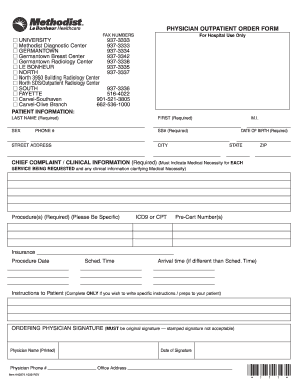
Methodist north outpatient order form 2009
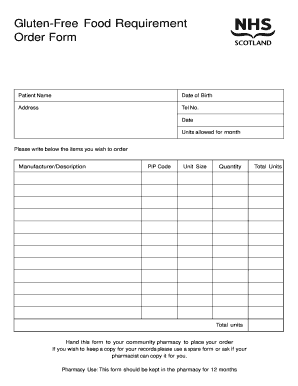
Food order form
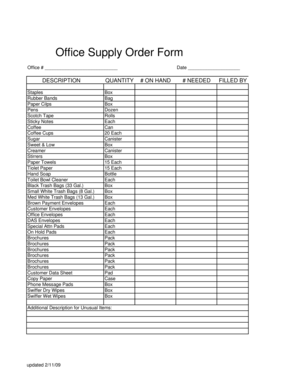
Office supply order form
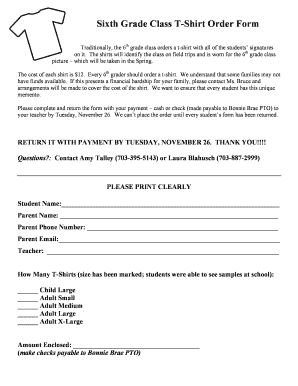
Sixth Grade Class T-Shirt Order Form - fcps
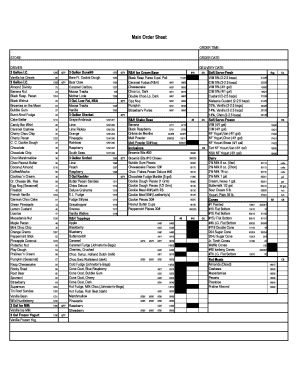
Farr Ice Cream Order Form
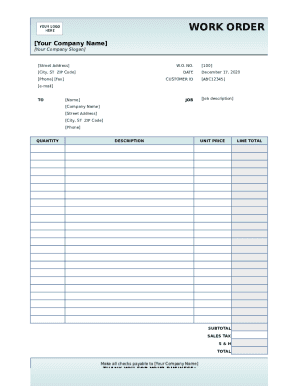
Work order template form

Santander standing order form download
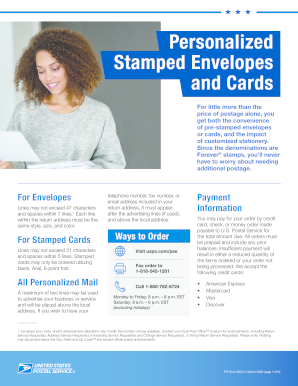
Stamp fulfillment services order form 2022
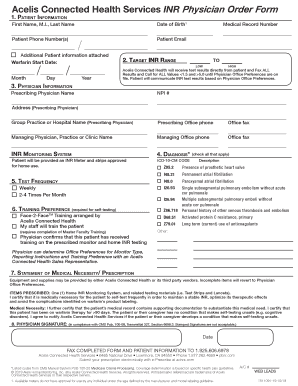
Acelis inr order form
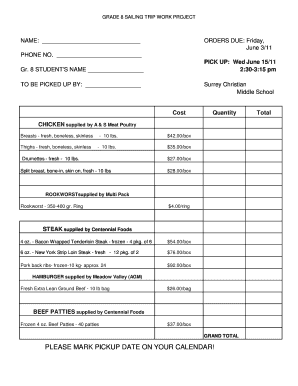
Meat order form template
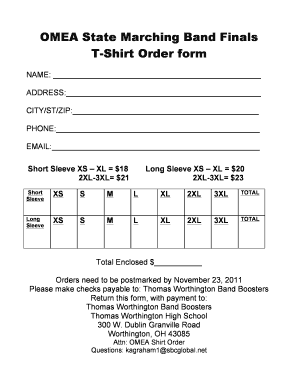
OMEA State T-Shirt Order Form
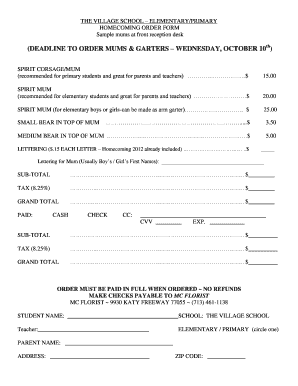
Homecoming mum order form template

Supplement sheet order template

Product offline form online
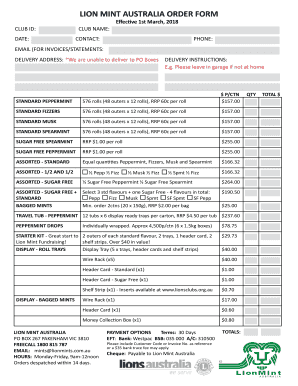
Lions mints australia order form
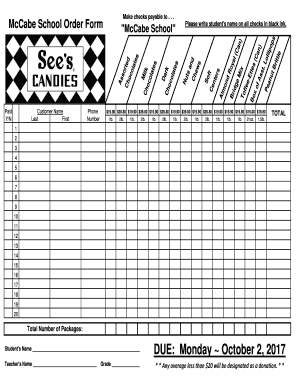
Candy order form
-
1
- 2
Raise your work productivity with Easy google Order Forms
Record administration occupies to half of your business hours. With DocHub, it is simple to reclaim your office time and increase your team's productivity. Access Easy google Order Forms online library and explore all form templates related to your everyday workflows.
Easily use Easy google Order Forms:
- Open Easy google Order Forms and use Preview to obtain the suitable form.
- Click on Get Form to start working on it.
- Wait for your form to upload in the online editor and begin modifying it.
- Add new fillable fields, icons, and pictures, modify pages, and many more.
- Fill out your file or prepare it for other contributors.
- Download or deliver the form by link, email attachment, or invite.
Improve your everyday file administration with the Easy google Order Forms. Get your free DocHub account right now to discover all forms.
Video Guide on Easy google Order Forms management

Commonly Asked Questions about Easy google Order Forms
What is the best program to create an order form?
Google Forms is a popular tool that allows users to create order forms quickly and easily using pre-made templates or by designing their own forms. PDFs with fillable forms are also an option for creating order forms, which can be filled out and submitted electronically.
Can I use Google Forms to make an order form?
0:16 24:34 And how to create an order form in Google the different steps. And over here we have actually fiveMoreAnd how to create an order form in Google the different steps. And over here we have actually five steps that were going to cover for you. So you can pretty much understand how to do it so now lets
How to make a fillable order form?
Steps to Create an Order Form Decide what to sell. Choose a form builder tool. Customize the template with proper fields. Add photos of the products. Customize the order form with branding. Set up a payment method. Set up a success message. Share the order form.
How to do a tshirt order form on Google Forms?
Follow these remaining steps to create your t-shirt order form: Create your form. Fill in your details. Add multiple choice questions. Add a variety of question types. Add images. EXTRA CREDIT: Change your theme. Adjust your settings to collect email addresses (and more) Send it off!
Can you do order of preference on Google Forms?
First, label your form and add the question you want to ask as a multiple-choice grid. Add each item you want respondents to select from as a row, and add each ranking option you want to use as a column. Toggle on Require a response in each row to make sure each item will be given a ranking.
How can I make my own fillable form?
A step-by-step guide to creating a basic fillable form in Microsoft Word Opening Microsoft Word and starting a new document. Adding form fields (text boxes, checkboxes, radio buttons). Setting properties for each form field (label, options, default values). Testing the form within Word. Save and distribute your form.
Does Google have an order form template?
Step 1: Create a form Navigate to Google Forms and choose from a blank form or one of the provided templates. There is an order form template available, but it doesnt include any payment questions.
Related Templates

Kansas Supplemental Postgraduate Permit Application
The document is an application form for a Supplemental Postgraduate Permit required for licensure in Kansas. It outlines ...

Emergency Medical Services (EMS)North Lyon Fire
The document outlines the complaint process for the North Lyon County Fire Protection District in Fernley, Nevada. It in ...
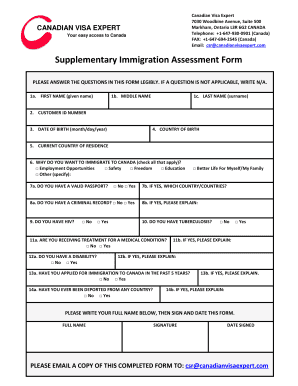
Canadian visa expert
The document is a supplementary immigration assessment form from Canadian Visa Expert, designed to collect personal info ...

Barangay clearance sample
The document is a Barangay Clearance issued by Barangay Mintal in Davao City, certifying that a specified individual has ...

Diabetic eye exam form
The document is a Diabetes Eye Examination Report that outlines the findings and recommendations from an eye examination ...

Sample form o motion to augment record on - California Courts
The document provides instructions and a sample form for filing a Petition for Rehearing in the Court of Appeal. It outl ...
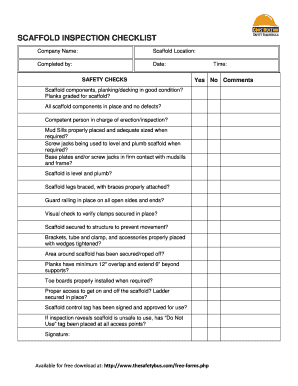
Scaffolding checklist
The document is a Scaffold Inspection Checklist designed to ensure safety and compliance during scaffold use. It include ...

Equitable bank identification verification form
The document is an Identification Verification Form used by Equitable Bank to verify the identity of individuals acting ...