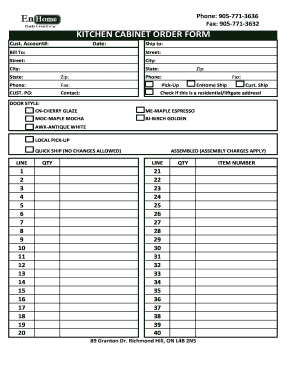
Raise your production with Customer job work cabinet shops Order Forms

Document managing consumes to half of your office hours. With DocHub, you can reclaim your time and improve your team's efficiency. Get Customer job work cabinet shops Order Forms category and explore all templates relevant to your everyday workflows.

The best way to use Customer job work cabinet shops Order Forms:

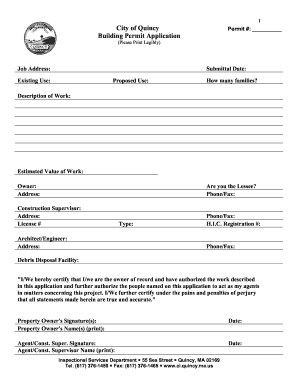
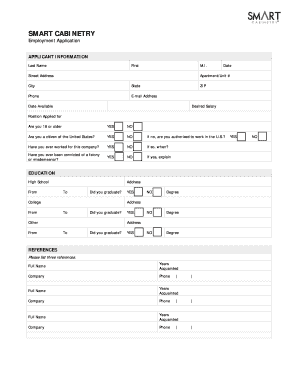
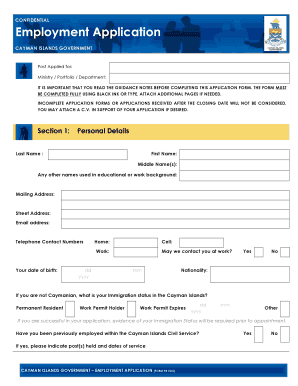
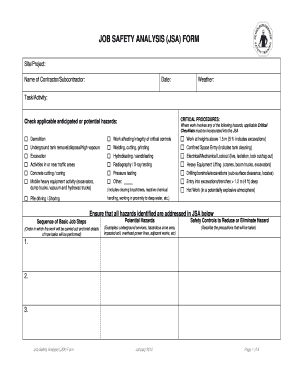
  1. Open Customer job work cabinet shops Order Forms and use Preview to get the appropriate form.
  2. Click Get Form to start working on it.
  3. Wait for your form to open in the online editor and start editing it.
  4. Add new fillable fields, icons, and pictures, modify pages, etc.
  5. Fill out your document or set it for other contributors.
  6. Download or deliver the form by link, email attachment, or invite.

Accelerate your everyday file managing with our Customer job work cabinet shops Order Forms. Get your free DocHub profile today to explore all forms.


Video Guide on Customer job work cabinet shops Order Forms management

video background

Commonly Asked Questions about Customer job work cabinet shops Order Forms

A work order is a document managers authorize for workers to complete tasks. Also known as a job order or a service order, work orders are commonly used to manage maintenance operations across industries. They can also be utilized for follow-up actions from conducted inspections or audits.
What is a work order? A work order is a document that includes all the details of maintenance tasks and outlines a process for completing those tasks. Work orders are the driving force behind any organizations maintenance strategy.
Also known as a job order or a service order, work orders are commonly used to manage maintenance operations across industries. They can also be utilized for follow-up actions from conducted inspections or audits.
Steps to Create an Order Form Decide what to sell. Choose a form builder tool. Customize the template with proper fields. Add photos of the products. Customize the order form with branding. Set up a payment method. Set up a success message. Share the order form.
A job order refers to the job posting or requisition. In Fieldglass, once a candidate has been selected and the terms of the assignment (e.g., start and end dates, hourly billing rate) have been mutually agreed to by the hiring manager and the supplier, the Job Order becomes a Work Order.
A standard work order template includes: Work order number: A unique identifier for the service ticket. Contact name: The name of the person requesting the work. Contact information: The requestors contact information. Description of work: A description of the work that needs to be done.