
Blank purchase Order Forms
Find relevant forms with Blank purchase Order Forms collection. Choose the form, modify and share it, and securely save completed documents in your DocHub profile.

Create a new Blank purchase Order Form
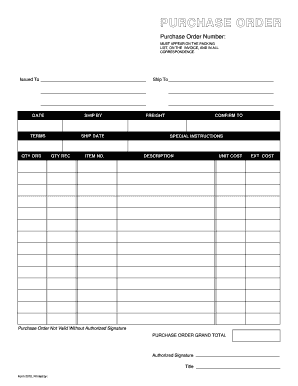
Purchase order template
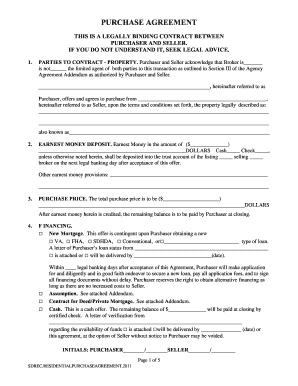
Blank purchase agreement form
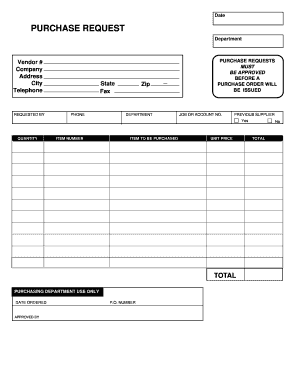
Purchase request form
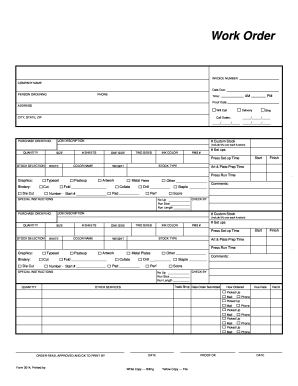
Blank work order
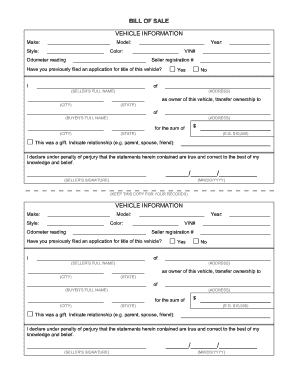
Printable bill of sale for vehicle
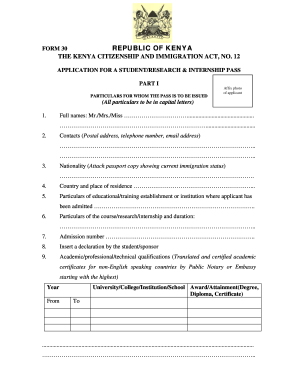
Form 30 kenya

Blank business sell agreement printable
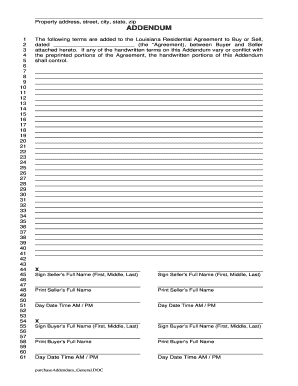
La purchase addendum edit
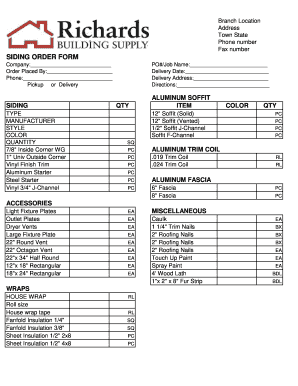
Siding order form
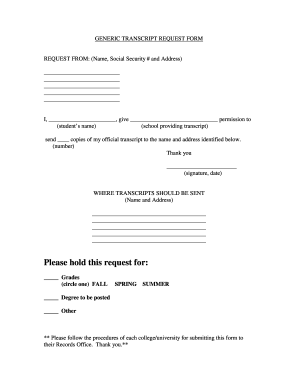
Blank request form
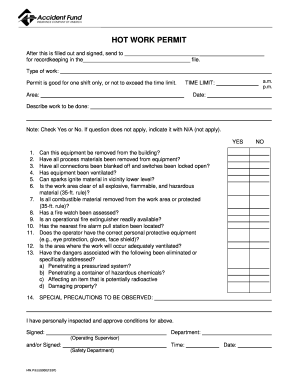
Work permit blanked
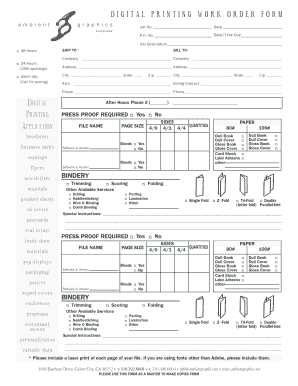
DIGITAL PRINTING WORK ORDER FORM
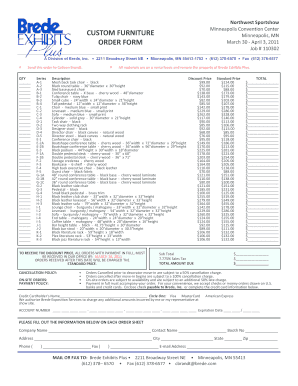
Furniture order form
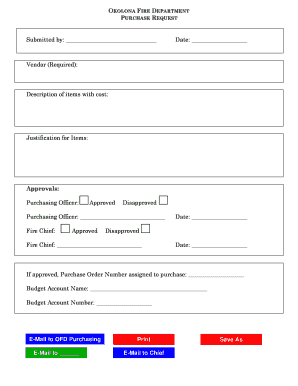
Purchase request form
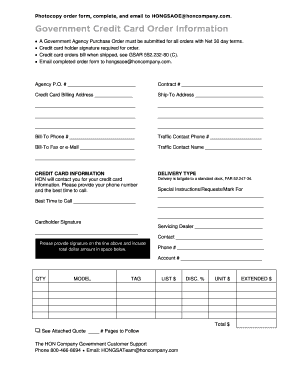
Government purchase order

Pay order form
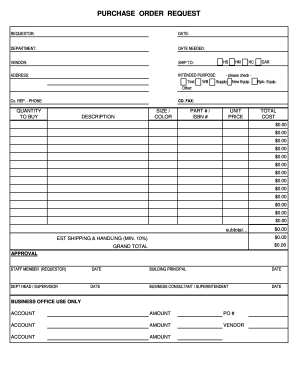
PURCHASE ORDER REQUEST - Northwest Area School District - northwest k12 pa
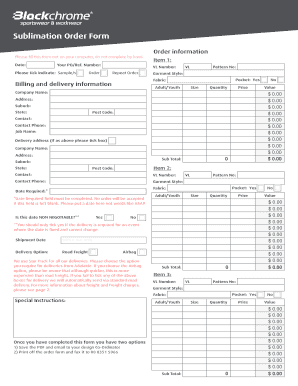
Sublimation order forms

Order repossess form
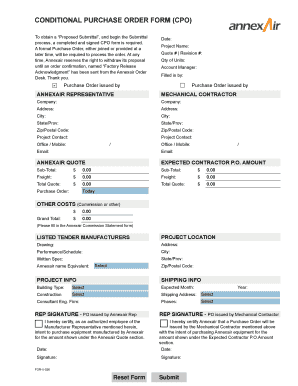
Conditional purchase order template
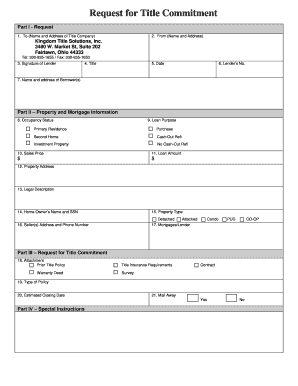
Request for Title Commitment - Blank doc
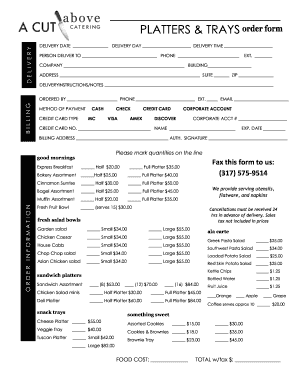
Catering order forms

Seed purchase order

Blank purchase order

Procurement form
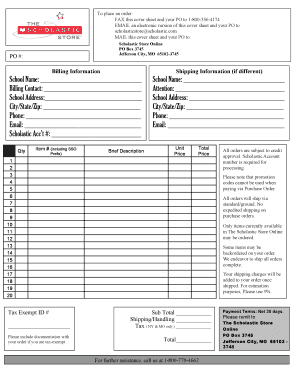
Purchase Order Form - The Scholastic Store
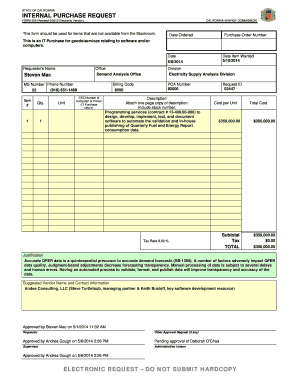
INTERNAL PURCHASE REQUEST
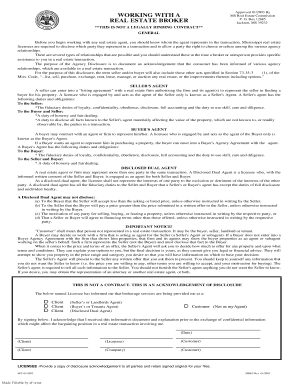
Real Estate Broker Application - New York Department of State
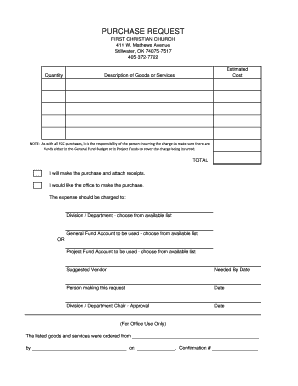
Church purchase order form
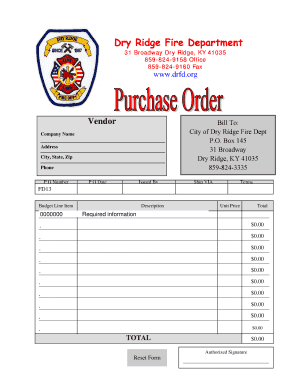
Purchase Order Form - Dry Ridge Fire Department - drfd
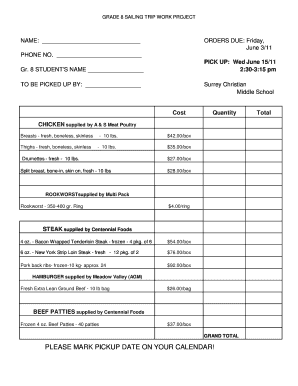
Meat order form template
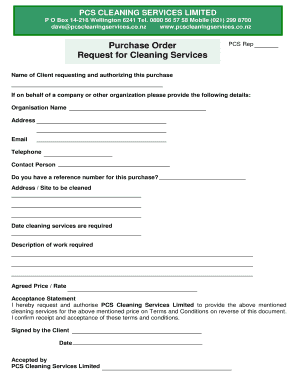
Purchase Order and Request for Cleaning Services

Check in check out form

Rga money order
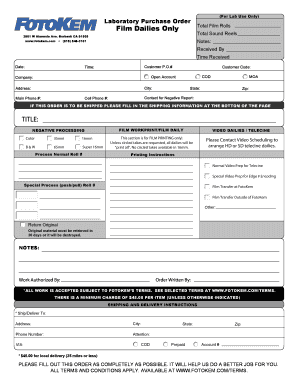
Laboratory Purchase Order

Westone earmold order form
Increase your productiveness with Blank purchase Order Forms
Papers management consumes to half of your business hours. With DocHub, you can reclaim your office time and increase your team's efficiency. Access Blank purchase Order Forms online library and investigate all form templates relevant to your day-to-day workflows.
Easily use Blank purchase Order Forms:
- Open Blank purchase Order Forms and apply Preview to get the relevant form.
- Click Get Form to start working on it.
- Wait for your form to upload in our online editor and start modifying it.
- Add new fillable fields, icons, and images, change pages, etc.
- Fill out your document or prepare it for other contributors.
- Download or share the form by link, email attachment, or invite.
Speed up your day-to-day document management using our Blank purchase Order Forms. Get your free DocHub profile right now to discover all forms.
Video Guide on Blank purchase Order Forms management

Commonly Asked Questions about Blank purchase Order Forms
How do I make my own order form?
Steps to Create an Order Form Decide what to sell. Choose a form builder tool. Customize the template with proper fields. Add photos of the products. Customize the order form with branding. Set up a payment method. Set up a success message. Share the order form.
Does Excel have a PO template?
Does Excel have a PO template? Yes, Excel offers pre-built PO templates you can use to create detailed and organized purchase orders. Like Word templates, Excel PO templates include fields for buyer/seller details, product specifications, prices, and shipping terms.
How do I manually create a PO?
Create Purchase Order In the SAP menu, choose Logistics Materials Management Purchasing Purchase Order Create Vendor/Supplying Plant Known. The Create Purchase Order screen appears. Enter the necessary data in the relevant screen areas. Check the data entered. Choose to save the purchase order.
Does Microsoft Word have a purchase order template?
Creating an order using Word First, open a Microsoft word document and click on the MS icon on the top left corner of the screen. From there, a drop-down list will appear, and then choose the option new. Under new, a list of template options will appear; choose the purchase order.
How to create a purchase order for free?
If youre a buyer (or client) of goods or services looking to create a purchase order on your own then use FreeInvoiceBuilder.coms free online purchase order template to stay organized and save your time processing making purchase orders.
How to do a PO order?
How to create a purchase order Buyer Information. First, youll want to include as much information about your company as possible. Vendor Information. PO date. Purchase order number (PO number) Description of goods or services. Quantity and price. Delivery information. Payment terms.
How do you make your own PO?
How to Create a Purchase Order Choose a template. Add issue data. Write the PO number. Add business information including the billing address for the buyer and the seller. Mention product details including item descriptions, model numbers, quantity, and so on. Mention the delivery date.
How to make a PO order form?
Heres a breakdown of the typical purchase order form format: Header. Buyer and seller details, addresses, contacts, and a unique PO number. Date and delivery. Issue date and expected delivery date. Itemized list. Payment terms. Shipping/billing. Signatures. Logo and branding.
Related Templates

HOUSING TRANSFER FORM - chp uk
The document is a Housing Transfer Form designed to assess housing needs for individuals seeking to be re-housed. It col ...
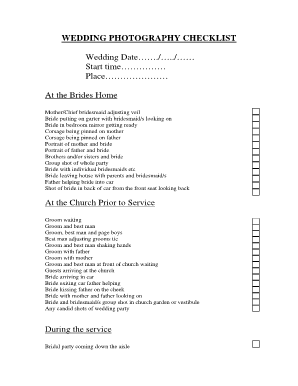
Wedding photography checklist
The document is a comprehensive wedding photography checklist that outlines various key moments and shots to capture dur ...
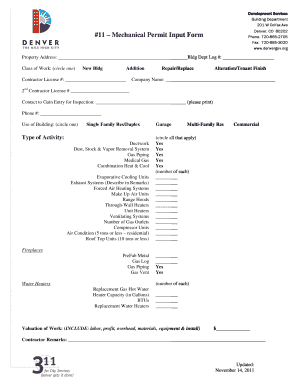
#11 Mechanical Permit Input Form - denvergov
The document is a Mechanical Permit Input Form from the Building Department of Denver, CO, used for various types of mec ...
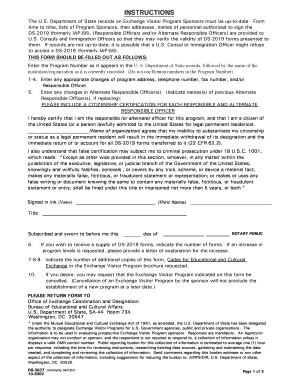
Ds 3037
The document provides instructions for U.S. Department of State sponsors of the Exchange Visitor Program to update their ...
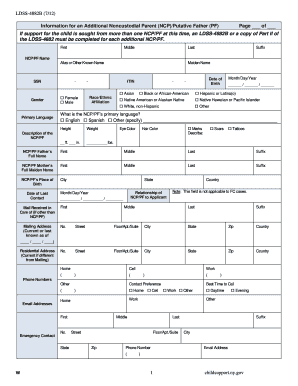
LDSS-4882B (7 12) W 1 childsupport ny Information for an
The document LDSS-4882B provides a comprehensive form for collecting information about an Additional Noncustodial Parent ...

Checklist template
The document is a Preschool-Kindergarten Transition Form designed for parents and preschool teachers to provide essentia ...

APPLICATION for a permit to install (Repair) - Alabama Department - adph
The document is an application form for a permit to install or repair a small flow onsite sewage disposal system in Alab ...

E-scrip Transcript Request - Faulkner State Community College - faulknerstate
The document is a transcript request form for Faulkner State Community College, requiring completion of all fields to au ...