Manage Workplace Safety Forms effortlessly online

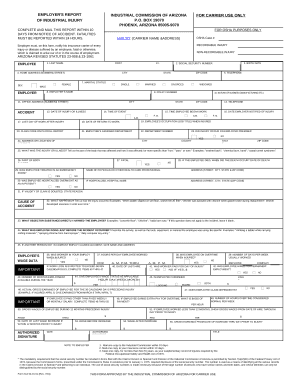
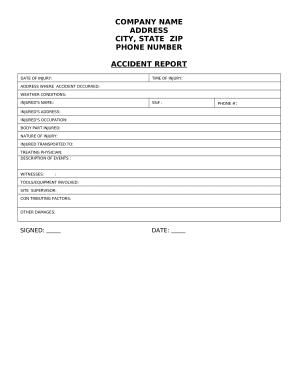
Document management can overpower you when you can’t discover all of the documents you require. Fortunately, with DocHub's substantial form library, you can find everything you need and easily handle it without the need of switching among apps. Get our Workplace Safety Forms and start utilizing them.

How to use our Workplace Safety Forms using these basic steps:

  1. Browse Workplace Safety Forms and choose the form you require.
  2. Review the template and click on Get Form.
  3. Wait for it to upload in our online editor.
  4. Modify your form: include new information and images, and fillable fields or blackout some parts if required.
  5. Complete your form, preserve adjustments, and prepare it for sending.
  6. When you are ready, download your form or share it with other contributors.

Try out DocHub and browse our Workplace Safety Forms category without trouble. Get your free profile today!


Video Guide on Workplace Safety Forms management

video background

Commonly Asked Questions about Workplace Safety Forms

The following are selected OSHA requirements that apply to many general industry employers. Hazard Communication Standard. Emergency Action Plan Standard. Fire Safety. Exit Routes. Walking/Working Surfaces. Medical and First Aid.
Who Must Complete OSHA Form 301? Only businesses in industries that have a high risk of serious employee injury or illness are required to complete OSHA Form 301. To see a list of those industries, click here.
With few exceptions, OSHA requires employers to pay for personal protective equipment when it is used to comply with OSHA standards. These typically include: hard hats, gloves, goggles, safety shoes, safety glasses, welding helmets and goggles, face shields, chemical protective equipment and fall protection equipment.
Examples of OSHA standards include require- ments to provide fall protection, prevent trenching cave-ins, prevent exposure to some infectious diseases, ensure the safety of workers who enter confined spaces, prevent exposure to such harmful substances as asbestos and lead, put guards on machines, provide respirators or
Safety Foms are an aid to standardize the entry of Safety data. Safety Forms issued from Safety rules are considered as being part of these Safety rules and therefore are MANDATORY. The other Safety Forms are not part of the Safety rules, but their use is strongly recommended.
Covered establishments must submit their annual 300A, 300, and 301 data to the Injury Tracking Application (ITA). Visit our Injury Tracking Application page for information about submitting annual work-related injury and illness data through the ITA, including answers to frequently asked questions.
The OSHA Form 300A is completed after the end of the year, summarizing the number of recordable cases that occurred. Employers may use equivalent forms in place of these forms as long as the equivalent forms contain all of the same data elements and are as easy to read as the OSHA forms.
You must use OSHA 300, 300-A, and 301 forms, or equivalent forms, for recordable injuries and illnesses. The OSHA 300 form is called the Log of Work-Related Injuries and Illnesses, the 300-A is the Summary of Work-Related Injuries and Illnesses, and the OSHA 301 form is called the Injury and Illness Incident Report.