
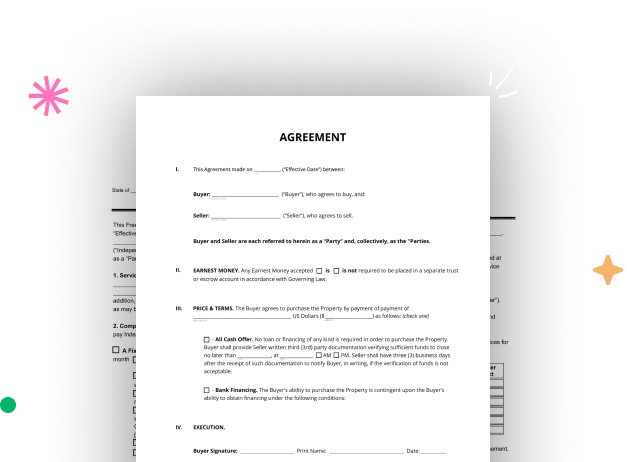

Create your US Legal Real Estate Document from scratch

Start Building Now
Title decoration

Here's how it works

01. Start with a blank US Legal Real Estate Document
Open the blank document in the editor, set the document view, and add extra pages if applicable.
02. Add and configure fillable fields
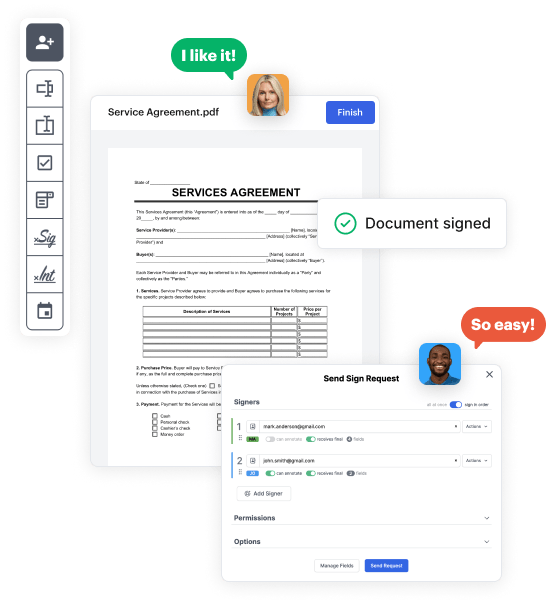
Use the top toolbar to insert fields like text and signature boxes, radio buttons, checkboxes, and more. Assign users to fields.
03. Distribute your form
Share your US Legal Real Estate Document in seconds via email or a link. You can also download it, export it, or print it out.

A brief tutorial on how to set up a polished US Legal Real Estate Document

Form edit decoration

Step 1: Sign in to DocHub to create your US Legal Real Estate Document.

First, log in to your DocHub account. If you don't have one, you can easily register for free.

Step 2: Go to the dashboard.

Once you’re in, go to your dashboard. This is your primary hub for all document-focused operations.

Step 3: Launch new document creation.

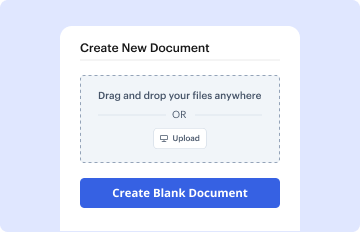
In your dashboard, hit New Document in the upper left corner. Select Create Blank Document to craft the US Legal Real Estate Document from a blank slate.

Step 4: Incorporate form fillable areas.

Place various elements like text boxes, photos, signature fields, and other options to your form and designate these fields to particular individuals as needed.

Step 5: Adjust your document.

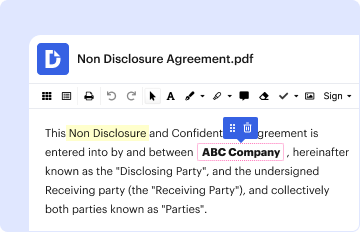
Personalize your document by adding instructions or any other required information utilizing the text feature.

Step 6: Double-check and modify the document.

Attentively go over your created US Legal Real Estate Document for any inaccuracies or needed adjustments. Utilize DocHub's editing tools to fine-tune your document.

Step 7: Share or download the document.

After completing, save your work. You can opt to keep it within DocHub, export it to various storage services, or forward it via a link or email.


be ready to get more

Build your US Legal Real Estate Document in minutes

Start creating now

Got questions?

We have answers to the most popular questions from our customers. If you can't find an answer to your question, please contact us.
Contact us
Important points to include in a legal document. Party details. List the names, numbers, addresses (email or physical), and any other relevant information of all parties involved. Background information. Motion. Roles and responsibilities. BdocHubes or contingencies. Dates and signatures.
Some examples include individual contract clauses, licensing agreements, complaints, and interrogatories. Sample documents can be found in a number of places including law firm collections or knowledge management systems, and paid databases such as Lexis and Westlaw.
A valid legal signature consists of more than just a persons name scrawled on a piece of paper. It is a representation of their identity and intention. In many cases, a full legal signature includes the persons first and last name, written consistently and recognizably. Understanding Legal Signatures: Importance and Compliance BlueNotary legal-signatures BlueNotary legal-signatures
What you really want to know if whether something other than an original, inked, document will be admitted into evidence in a court of law or other legal proceeding. The general answer is YES. Most jurisdictions will permit photo copies, whether they be from a copy machine or fax. Do you need original contracts? Can you retain copies? Kirschenbaum Kirschenbaum article do-you-ne Kirschenbaum Kirschenbaum article do-you-ne
The final element youll need to create binding documents is proof that the contract was accepted. This is most often accomplished by having both parties sign the contract either electronically or via a handwritten signature. However, a signature isnt always required to make a contract legally enforceable. What Makes a Signed Document Legal? - docHub docHub Ask docHub Ask
be ready to get more

Build your US Legal Real Estate Document in minutes

Start creating now

Related Q&A to US Legal Real Estate Document

To be legally valid, a contract must fulfill four basic requirements: All signees must be above the age of consent. All parties must agree to the contract freely. All parties must be able to understand the agreement (legal capacity) The terms of the agreement must be permitted in law.
How to Format a Legal Document in Word Resize Your Document. Pick Your Fonts. Set the Line Spacing. Format Your Columns. Set Up Your Table of Contents. Create Your Table of Authorities. Automating Your Formatting. Creating a Style. Setting Up Autoformatting as You Type. A Note on Different Documents. Pleadings. Briefs. Manuscripts.
There are no legal differences between typed and handwritten agreements when it comes to enforceability. When most people think of a contract, a formally typed, the professional contract usually comes to mind. Nonetheless, a handwritten contract can be as valid as one thats typed. Are Handwritten Contracts Legally Binding? - docHub docHub ask is-a-handwritten-cont docHub ask is-a-handwritten-cont

Additional resources on building your forms