Create your Supplemental Lease Package from scratch

Start Building Now
Title decoration

Here's how it works

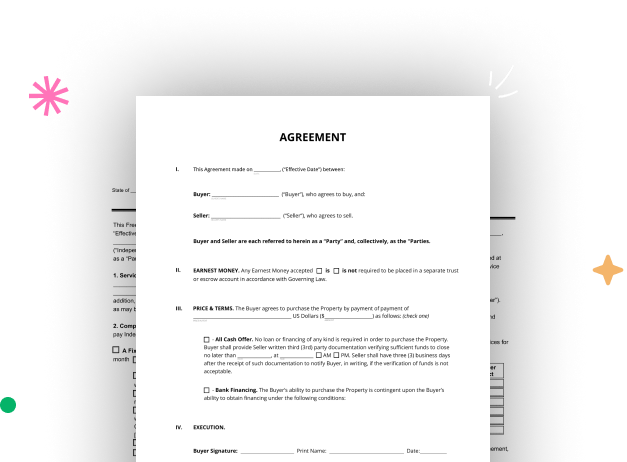
01. Start with a blank Supplemental Lease Package
Open the blank document in the editor, set the document view, and add extra pages if applicable.
02. Add and configure fillable fields
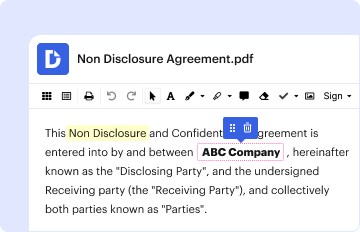
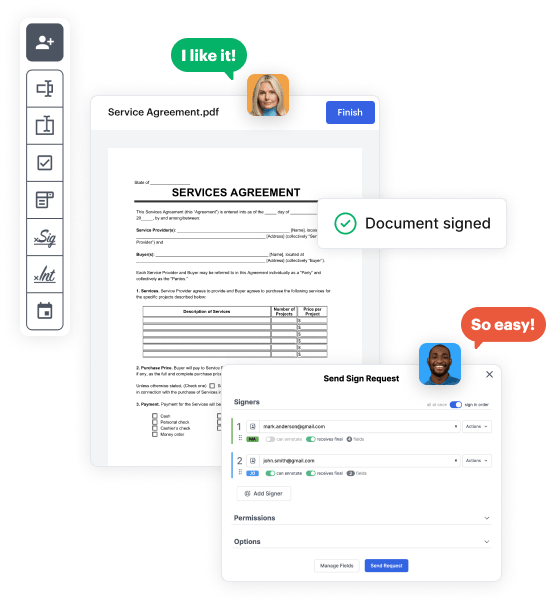
Use the top toolbar to insert fields like text and signature boxes, radio buttons, checkboxes, and more. Assign users to fields.
03. Distribute your form
Share your Supplemental Lease Package in seconds via email or a link. You can also download it, export it, or print it out.

A brief guide on how to create a professional-looking Supplemental Lease Package

Form edit decoration

Step 1: Sign in to DocHub to begin creating your Supplemental Lease Package.

First, sign in to your DocHub account. If you don't have one, you can easily sign up for free.

Step 2: Go to the dashboard.

Once logged in, head to your dashboard. This is your primary hub for all document-related tasks.

Step 3: Kick off new document creation.

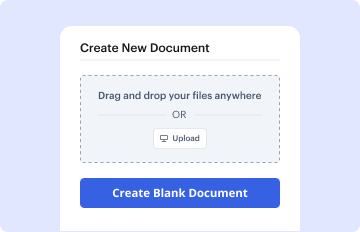
In your dashboard, hit New Document in the upper left corner. Pick Create Blank Document to build the Supplemental Lease Package from scratch.

Step 4: Insert form fillable areas.

Add various elements like text boxes, photos, signature fields, and other options to your form and designate these fields to intended users as needed.

Step 5: Fine-tune your document.

Customize your form by adding instructions or any other necessary tips leveraging the text option.

Step 6: Review and correct the form.

Attentively examine your created Supplemental Lease Package for any errors or essential adjustments. Take advantage of DocHub's editing tools to polish your document.

Step 7: Distribute or export the document.

After finalizing, save your file. You may opt to keep it within DocHub, export it to various storage services, or forward it via a link or email.


be ready to get more

Build your Supplemental Lease Package in minutes

Start creating now

Got questions?

We have answers to the most popular questions from our customers. If you can't find an answer to your question, please contact us.
Contact us
In general, things to include in a lease addendum might be: Your name. The rental property address. The tenants name. Relevant policy/information (that complies with your state/municipals rental laws) Consequences for breaking any contract agreements. Space to sign date for landlord. Space to sign date for tenant.
A contract addendum is a post-contract attachment that modifies, alters, or totally changes some of the terms of a previously established contract. Typically, this adds something new to a preexisting document. Once all parties named in a contract agree to an addendum, it becomes a part of the new contract.
A lease addendum is a document that is added to an existing lease agreement to introduce additional terms, conditions, or provisions without altering the original lease terms.
The addendum is a formal document that contains the newly agreed-upon terms while retaining the rest of the original lease agreement in full force. Both parties, the landlord and tenant who initially signed the lease, must sign the addendum for it to be legally binding.
A supplemental lease is a type of agreement that is typically used when an original lease agreement has been violated in some way. This could be due to the tenant damaging the property or not paying rent on time. The lease is most commonly used to impose new terms and conditions that mitigate risk for landlords.
be ready to get more

Build your Supplemental Lease Package in minutes

Start creating now

Related Q&A to Supplemental Lease Package

Any special terms and conditions in addition to the standard Tenancy Contract terms are attached to the agreement in the form of an addendum which clearly outlines all individually agreed obligations of both parties.

Additional resources on building your forms