
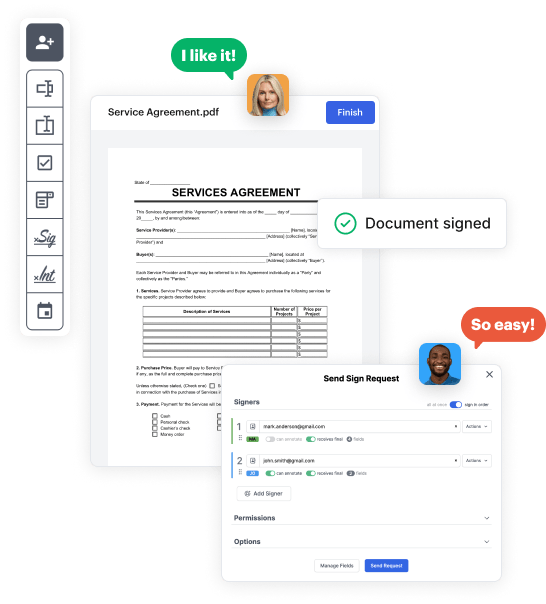
Create your Rental Law from scratch

Start Building Now
Title decoration

Here's how it works

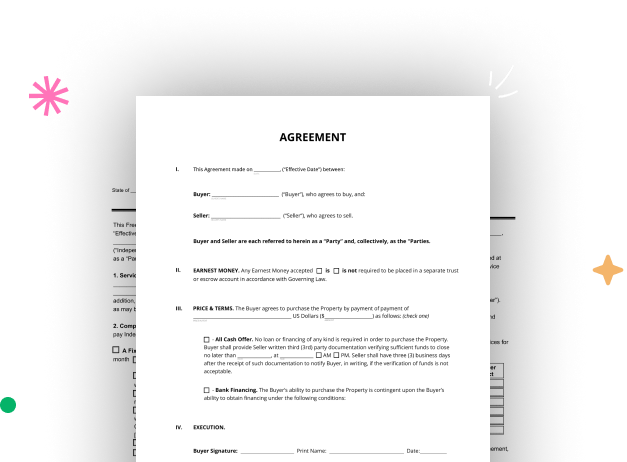
01. Start with a blank Rental Law
Open the blank document in the editor, set the document view, and add extra pages if applicable.
02. Add and configure fillable fields
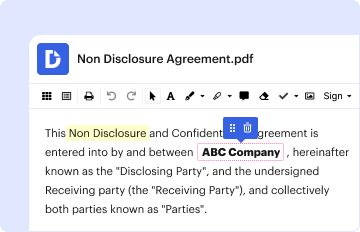
Use the top toolbar to insert fields like text and signature boxes, radio buttons, checkboxes, and more. Assign users to fields.
03. Distribute your form
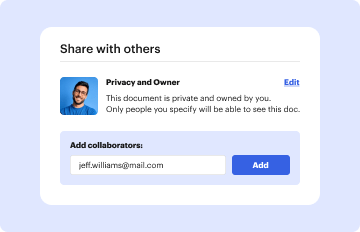
Share your Rental Law in seconds via email or a link. You can also download it, export it, or print it out.

A brief tutorial on how to set up a polished Rental Law

Form edit decoration

Step 1: Sign in to DocHub to begin creating your Rental Law.

First, sign in to your DocHub account. If you don't have one, you can simply sign up for free.

Step 2: Head to the dashboard.

Once signed in, navigate to your dashboard. This is your primary hub for all document-focused operations.

Step 3: Initiate new document creation.

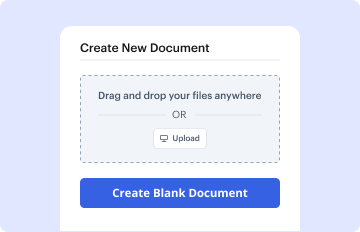
In your dashboard, click on New Document in the upper left corner. Select Create Blank Document to put together the Rental Law from the ground up.

Step 4: Incorporate template elements.

Place numerous fields like text boxes, photos, signature fields, and other elements to your template and assign these fields to intended individuals as necessary.

Step 5: Adjust your template.

Customize your form by incorporating guidelines or any other required tips using the text option.

Step 6: Double-check and modify the document.

Meticulously examine your created Rental Law for any mistakes or needed adjustments. Utilize DocHub's editing features to fine-tune your template.

Step 7: Distribute or export the template.

After finalizing, save your work. You can choose to retain it within DocHub, export it to various storage solutions, or forward it via a link or email.


be ready to get more

Build your Rental Law in minutes

Start creating now

Got questions?

We have answers to the most popular questions from our customers. If you can't find an answer to your question, please contact us.
Contact us
New California laws go into effect July 1, 2024 Drug testing kits in bars (AB 1013) Expired car tags (AB 256) Gun tax (AB 28) Hidden fees (SB 478) Keep students in school (SB 274) Menstrual products in schools (AB 367) Right to Repair (SB 244) Security deposits cap (AB 12)
Rent increases for properties subject to the Rent Stabilization Ordinance are prohibited through January 31, 2024, with a 4% increase approved from February 1, 2024, to June 30, 2024.
Florida landlords can ask for a fee instead of a security deposit. While this law actually came into effect in mid-2023, its noteworthy as it affects all new lease agreements in 2024. Floridas House Bill 133 amended the Florida Residential Landlord and Tenant Act, allowing landlords to accept a fee or monthly fees.
In 2024, changes to rental laws may include adjustments to rent control policies, notice periods for rent increases, or revisions to tenant rights and eviction processes. Landlords and tenants should review the most current regulations to ensure compliance.
AB 1482: Limits annual rent increases to no more than 5% + local CPI or 10% whichever is lower. As of August 2023, the maximum allowable annual rent increase in the Los Angeles Area is restricted to 8.8% (5% + CPI of 3.8%).
be ready to get more

Build your Rental Law in minutes

Start creating now

Related Q&A to Rental Law

At a glance: What a landlord cannot do in California in 2024 The Tenant Protection Act caps rent increases for most residential tenants in California. Landlords cant raise rent more than 10% total or 5% + CPI increase (whichever is lower) over a 12-month period.
Effective July 1, 2024, California residential landlords will generally only be able to charge security deposits equal to one months rent with some exceptions for smaller landlords. This is pursuant to Assembly Bill 12 approved in 2023 by California Gov. Gavin Newsom, which amends California Civil Code Section 1950.5.
In March 2024, HB 404, also known as Georgias Safe at Home Act, was passed by Georgia lawmakers, establishing minimum requirements for landlords and property owners to provide rental housing that is safe, healthy and free of risks.

Additional resources on building your forms


