Get and manage Order Confirmation Letters online

Boost your form administration using our Order Confirmation Letters library with ready-made form templates that meet your needs. Get the document, alter it, complete it, and share it with your contributors without breaking a sweat. Start working more effectively with your forms.

How to use our Order Confirmation Letters:

  1. Open our Order Confirmation Letters and look for the form you need.
  2. Preview your form to ensure it’s what you want, and click on Get Form to start working on it.
  3. Edit, include new text, or point out important information with DocHub features.
  4. Complete your form and preserve the changes.
  5. Download or share your document with other recipients.

Explore all of the possibilities for your online document management using our Order Confirmation Letters. Get your free free DocHub account right now!


Commonly Asked Questions about Order Confirmation Letters

This could include information such as: Order confirmation details, i.e. product details, price, and quantity. Order date. Thank you note. Shipping and billing address. Return/cancellation policy information. Payment and shipment method.
Key Components of Order Confirmation Email Personalized Thank You note. Order number. Billing and shipping address. Product details, including the name, price, quantity, and SKU ID, if any. The total price paid by the customer.
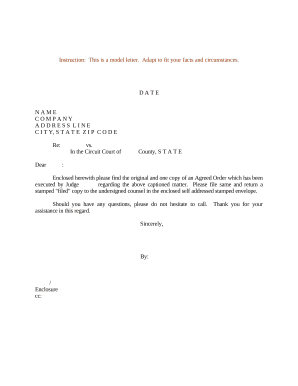
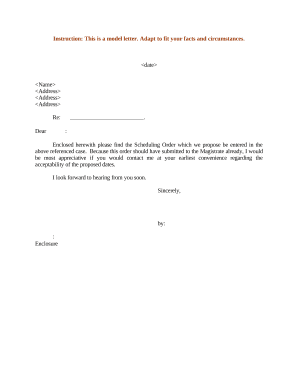
Dear [customers name], Thank you for placing an order with [your company name]. We are pleased to confirm the receipt of your order # [order number], dated [order date]. Your order is now being processed and we will ensure its prompt dispatch.
First and foremost, an order confirmation page should reassure the customer, and make it clear that your business has recognized and received their order. Typically, business do this by featuring a thank-you message of some kind, as well as information on next steps and what the customer should expect going forward.
Let me repeat that. Lets go through that again. If you dont mind, Id like to go over this again. Let me repeat that.
How to write a confirmation email Start with a clear and specific subject line. Personalize the greeting. Confirm the action taken by the recipient. Provide the necessary details about the action. Include a call to action (CTA) guiding the next steps. Offer a way to contact for further assistance.