Transform your document administration with Middle District Bankruptcy Forms

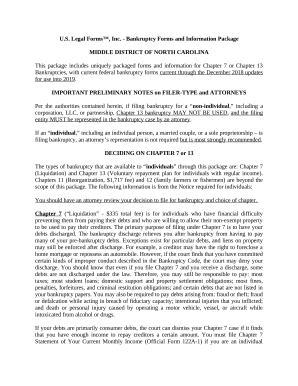
Your workflows always benefit when you can easily find all of the forms and files you need at your fingertips. DocHub offers a vast array of form templates to alleviate your everyday pains. Get a hold of Middle District Bankruptcy Forms category and quickly find your document.

Start working with Middle District Bankruptcy Forms in a few clicks:

  1. Access Middle District Bankruptcy Forms and discover the document you need.
  2. Click on Get Form to open it in our editor.
  3. Begin editing your document: add more fillable fields, highlight paragraphs, or blackout sensitive information.
  4. The app saves your modifications automatically, and after you are ready, you can download or distribute your file with other contributors.

Enjoy seamless document administration with DocHub. Check out our Middle District Bankruptcy Forms online library and find your form today!


Video Guide on Middle District Bankruptcy Forms management

video background

Commonly Asked Questions about Middle District Bankruptcy Forms

If you file for personal bankruptcy, you generally have two options: Chapter 7 or Chapter 13. A Chapter 7 bankruptcy will sell off many of your assets to pay your creditors. In a Chapter 13 bankruptcy, you keep the assets but must repay your debts over a specified period.
Filing Fees FilingAmount Chapter 7 $338.00 Chapter 11 $1,738.00 Chapter 13 $313.00 Adversary Cases $350.0046 more rows
The most common types of bankruptcy are chapter 7, which are liquidating bankruptcy, and chapter 13 cases, often used by individuals who want to catch up on past due mortgage or car loan payments and keep their assets.
If you decide to file a bankruptcy petition without a lawyer, you can get the forms from the Clerks Office of the U.S. Bankruptcy Court for the District of Columbia. It is located in Room 1225 of the E. Barrett Prettyman U.S. Courthouse at 333 Constitution Avenue, NW, Washington, DC 20001.