
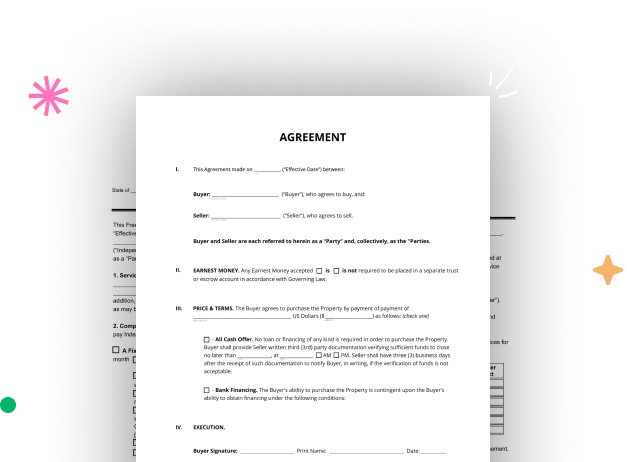

Create your Legal Transfer of Property Document from scratch

Start Building Now
Title decoration

Here's how it works

01. Start with a blank Legal Transfer of Property Document
Open the blank document in the editor, set the document view, and add extra pages if applicable.
02. Add and configure fillable fields
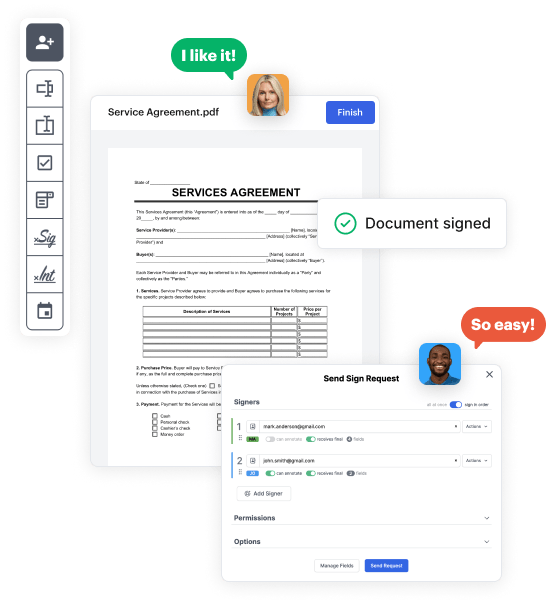
Use the top toolbar to insert fields like text and signature boxes, radio buttons, checkboxes, and more. Assign users to fields.
03. Distribute your form
Share your Legal Transfer of Property Document in seconds via email or a link. You can also download it, export it, or print it out.

A quick tutorial on how to set up a polished Legal Transfer of Property Document

Form edit decoration

Step 1: Log in to DocHub to create your Legal Transfer of Property Document.

First, sign in to your DocHub account. If you don't have one, you can easily register for free.

Step 2: Go to the dashboard.

Once signed in, navigate to your dashboard. This is your central hub for all document-focused operations.

Step 3: Launch new document creation.

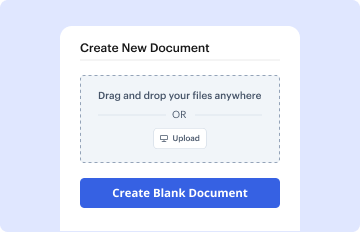
In your dashboard, click on New Document in the upper left corner. Hit Create Blank Document to build the Legal Transfer of Property Document from the ground up.

Step 4: Add form elements.

Place numerous elements like text boxes, photos, signature fields, and other options to your form and assign these fields to specific users as necessary.

Step 5: Configure your document.

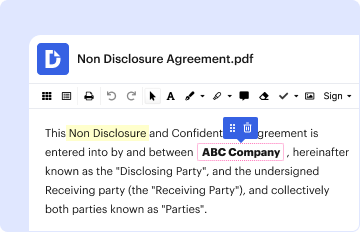
Refine your form by incorporating instructions or any other vital details leveraging the text feature.

Step 6: Double-check and modify the form.

Carefully check your created Legal Transfer of Property Document for any typos or needed adjustments. Leverage DocHub's editing features to fine-tune your document.

Step 7: Send out or download the document.

After completing, save your copy. You may choose to save it within DocHub, export it to various storage solutions, or forward it via a link or email.


be ready to get more

Build your Legal Transfer of Property Document in minutes

Start creating now

Got questions?

We have answers to the most popular questions from our customers. If you can't find an answer to your question, please contact us.
Contact us
Unfortunately, once a deed is recorded in New York State, it cant simply be amended or modified. A new deed must be recorded to change ownership.
The filing fee is generally $125 for residential and farm properties and $250 for all other properties. The county clerks office collects the RP-5217 filing fee. The county clerks office should be reviewing the RP-5217 forms for completeness, not for accuracy.
To successfully file a quit claim deed in New York, you will need to fulfill a few essential qualifications: Written consent from both parties via Form TP-584 and Form RP-5217 (oral agreements do not qualify) Official notarization of forms. Payment of associated fees. Payment of any taxes owed on the property.
How do I add/remove a name on a Deed? You would have to record a new deed adding or removing the person(s) name. Because it is a legal document with legal consequences, we HIGHLY advise you work with an attorney to do so.
The timeline for a deed transfer in both New York and New Jersey can vary based on several factors, including the workload of the County Clerks Office and any specific requirements of the locality. In general, it can take a few weeks to complete the process.
be ready to get more

Build your Legal Transfer of Property Document in minutes

Start creating now

Related Q&A to Legal Transfer of Property Document

Common Methods of Property Transfer in California Grant Deeds. A Grant Deed is a crucial tool in California property transfers. Quitclaim Deeds. Quitclaim Deeds take a different approach to property transfers. Warranty Deeds. Warranty Deeds provide a robust layer of protection for property buyers.
To change a deed in New York City, you will need a deed signed and docHubd by the grantor. The deed must also be filed and recorded with the Office of the City Register. Transfer documents identifying if any taxes are due must also be filed and recorded with the City Register.

Additional resources on building your forms