
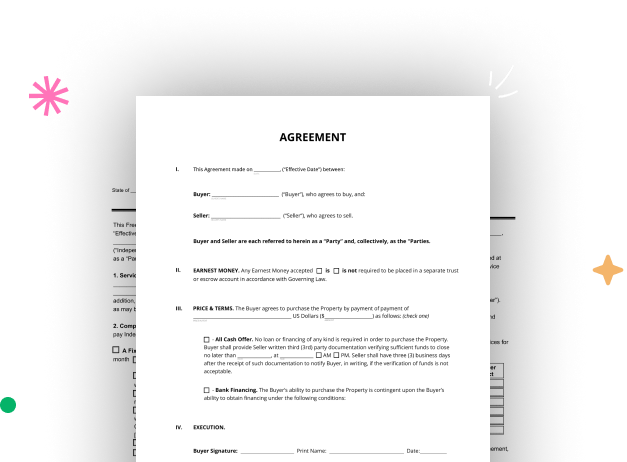
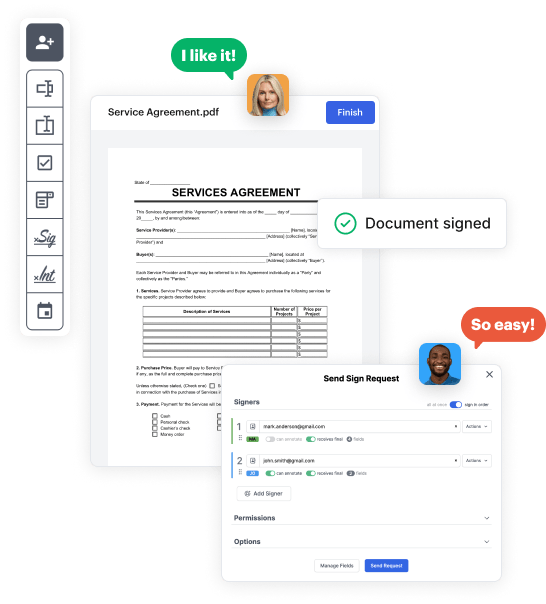
Create your Legal Property Agreement from scratch

Start Building Now
Title decoration

Here's how it works

01. Start with a blank Legal Property Agreement
Open the blank document in the editor, set the document view, and add extra pages if applicable.
02. Add and configure fillable fields
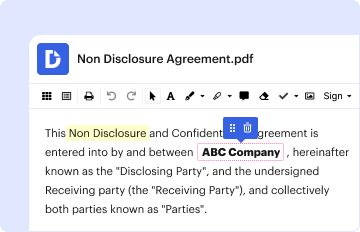
Use the top toolbar to insert fields like text and signature boxes, radio buttons, checkboxes, and more. Assign users to fields.
03. Distribute your form
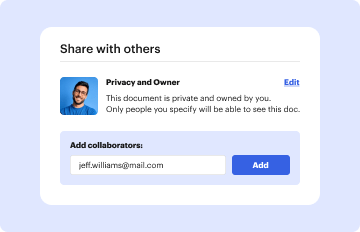
Share your Legal Property Agreement in seconds via email or a link. You can also download it, export it, or print it out.

A quick tutorial on how to set up a professional-looking Legal Property Agreement

Form edit decoration

Step 1: Log in to DocHub to create your Legal Property Agreement.

First, sign in to your DocHub account. If you don't have one, you can simply register for free.

Step 2: Head to the dashboard.

Once you’re in, head to your dashboard. This is your main hub for all document-focused operations.

Step 3: Kick off new document creation.

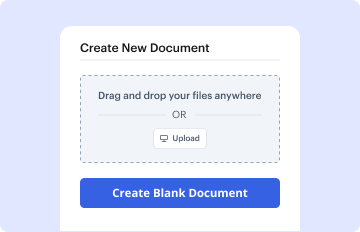
In your dashboard, click on New Document in the upper left corner. Opt for Create Blank Document to design the Legal Property Agreement from the ground up.

Step 4: Insert template elements.

Place different fields like text boxes, images, signature fields, and other options to your template and assign these fields to specific recipients as needed.

Step 5: Customize your form.

Customize your form by incorporating walkthroughs or any other required tips using the text option.

Step 6: Review and tweak the document.

Carefully check your created Legal Property Agreement for any errors or essential adjustments. Make use of DocHub's editing capabilities to enhance your form.

Step 7: Send out or download the form.

After finalizing, save your copy. You can opt to save it within DocHub, transfer it to various storage platforms, or send it via a link or email.


be ready to get more

Build your Legal Property Agreement in minutes

Start creating now

Got questions?

We have answers to the most popular questions from our customers. If you can't find an answer to your question, please contact us.
Contact us
A deed is a written document which is executed with the necessary formality (that is, more than a simple signature), and by which an interest, right or property passes or is confirmed, or an obligation binding on some person is created or confirmed. Deeds are generally enforceable despite any lack of consideration.
Writing a real estate purchase agreement. Identify the address of the property being purchased, including all required legal descriptions. Identify the names and addresses of both the buyer and the seller. Detail the price of the property and the terms of the purchase. Set the closing date and closing costs.
A contract for deed (also called a land contract, land sale contract, installment land contract, bond for deed, or installment sale) is a private contract arrangement in which a buyer pays a seller (landowner) the purchase price of the sellers property in installments and without the involvement of a third-
How to write a contract agreement in 7 steps. Determine the type of contract required. Confirm the necessary parties. Choose someone to draft the contract. Write the contract with the proper formatting. Review the written contract with a lawyer. Send the contract agreement for review or revisions.
Include the agreed upon purchase price, down payment amount, interest rate and payment details. You should also outline the payment schedule and how and where payments are to be made. Besides monthly payments, youll want to define if they will have to pay a final lump sum or balloon payment at the end of the term.
be ready to get more

Build your Legal Property Agreement in minutes

Start creating now

Related Q&A to Legal Property Agreement

Why You Need a Business Contract Lawyer. If youre asking whether you need a lawyer to draft a contract, legally, the answer is no. Anyone can draft a contract on their own and as long as the elements above are included and both parties are legally competent and consent to the agreement, it is generally lawful.
There are several reasons why: The seller retains the title. This can extend through the completion of your payment plan, which can complicate things like ownership and taxes, as well as personal security and rights. Maintenance gets confusing. Theres little regulation. Sellers dont have it easy.
Writing contracts and agreements Define key terms, specify obligations, and outline payment terms, if applicable. Include the contracts duration, termination conditions, performance standards, and, when necessary, provisions for confidentiality and intellectual property.

Additional resources on building your forms


