Create your Legal Order Letter from scratch

Start Building Now
Title decoration

Here's how it works

01. Start with a blank Legal Order Letter
Open the blank document in the editor, set the document view, and add extra pages if applicable.
02. Add and configure fillable fields
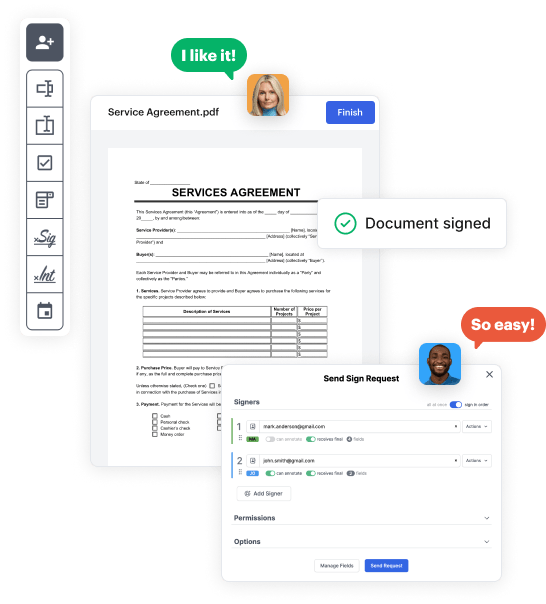
Use the top toolbar to insert fields like text and signature boxes, radio buttons, checkboxes, and more. Assign users to fields.
03. Distribute your form
Share your Legal Order Letter in seconds via email or a link. You can also download it, export it, or print it out.

Build Legal Order Letter from the ground up by following these comprehensive instructions
Form edit decoration

Step 1: Start off by launching DocHub.

Begin by registering a free DocHub account using any available sign-up method. If you already have one, simply log in.

Step 2: Register for a free 30-day trial.

Try out the complete collection of DocHub's pro tools by registering for a free 30-day trial of the Pro plan and proceed to build your Legal Order Letter.

Step 3: Create a new empty doc.

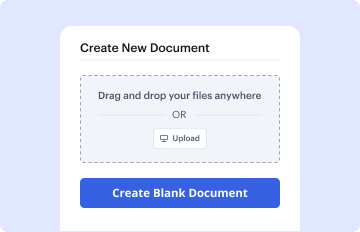
In your dashboard, select the New Document button > scroll down and choose to Create Blank Document. You’ll be taken to the editor.

Step 4: Arrange the view of the document.

Use the Page Controls icon marked by the arrow to switch between different page views and layouts for more flexibility.

Step 5: Start adding fields to create the dynamic Legal Order Letter.

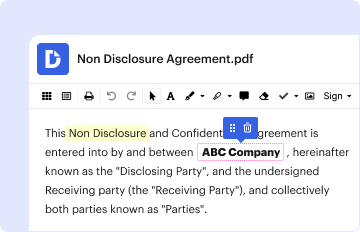
Use the top toolbar to add document fields. Add and format text boxes, the signature block (if applicable), add photos, and other elements.

Step 6: Prepare and configure the incorporated fields.

Arrange the fillable areas you incorporated based on your desired layout. Modify the size, font, and alignment to make sure the form is easy to use and polished.

Step 7: Finalize and share your template.

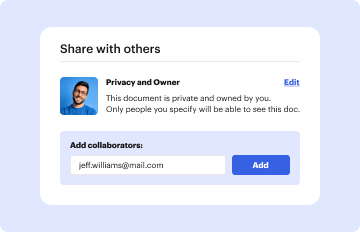
Save the ready-to-go copy in DocHub or in platforms like Google Drive or Dropbox, or craft a new Legal Order Letter. Distribute your form via email or use a public link to engage with more people.

be ready to get more

Build your Legal Order Letter in minutes

Start creating now

Got questions?

We have answers to the most popular questions from our customers. If you can't find an answer to your question, please contact us.
Contact us
When writing a demand letter, keep some of this advice in mind to create a convincing and professional message to help yield the results you want. Outline the facts. Make your demand. Provide a timeline. Set clear consequences. Be polite. Get professional advice. Keep copies. Send your demand letter via certified mail.
Before you draft your own demand letter and fire it off thinking your actions will result in getting paid, getting the services you contracted for, demanding the satisfaction that you were expecting, consider that writing your own demand letter can backfire badly!
Dont Be Threatening This goes without saying, but never utilize threatening language that makes the letter sound like an extortion plot. Youre potentially threatening legal action, not threatening the person themselves.
While its technically possible to write a demand letter yourself, there are docHub advantages to seeking the guidance of a legal professional. Heres why. Professional expertise. An attorney specialized in personal injury law understands the nuances of relevant statutes, case law, and procedural requirements.
Elements: full mailing address of the sender. date on which letter is written. address of person to whom letter is addressed. subject line. salutation. body (the main message) complimentary closing. signature line (be sure to sign your letter)
be ready to get more

Build your Legal Order Letter in minutes

Start creating now

Related Q&A to Legal Order Letter

Guidelines to write an Order Letter The letter should be precise; no pep talk or informal conversation is required. The language should be simple and formal. Make no errors in the specs or numbers. Inform the seller when you expect delivery and how you intend to pay the fee. Jargon should be avoided.
At the beginning of your letter, include a statement that clearly states how much you are demanding the other party pay you. For example, if you are a business owner and your client owes you $5,000 for services rendered, this information should be clearly stated at the top of the letter.
Yes, you can write a demand letter instead of hiring an attorney. Why not handle it yourself instead of paying a lawyer to collect the money or represent you in court?

Additional resources on building your forms