
Create your Legal Forms for Loan from scratch
Start Building Now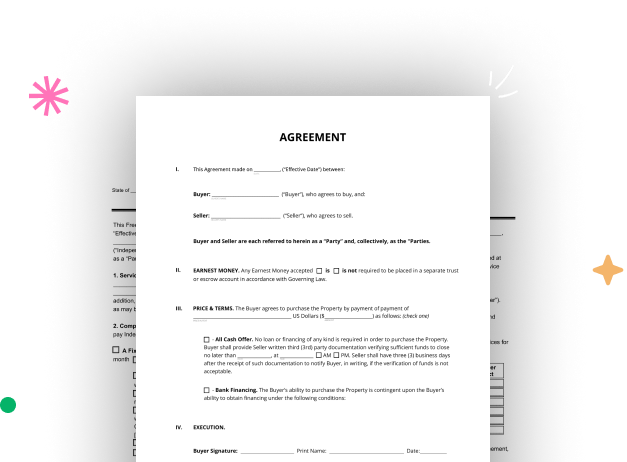




Here's how it works
A detailed guide on how to craft your Legal Forms for Loan online
Step 1: Start with DocHub's free trial.
Navigate to the DocHub website and sign up for the free trial. This provides access to every feature you’ll need to create your Legal Forms for Loan with no upfront cost.
Step 2: Access your dashboard.
Sign in to your DocHub account and navigate to the dashboard.
Step 3: Craft a new document.
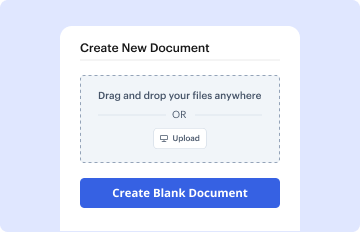
Click New Document in your dashboard, and select Create Blank Document to create your Legal Forms for Loan from scratch.
Step 4: Use editing tools.
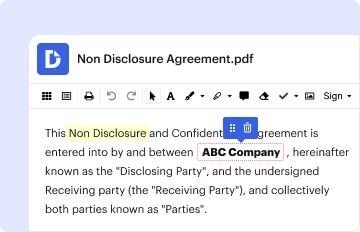
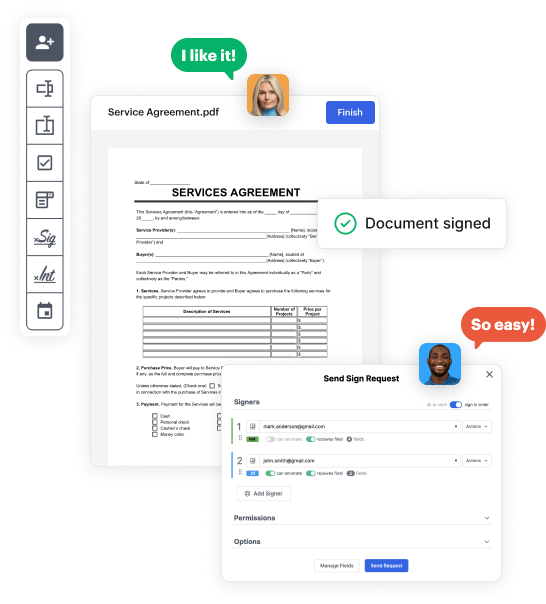
Insert different fields such as text boxes, radio buttons, icons, signatures, etc. Arrange these elements to suit the layout of your document and assign them to recipients if needed.
Step 5: Organize the form layout.
Rearrange your document quickly by adding, moving, removing, or combining pages with just a few clicks.
Step 6: Set up the Legal Forms for Loan template.
Turn your freshly designed form into a template if you need to send multiple copies of the same document repeatedly.
Step 7: Save, export, or share the form.
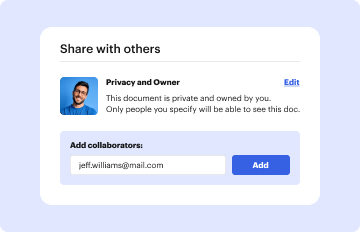
Send the form via email, share a public link, or even post it online if you wish to collect responses from a broader audience.