
Create your Legal Demand Letter from scratch

Start Building Now
Title decoration

Here's how it works

01. Start with a blank Legal Demand Letter
Open the blank document in the editor, set the document view, and add extra pages if applicable.
02. Add and configure fillable fields
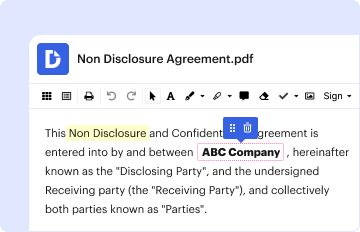
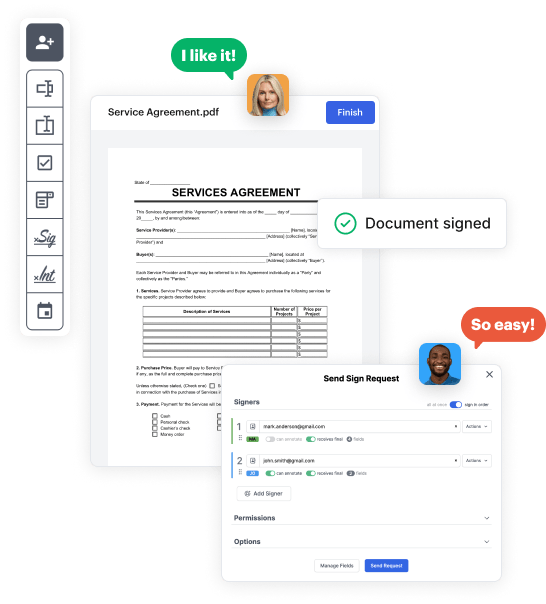
Use the top toolbar to insert fields like text and signature boxes, radio buttons, checkboxes, and more. Assign users to fields.
03. Distribute your form
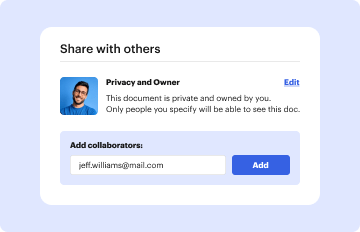
Share your Legal Demand Letter in seconds via email or a link. You can also download it, export it, or print it out.

A quick guide on how to build a professional-looking Legal Demand Letter

Form edit decoration

Step 1: Sign in to DocHub to begin creating your Legal Demand Letter.

First, sign in to your DocHub account. If you don't have one, you can simply register for free.

Step 2: Navigate to the dashboard.

Once you’re in, go to your dashboard. This is your main hub for all document-based tasks.

Step 3: Kick off new document creation.

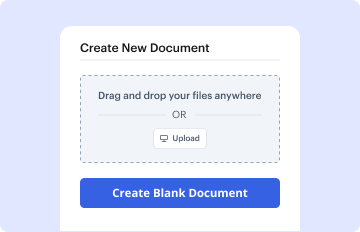
In your dashboard, hit New Document in the upper left corner. Hit Create Blank Document to put together the Legal Demand Letter from a blank slate.

Step 4: Add form fillable areas.

Add various items like text boxes, photos, signature fields, and other fields to your form and assign these fields to specific recipients as necessary.

Step 5: Personalize your document.

Refine your template by including guidelines or any other vital information using the text tool.

Step 6: Go over and adjust the form.

Meticulously examine your created Legal Demand Letter for any errors or required adjustments. Take advantage of DocHub's editing tools to perfect your document.

Step 7: Send out or download the document.

After completing, save your copy. You can select to retain it within DocHub, transfer it to various storage platforms, or forward it via a link or email.


be ready to get more

Build your Legal Demand Letter in minutes

Start creating now
be ready to get more

Build your Legal Demand Letter in minutes

Start creating now


