

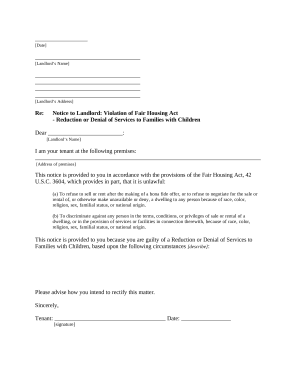
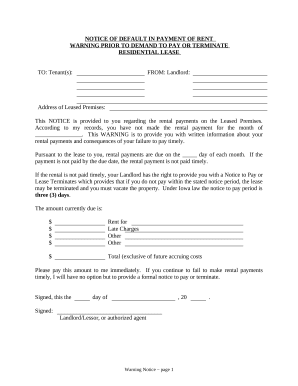
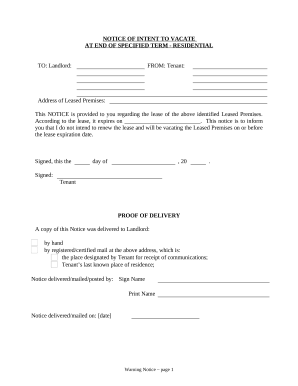
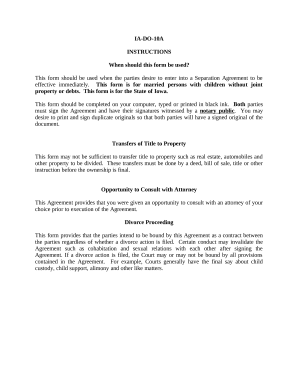
Handle Iowa Law Forms quickly online

Document management can stress you when you can’t locate all the forms you need. Fortunately, with DocHub's considerable form library, you can get all you need and promptly manage it without the need of changing among software. Get our Iowa Law Forms and start working with them.

Using our Iowa Law Forms using these easy steps:

  1. Examine Iowa Law Forms and select the form you need.
  2. Review the template and click Get Form.
  3. Wait for it to open in the online editor.
  4. Edit your template: add new information and images, and fillable fields or blackout some parts if required.
  5. Fill out your template, preserve adjustments, and prepare it for sending.
  6. When ready, download your form or share it with other contributors.

Try out DocHub and browse our Iowa Law Forms category easily. Get your free account today!

Video Guide on Iowa Law Forms management

video background

Commonly Asked Questions about Iowa Law Forms

If the request seeks records about court proceedings, the requester may be referred to self-service tools such as Iowa Courts Online Search or the Iowa court eFile system, both accessible online and via the public terminals placed in every courthouse, to obtain the records sought.
University of Iowa Law School Admissions University of Iowa Law School is considered a Competitive law school, which accepts only 44% of its applicants. Comparatively, Iowa is Lower than the average cost for law school.
You will then electronically file the appropriate small claims Original Notice form and pay the $95 filing fee. The official forms to use in Iowa small claims cases are available free of charge on this website. You may have an additional cost for having the petition served on the other party.
You need to file your answer electronically or receive an exemption from electronic filing. To see how to file or get an exemption go to If you get an exemption, you will file court forms with the Clerk of Court - in the county courthouse where the lawsuit was filed.
To eFile a new case, follow these basic steps: Prepare your documents. Login to eFiles. Select a case type. Enter case information. Add the plaintiffs or petitioners, determined by the case type. Add the defendants or respondents, determined by the case type. Add documents.
Iowa cases start with a series of letters that describe the case type, followed by numbers. The numbers are assigned based upon the county in which the case is filed and the order in which the case is filed.
You must electronically file this Appearance and Answer using EDMS at unless you obtain from the court an exemption from electronic filing requirements.

