Handle Individual Real Estate Forms easily online

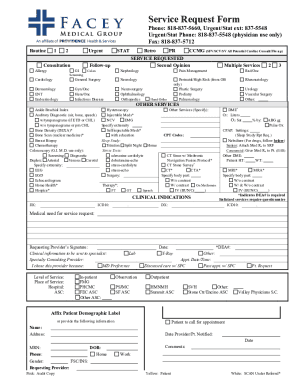
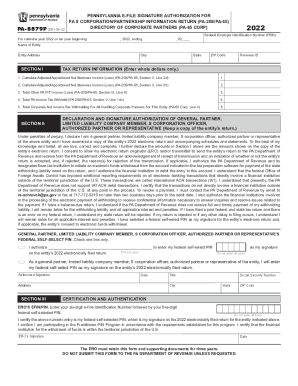
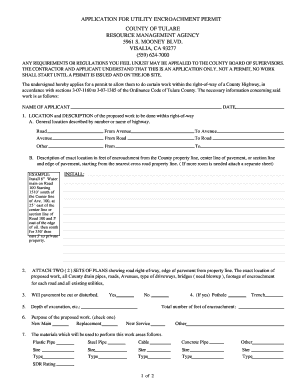
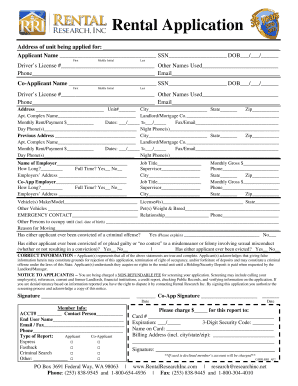
Document management can overwhelm you when you can’t locate all the forms you require. Luckily, with DocHub's vast form categories, you can get all you need and swiftly manage it without switching among applications. Get our Individual Real Estate Forms and begin working with them.

Using our Individual Real Estate Forms using these basic steps:

  1. Check Individual Real Estate Forms and select the form you require.
  2. Preview the template and click on Get Form.
  3. Wait for it to open in the online editor.
  4. Modify your document: include new information and pictures, and fillable fields or blackout some parts if required.
  5. Prepare your document, save changes, and prepare it for sending.
  6. When you are ready, download your form or share it with your contributors.

Try out DocHub and browse our Individual Real Estate Forms category without trouble. Get your free profile right now!


Video Guide on Individual Real Estate Forms management

video background

Commonly Asked Questions about Individual Real Estate Forms

A residential property report, also known as a 9A Report, provides buyers information about the property. An application (filled out by the seller) must be completed and include declarations that the property IS or WILL BE compliant in ance with City of LA requirements.
Lets break it down together. RERA Form A: Property seller and broker. RERA Form B: Property buyer and broker. RERA Form F: Buyer and seller. RERA Form I: Agent and Agent. RERA Form U: Termination Agreement. Frequently Asked Questions.
Yes, if you are on a Starter, Real Estate, REALTORS or an Enhanced Real Estate Brokerage Plan, you can access your state and local association forms directly within eSignature. maintains the most up-to-date state and local association form libraries.
Oregon REALTORS forms are available on docHub, SkySlope, and Transactions (zipForm Edition). If you already have an account with one of these platforms, you do not need to create a new account. Simply login to your account and add the Oregon REALTORS forms library.