
Create your Financial Dispute Letter from scratch

Start Building Now
Title decoration

Here's how it works

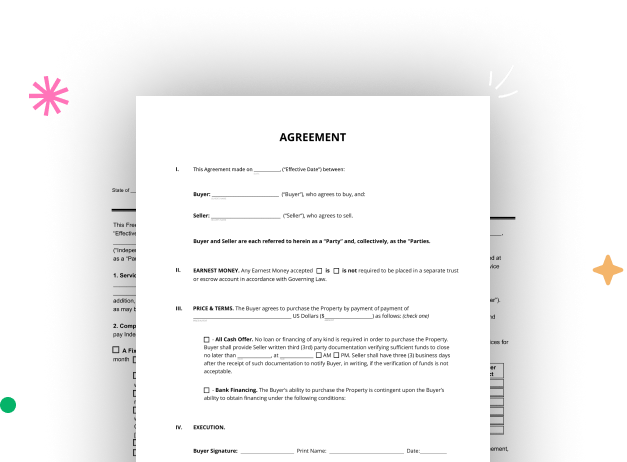
01. Start with a blank Financial Dispute Letter
Open the blank document in the editor, set the document view, and add extra pages if applicable.
02. Add and configure fillable fields
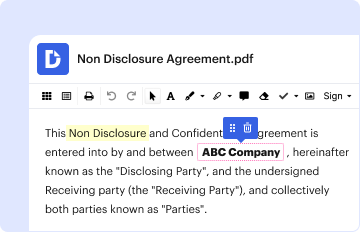
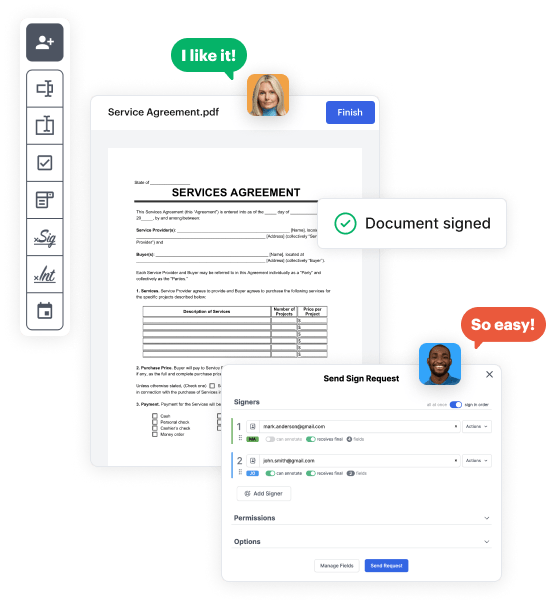
Use the top toolbar to insert fields like text and signature boxes, radio buttons, checkboxes, and more. Assign users to fields.
03. Distribute your form
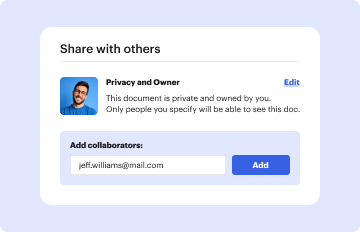
Share your Financial Dispute Letter in seconds via email or a link. You can also download it, export it, or print it out.

A simple guide on how to set up a professional-looking Financial Dispute Letter

Form edit decoration

Step 1: Log in to DocHub to begin creating your Financial Dispute Letter.

First, sign in to your DocHub account. If you don't have one, you can easily sign up for free.

Step 2: Go to the dashboard.

Once you’re in, head to your dashboard. This is your primary hub for all document-related operations.

Step 3: Launch new document creation.

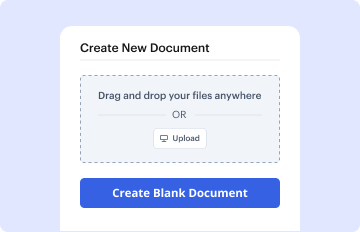
In your dashboard, hit New Document in the upper left corner. Hit Create Blank Document to design the Financial Dispute Letter from a blank slate.

Step 4: Add template elements.

Place numerous fields like text boxes, images, signature fields, and other interactive areas to your template and assign these fields to intended individuals as necessary.

Step 5: Adjust your document.

Customize your template by including directions or any other vital tips leveraging the text option.

Step 6: Go over and correct the form.

Attentively go over your created Financial Dispute Letter for any inaccuracies or necessary adjustments. Make use of DocHub's editing tools to polish your document.

Step 7: Share or download the document.

After completing, save your file. You can choose to retain it within DocHub, transfer it to various storage platforms, or send it via a link or email.


be ready to get more

Build your Financial Dispute Letter in minutes

Start creating now

Got questions?

We have answers to the most popular questions from our customers. If you can't find an answer to your question, please contact us.
Contact us
FAIR CREDIT REPORTING ACT/REGULATION V. Section 623 of the FCRA and Regulation V generally provide that a furnisher must not furnish inaccurate consumer information to a CRA, and that furnishers must investigate a consumers dispute that the furnished information is inaccurate or incomplete.
A 623 dispute letter is a written communication submitted to a credit bureau, typically by a consumer, to dispute inaccuracies or discrepancies in their credit report.
Your letter should identify each item you dispute, state the facts, explain why you dispute the information, and ask that the business that supplied the information take action to have it removed or corrected.
You may dispute information on your credit report by submitting a dispute form, or write your own letter that details your issues.
The effectiveness of a 609 dispute letter can vary, but many people have successfully used it to remove inaccurate or unverifiable information from their credit reports. ing to a study by the Federal Trade Commission, 20% of consumers had an error on at least one of their credit reports.
be ready to get more

Build your Financial Dispute Letter in minutes

Start creating now

Related Q&A to Financial Dispute Letter

2) What is the 609 loophole? The 609 loophole is a misconception. Section 609 of the Fair Credit Reporting Act (FCRA) allows consumers to request their credit file information. It does not guarantee the removal of negative items but requires credit bureaus to verify the accuracy of disputed information.
4) 623 credit dispute letter It refers to Section 623 of the Fair Credit Reporting Act and contacts the data furnisher to prove that a debt belongs to the company. It is applicable for the validation of third-party debt collection accounts.
A 623 dispute letter sample is a written document that consumers can use to dispute inaccurate information on their credit report with credit bureaus. It allows individuals to address errors or discrepancies that may be negatively impacting their credit score.

Additional resources on building your forms