

Increase your production with Electrical Contractor Legal Forms

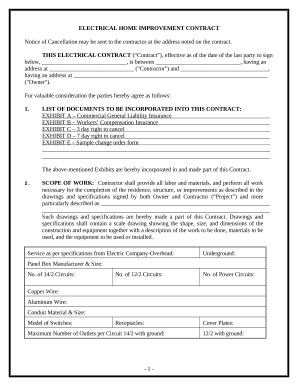
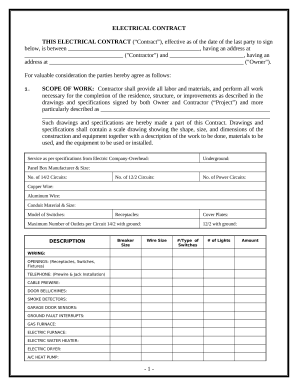
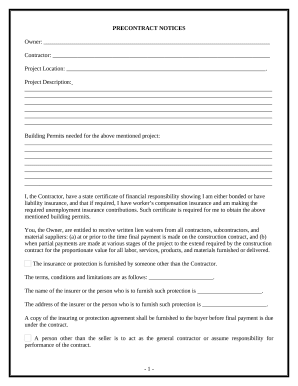
Papers administration takes up to half of your office hours. With DocHub, it is possible to reclaim your time and effort and boost your team's efficiency. Access Electrical Contractor Legal Forms online library and check out all document templates related to your everyday workflows.

Easily use Electrical Contractor Legal Forms:

  1. Open Electrical Contractor Legal Forms and apply Preview to find the appropriate form.
  2. Click Get Form to begin working on it.
  3. Wait for your form to open in our online editor and begin modifying it.
  4. Add new fillable fields, icons, and pictures, change pages order, and many more.
  5. Complete your document or set it for other contributors.
  6. Download or share the form by link, email attachment, or invite.

Boost your everyday file administration with our Electrical Contractor Legal Forms. Get your free DocHub profile today to discover all templates.


Commonly Asked Questions about Electrical Contractor Legal Forms

8 Elements of an Effective Electrical Contract Parties Involved. Clear Project Scope. Accurate Project Timeline and Milestones. Financial Terms and Payment Details. Terms and Conditions. Specification of Materials and Labor. Compliance and Safety Regulations. Change Orders and Modifications.
How to draft a contract between two parties: A step-by-step checklist Know your parties. Agree on the terms. Set clear boundaries. Spell out the consequences. Specify how you will resolve disputes. Cover confidentiality. Check the legality of the contract. Open it up to negotiation.
How to run a successful electrical business: Update your business plan. Join the National Electrical Contractors Association (NECA) Advertise your electrical services. Keep your pricing competitive and profitable. Focus on customer service. Invoice customers and get paid faster.
Indicate where the work will take place, including the property address and the project manager. Payment information: List the details of payment, including the exact amount agreed upon for the electrical work, due dates, payment schedule, and specifics about invoicing.
How to get a contract signed electronically. 1 Open a PDF document in Acrobat. 2 Select the Fill Sign tool in the right pane. Click a text field and type or add a text box. 3 Select Sign in the top toolbar. 4 Click Next to share your signed copy of the agreement with others. Request signatures from others.