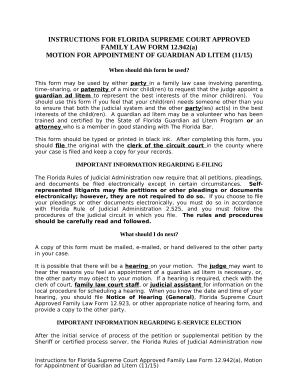
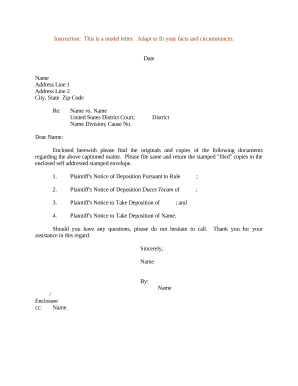
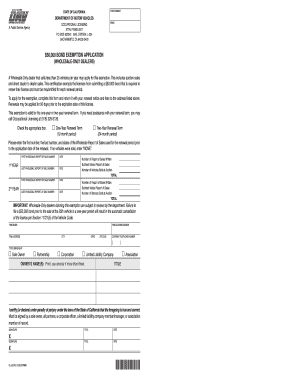
Enhance your template administration with Court Paperwork

Your workflows always benefit when you can get all of the forms and documents you will need at your fingertips. DocHub gives a wide array of forms to alleviate your daily pains. Get hold of Court Paperwork category and easily discover your document.

Start working with Court Paperwork in several clicks:

  1. Open Court Paperwork and discover the form you require.
  2. Click on Get Form to open it in our editor.
  3. Start adjusting your document: add more fillable fields, highlight sentences, or blackout sensitive information and facts.
  4. The application saves your adjustments automatically, and after you are all set, you are able to download or distribute your form with other contributors.

Enjoy smooth document administration with DocHub. Check out our Court Paperwork category and locate your form right now!

Video Guide on Court Paperwork management

video background

Commonly Asked Questions about Court Paperwork

Pleadings: The court documents filed with the court by the parties in a civil or criminal case.
Public Access. Generally, unless access to a file is restricted by statute, court rule or an order pursuant to MCR 8.119(I), any person may inspect pleadings and other papers in a court clerks office and may obtain copies as provided in MCR 8.119(J).
Federal case files are maintained electronically and are available through the internet-based Public Access to Court Electronic Records (PACER) service. PACER allows anyone with an account to search and locate appellate, district, and bankruptcy court case and docket information. Register for a PACER account.
Official transcripts of courtroom proceedings must be ordered from the Court Reporter. Copies of official transcripts already on file with the court are available through the Court Reporter or through the PACER Service Center. A transcript to be delivered within thirty (30) calendar days after receipt of an order.
Transcripts and recordings can be ordered through the Online Registry Website launch, provided users have an account. Anyone who is a party to a case can order a transcript or recording online. You will be able to order, track, process, pay and receive transcripts in one location.
You can access various court records through legal databases like Lexis, Westlaw, and Fastcase. State Law Library patrons can use Fastcase remotely to find final opinions for select Texas and federal appellate cases. Lexis and Westlaw are available at the library in person.
Public court records can be viewed online at . Requests for copies of a public record must be submitted on a File / Copy Request Form (PDF). A specific case number or the party name is required to provide requested information.
The Oregon Judicial Department (OJD) provides access to court records maintained in the Oregon eCourt Information system without charge, through public access terminals in each circuit court. In addition, routine requests to inspect court case files may be made at the court clerks counter in each state court.