
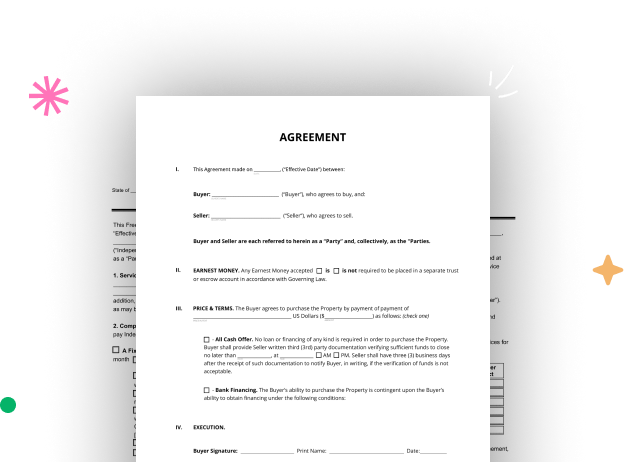

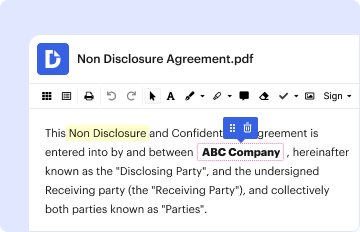


Create your Corporation Notice Form from scratch

Start Building Now
Title decoration

Here's how it works

01. Start with a blank Corporation Notice Form
Open the blank document in the editor, set the document view, and add extra pages if applicable.
02. Add and configure fillable fields
Use the top toolbar to insert fields like text and signature boxes, radio buttons, checkboxes, and more. Assign users to fields.
03. Distribute your form
Share your Corporation Notice Form in seconds via email or a link. You can also download it, export it, or print it out.

A simple guide on how to create a professional-looking Corporation Notice Form

Form edit decoration

Step 1: Log in to DocHub to begin creating your Corporation Notice Form.

First, sign in to your DocHub account. If you don't have one, you can easily register for free.

Step 2: Head to the dashboard.

Once you’re in, navigate to your dashboard. This is your central hub for all document-focused tasks.

Step 3: Kick off new document creation.

In your dashboard, click on New Document in the upper left corner. Select Create Blank Document to craft the Corporation Notice Form from scratch.

Step 4: Insert template fillable areas.

Add different fields like text boxes, photos, signature fields, and other fields to your template and designate these fields to specific individuals as required.

Step 5: Adjust your form.

Refine your template by inserting guidelines or any other vital information using the text tool.

Step 6: Double-check and modify the document.

Meticulously examine your created Corporation Notice Form for any mistakes or required adjustments. Leverage DocHub's editing features to enhance your form.

Step 7: Distribute or download the form.

After completing, save your copy. You may select to save it within DocHub, transfer it to various storage services, or send it via a link or email.


be ready to get more

Build your Corporation Notice Form in minutes

Start creating now

Got questions?

We have answers to the most popular questions from our customers. If you can't find an answer to your question, please contact us.
Contact us
The primary difference between an LLC and a corporation is that an LLC is owned by one or more members while a corporation is owned by shareholders. Both types of entities have the docHub legal advantage of helping to protect assets from creditors and providing an extra layer of protection against legal liability.
Steps to forming a corporation Select a state of incorporation. Choose a business name. File incorporation paperwork. Appoint a registered agent. Prepare corporate bylaws. Draft a shareholders agreement. Hold the first board meeting. Get an EIN.
How do you start a corporation? Select a business name. Ensure the corporate name you plan to register is not already in use. Designate a board of directors. File articles of incorporation. Draft corporate bylaws. Obtain an Employer Identification Number (EIN). Issue stock.
To form a corporation in California, Articles of Incorporation must be filed with the California Secretary of States office. Forms for the most common types of Articles of Incorporation are available on our Forms, Samples and Fees webpage. You may use the form or prepare your own statutorily compliant document.
Subject:General Management. The costs to start a corporation, including legal fees, promoters fees, and payments for a charter, are called: Minimum legal capital.
be ready to get more

Build your Corporation Notice Form in minutes

Start creating now

Related Q&A to Corporation Notice Form

Shareholders are added when they purchase stock in the corporation (providing money or services in exchange for shares in the corporation). The stock sale would be approved by the existing shareholders and may depend on your Corporate Bylaws.
Regardless of whether you are forming a C corporation or an S corporation, the company formation document is called the Articles of Incorporation or Certificate of Incorporation. This document provides the state with necessary information on your business.
You can form a General Stock Corporation or a Professional Corporation. The cost to form a California Corporation by filing Articles of Incorporation is $100. If you are planning to drop off the registration documents at the Sacramento office then there is a non-refundable fee of $15.00.

Additional resources on building your forms

