
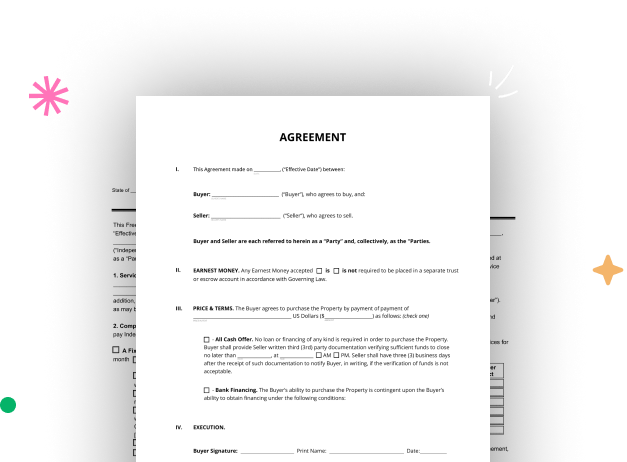

Create your Commercial Code Legal Form from scratch

Start Building Now
Title decoration

Here's how it works

01. Start with a blank Commercial Code Legal Form
Open the blank document in the editor, set the document view, and add extra pages if applicable.
02. Add and configure fillable fields
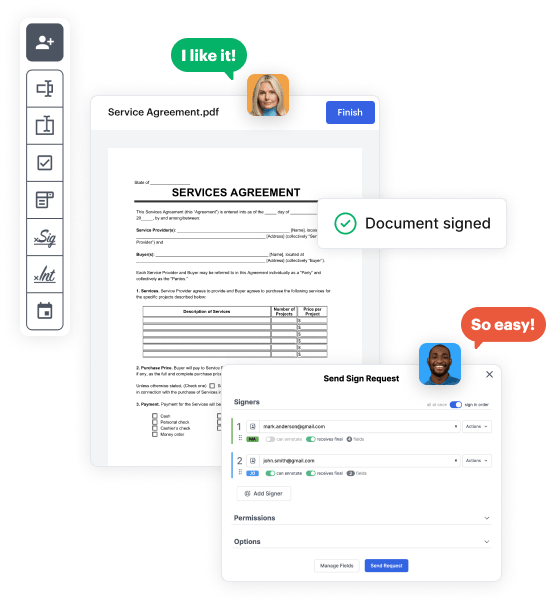
Use the top toolbar to insert fields like text and signature boxes, radio buttons, checkboxes, and more. Assign users to fields.
03. Distribute your form
Share your Commercial Code Legal Form in seconds via email or a link. You can also download it, export it, or print it out.

Create Commercial Code Legal Form from the ground up by following these detailed guidelines

Form edit decoration

Step 1: Start off by launching DocHub.

Start by setting up a free DocHub account using any offered sign-up method. If you already have one, simply log in.

Step 2: Register for a 30-day free trial.

Try out the whole set of DocHub's advanced tools by signing up for a free 30-day trial of the Pro plan and proceed to build your Commercial Code Legal Form.

Step 3: Build a new blank document.

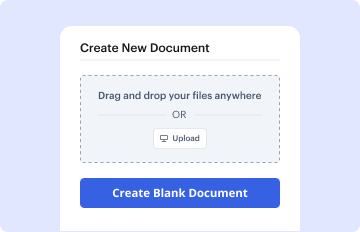
In your dashboard, select the New Document button > scroll down and hit Create Blank Document. You’ll be redirected to the editor.

Step 4: Organize the document’s layout.

Utilize the Page Controls icon indicated by the arrow to toggle between two page views and layouts for more flexibility.

Step 5: Start adding fields to design the dynamic Commercial Code Legal Form.

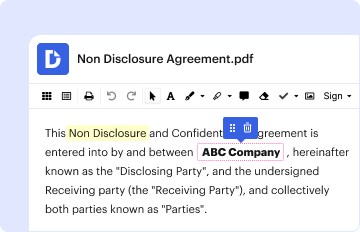
Use the top toolbar to add document fields. Add and configure text boxes, the signature block (if applicable), embed images, etc.

Step 6: Prepare and customize the added fields.

Organize the fillable areas you added per your preferred layout. Personalize the size, font, and alignment to make sure the form is straightforward and neat-looking.

Step 7: Finalize and share your template.

Save the ready-to-go copy in DocHub or in platforms like Google Drive or Dropbox, or craft a new Commercial Code Legal Form. Share your form via email or use a public link to reach more people.


be ready to get more

Build your Commercial Code Legal Form in minutes

Start creating now

Got questions?

We have answers to the most popular questions from our customers. If you can't find an answer to your question, please contact us.
Contact us
There are two main forms: UCC-1 is completed upon the purchase or refinance of a property at closing and remains valid for 5 years from the date of filing. UCC-3 is an amendment or continuation statement that the owner files to renew the UCC-1 for another 5-year period.
Send filing a ucc 1 on yourself pdf via email, link, or fax. You can also download it, export it or print it out. Type text, add images, blackout confidential details, add comments, highlights and more. Draw your signature, type it, upload its image, or use your mobile device as a signature pad.
Deleted Collateral has the meaning assigned to such term in Section 1.01 of the Sale and Servicing Agreement. Deleted Collateral . An item of Collateral replaced or to be replaced by one or more items of Qualified Substitute Collateral.
The Uniform Commercial Code (UCC), first published in 1952, is one of a number of uniform acts that have been established as law with the goal of harmonizing the laws of sales and other commercial transactions across the United States through UCC adoption by all 50 states, the District of Columbia, and the Territories
A UCC-3 (Uniform Commercial Code-3 statement) is a legal filing used to make any changes to a current UCC-1 filing. In short, a UCC-3 is considered an amendment filing. With Fast Track Filing, you can amend a UCC-1 filing in a few ways: 1. Termination: This filing extinguishes the UCC-1 before its five-year term ends.
be ready to get more

Build your Commercial Code Legal Form in minutes

Start creating now

Related Q&A to Commercial Code Legal Form

UCC stands for Uniform Commercial Code. The Uniform Commercial Code is a uniform law that governs commercial transactions, including sales of goods, secured transactions and negotiable instruments.
Special considerations: A collateral restatement is a replacement of a prior collateral description, not an addition, so a secured partys security interest in any collateral that is not fully restated in the UCC3 collateral amendment risks becoming unperfected.
By Mail: send the completed form with the processing fee of $40 to the New York State Department of State, Division of Corporations, State Records and Uniform Commercial Code, One Commerce Plaza, 99 Washington Avenue, Albany, New York 12231.

Additional resources on building your forms