

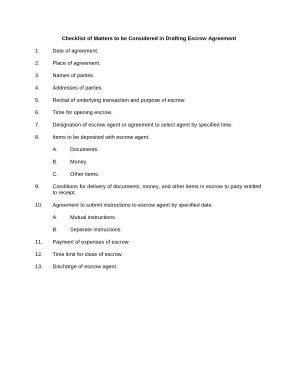
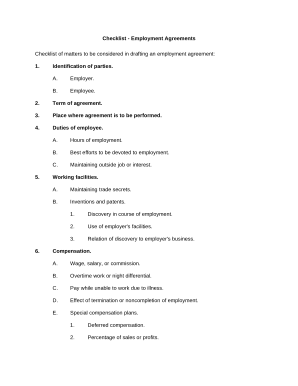
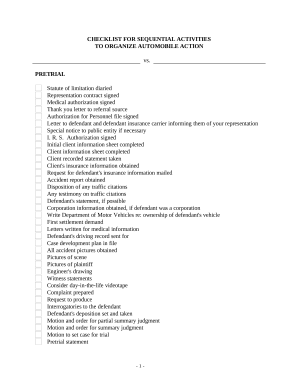
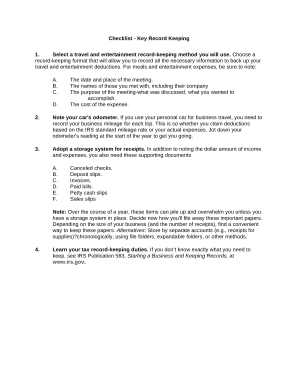
Manage Checklist Templates effortlessly online

Document management can overwhelm you when you can’t locate all of the documents you require. Luckily, with DocHub's considerable form library, you can discover all you need and promptly manage it without the need of switching among programs. Get our Checklist Templates and start working with them.

The best way to manage our Checklist Templates using these simple steps:

  1. Check Checklist Templates and choose the form you require.
  2. Review the template and then click Get Form.
  3. Wait for it to upload in the online editor.
  4. Adjust your template: add new information and pictures, and fillable fields or blackout certain parts if necessary.
  5. Prepare your template, save changes, and prepare it for sending.
  6. When all set, download your form or share it with your contributors.

Try out DocHub and browse our Checklist Templates category with ease. Get your free profile right now!


Video Guide on Checklist Templates management

video background

Commonly Asked Questions about Checklist Templates

How do I make a checklist in Excel? Start by entering your tasks in a column in an Excel document. Next, enable the Developer tab in Excels options, choose Insert, and pick the checkbox from Form Controls. Place the checkbox control next to your tasks to finish your checklist.
0:24 2:37 So thats one way to do it so lets uh back out of this here. The second way is to use bullets. SoMoreSo thats one way to do it so lets uh back out of this here. The second way is to use bullets. So if we put our cursor here. Again. So this way is going to be the non-checkable.
Google Sheets also allow you to make custom checklists and save them as templates. You can do it by adding checkboxes to the desired cells and keep the sheet for future use. To add the checkboxes, you need to click on the Insert tab at the top, select Checkbox, and youre all done.
0:26 3:12 You could see right here inside of my controls. I have a list of controls here to add. In includingMoreYou could see right here inside of my controls. I have a list of controls here to add. In including the checkbox. So here for the checkbox.
Method 1: From the ribbon To insert a checklist from the ribbon: Go to the Home tab. Navigate to the Paragraph group. Click Checklist.
How to make a checklist Open Canva. Open Canva and type Checklist in the search bar. Choose a template. If you need a little inspiration to get started, Canvas library has hundreds of checklist templates to choose from. Add graphics and text. Personalize some more. Save or print.
Again, a checklist in Excel is the best option. It can help you maintain a record in the spreadsheet as you complete the job or items. Moreover, you may also view them to know when you have checked off everything.
