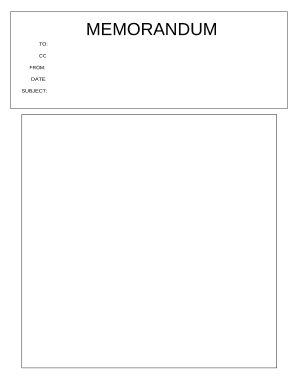
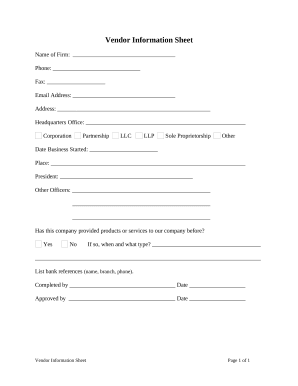
Enhance your productivity with Business forms and Templates

Form managing occupies to half of your office hours. With DocHub, it is possible to reclaim your time and effort and increase your team's efficiency. Access Business forms and Templates category and discover all form templates related to your day-to-day workflows.

Effortlessly use Business forms and Templates:

  1. Open Business forms and Templates and employ Preview to get the appropriate form.
  2. Click Get Form to begin working on it.
  3. Wait for your form to open in the online editor and start modifying it.
  4. Add new fillable fields, icons, and images, change pages, and many more.
  5. Complete your template or prepare it for other contributors.
  6. Download or share the form by link, email attachment, or invite.

Improve your day-to-day file managing with our Business forms and Templates. Get your free DocHub profile today to explore all templates.


Video Guide on Business forms and Templates management

video background

Commonly Asked Questions about Business forms and Templates

1. Open Acrobat and create a new document, scan a document, or open an existing document youve created in Word, Google Docs, or another program, and save it as a PDF. 2. Add fillable form fields by either right-clicking and selecting the Form Field tool or by choosing fields directly from the toolbar.
docHub is the quick, secure, and reliable way to fill out PDF files, create new forms, and manage documents online on the go or in the office. You can also add an e-signature to a form from any device.
Templates are the primary data-gathering document framework created by a member of your organization. Forms are unique instances of these documents created and completed by Form Users.
Creating a Fillable PDF with docHub: Open docHub. Launch docHub on your computer. Create a new document. Click on File and select Create Blank Document. Add form fields. Click on Tools Prepare Form. Adjust field properties. Save your document.
The five forms of business organizations include the following: Partnership. Corporation. Sole proprietorship. Cooperative. Limited liability company.
Its easy to create fillable PDF form in docHub. Open Acrobat. Select a file or scan a document. Add new form fields. To change existing text boxes or images, click Edit in the toolbar. Save your fillable PDF.
Digital forms play a pivotal role in streamlining data collection, enhancing workflow efficiency, and improving decision-making processes across various industries. From capturing critical information to facilitating complex business operations, nowadays, you can find a form for virtually any use case.
The free docHub Reader cannot create fillable forms. You need the full Acrobat product to create forms that Reader users and other Acrobat users can fill in.