
Create your Accounting Package from scratch

Start Building Now
Title decoration

Here's how it works

01. Start with a blank Accounting Package
Open the blank document in the editor, set the document view, and add extra pages if applicable.
02. Add and configure fillable fields
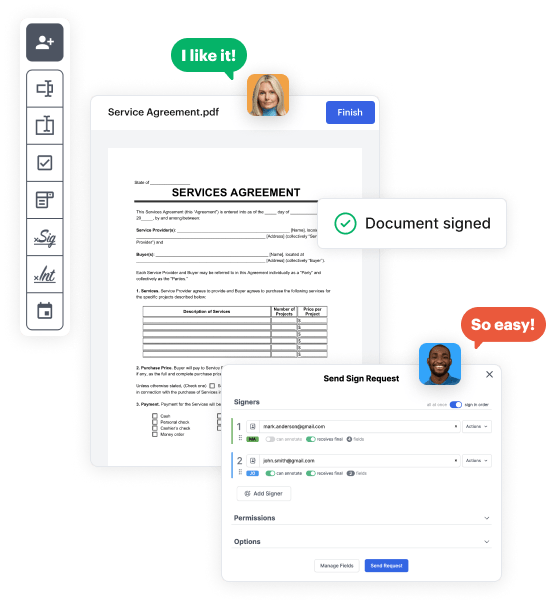
Use the top toolbar to insert fields like text and signature boxes, radio buttons, checkboxes, and more. Assign users to fields.
03. Distribute your form
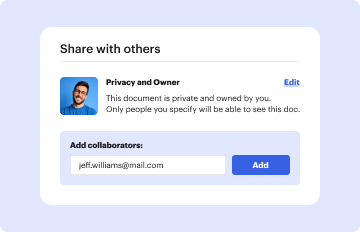
Share your Accounting Package in seconds via email or a link. You can also download it, export it, or print it out.

Design your Accounting Package in a matter of minutes

Form edit decoration

Step 1: Access DocHub to build your Accounting Package.

Start by logging into your DocHub account. Try out the pro DocHub functionality at no cost for 30 days.

Step 2: Navigate to the dashboard.

Once logged in, head to the DocHub dashboard. This is where you'll build your forms and handle your document workflow.

Step 3: Design the Accounting Package.

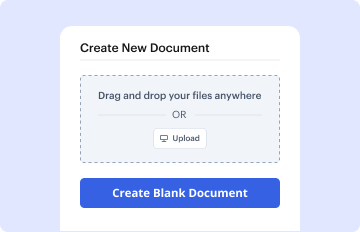
Click on New Document and select Create Blank Document to be taken to the form builder.

Step 4: Set up the form layout.

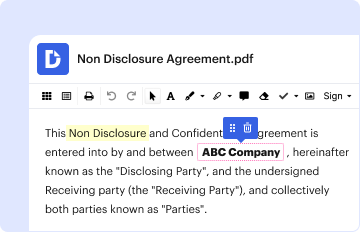
Use the DocHub toolset to add and arrange form fields like text areas, signature boxes, images, and others to your document.

Step 5: Add text and titles.

Add needed text, such as questions or instructions, using the text tool to assist the users in your document.

Step 6: Customize field properties.

Alter the properties of each field, such as making them compulsory or formatting them according to the data you plan to collect. Designate recipients if applicable.

Step 7: Review and save.

After you’ve managed to design the Accounting Package, make a final review of your document. Then, save the form within DocHub, export it to your preferred location, or distribute it via a link or email.


be ready to get more

Build your Accounting Package in minutes

Start creating now

Got questions?

We have answers to the most popular questions from our customers. If you can't find an answer to your question, please contact us.
Contact us
Yes, you can create your own accounting software. However, developing accounting software requires high skills, so it is recommended to work with dedicated development team or hire custom software development services.
Setting up an accounting system in 7 steps Open up a bank account for your business. Select an accounting method. Choose accounting software that fits your needs. Set up a chart of accounts. Decide how to organize new transactions and old records. Choose a start date to switch to your new software. Plug in the numbers.
Average ERP Implementation Times by Organization Size While individual projects may vary, here are some guidelines for how long does erp implementation take: Small Businesses: 3-4 months. Medium-sized Businesses: 6-9 months. Large Businesses: 9-18 months.
Key Expectations Open a Bank Account for the Business. Choose an Accounting Method. Choose a Computerized System. Record Transactions. Compile a Chart of Accounts. Determine your Payment and Receivable Terms.
03 | 10-steps for Migrating to a New Accounting System Assess Current System and Needs. Research and Select a New System. Plan the Migration Process. Prepare Data for Migration. Test the Migration Process. Train Your Team. Perform the Migration. Verify and Validate.
be ready to get more

Build your Accounting Package in minutes

Start creating now

Related Q&A to Accounting Package

Check out everything you need to know about selecting a new provider, accounting data migration, and more. Choose a new provider. Check for issues around integration. Set a date for switching to the new accounting system. Select data to important and prepare data for migration. Import data to new accounting system.
A business accounting software organises an enterprises financial data. The software helps prepare and present accounts and financial statements ing to issued standards.
Accounting software manages and records the day-to-day financial transactions of an organization, including fixed asset management, expense management, revenue management, accounts receivable, accounts payable, subledger accounting, and reporting and analytics.

Additional resources on building your forms