
Create your Thank you note from a church Donation Form from scratch
Start Building Now




Here's how it works
Create Thank you note from a church Donation Form from scratch by following these step-by-step guidelines
Step 1: Get started with DocHub.
Begin by signing up for a free DocHub account using any offered sign-up method. Just log in if you already have one.
Step 2: Sign up for a free 30-day trial.
Try out the complete set of DocHub's pro features by registering for a free 30-day trial of the Pro plan and proceed to build your Thank you note from a church Donation Form.
Step 3: Add a new blank document.
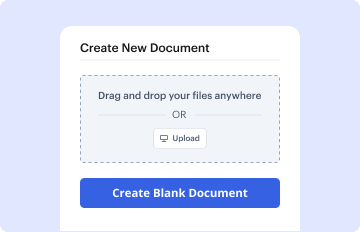
In your dashboard, click the New Document button > scroll down and choose to Create Blank Document. You will be taken to the editor.
Step 4: Organize the document’s view.
Use the Page Controls icon indicated by the arrow to switch between two page views and layouts for more flexibility.
Step 5: Begin by inserting fields to design the dynamic Thank you note from a church Donation Form.
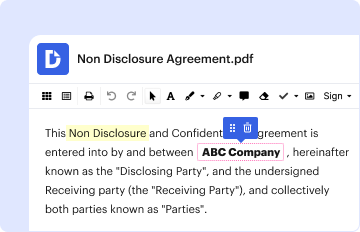
Navigate through the top toolbar to add document fields. Add and format text boxes, the signature block (if applicable), insert images, etc.
Step 6: Prepare and customize the added fields.
Arrange the fields you added per your preferred layout. Personalize each field's size, font, and alignment to ensure the form is user-friendly and professional.
Step 7: Finalize and share your form.
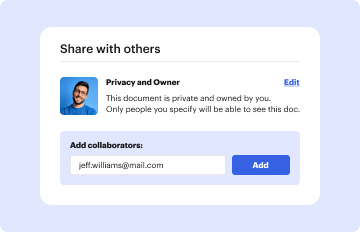
Save the ready-to-go copy in DocHub or in platforms like Google Drive or Dropbox, or create a new Thank you note from a church Donation Form. Share your form via email or get a public link to reach more people.
