
Background Donation Forms
Simplify your donation workflows with Background Donation Forms templates. Remain compliant with laws by effortlessly filling out forms and sending forms.

Create a new Background Donation Form
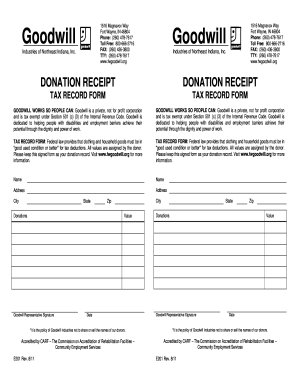
Goodwill
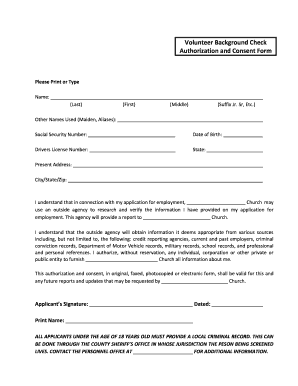
Criminal background check form pdf
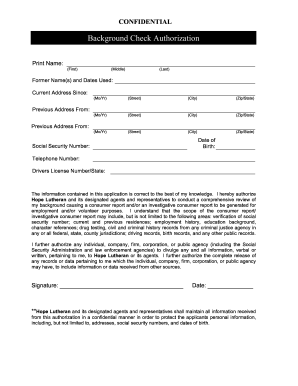
Background check form
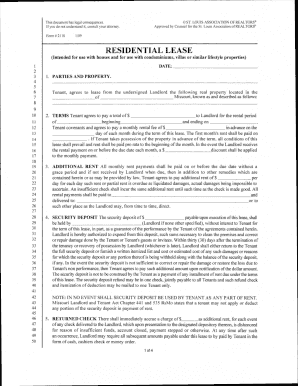
St louis association of realtors forms

Papa john's donation request
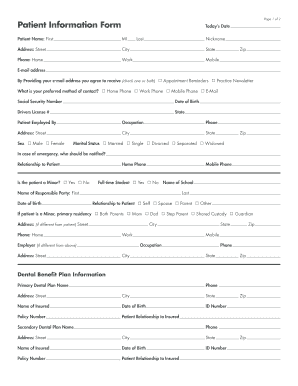
Printable dental forms
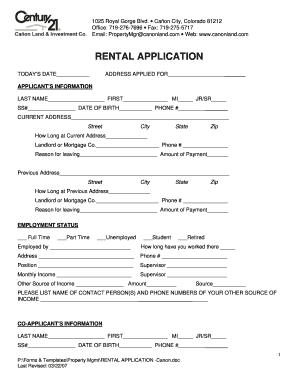
Century 21 rental application
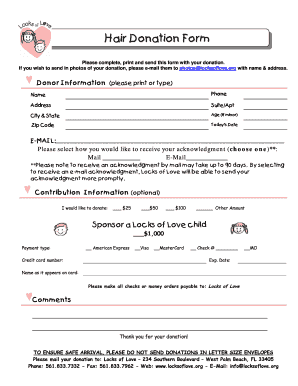
Locks for love hair donation form

Identogo form
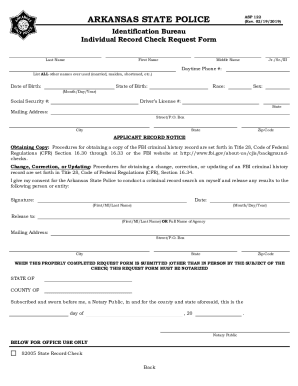
Asp 122

Bir form 1800
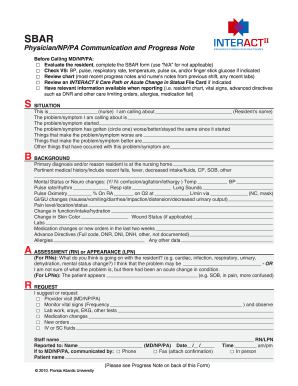
Sbar fillable
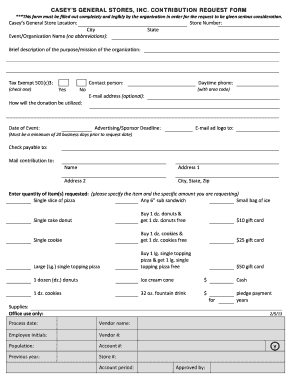
Casey's donation request
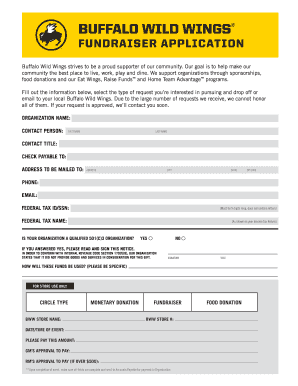
Buffalo wild wings donation request

Mexico application mexican
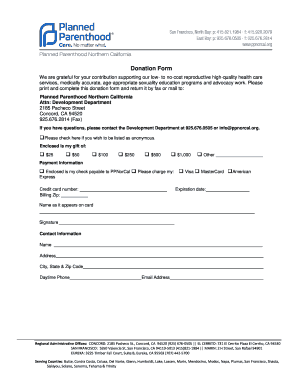
Donation Form - Planned Parenthood Official Site - plannedparenthood
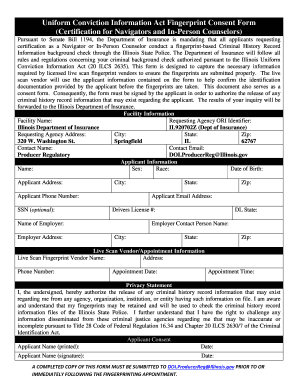
Isp6 404b
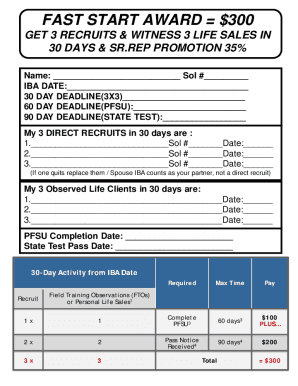
Primerica presentation pdf
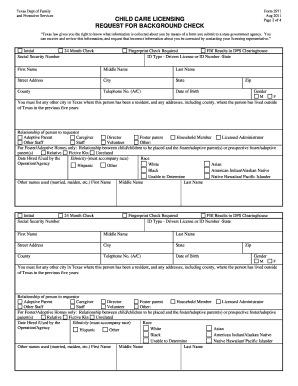
Form 2971
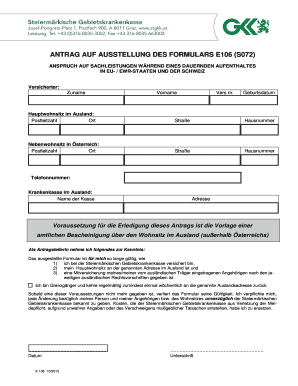
S072 formular
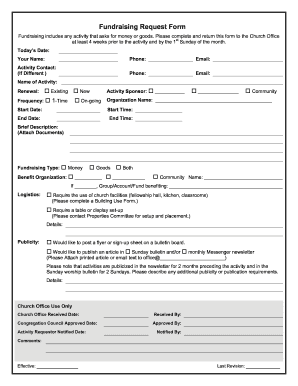
Church forms fundraising form
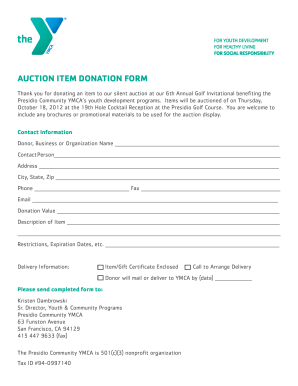
AUCTION ITEM DONATION FORM - YMCA - ymcasf
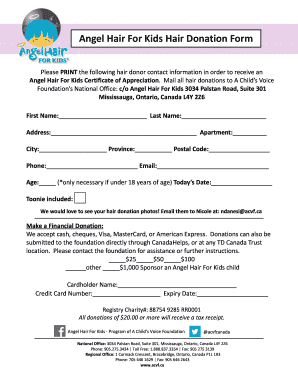
Hair donation form
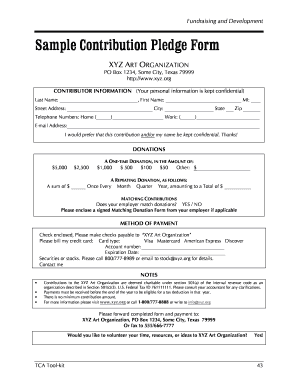
Pledge form

Wands for wildlife submission form
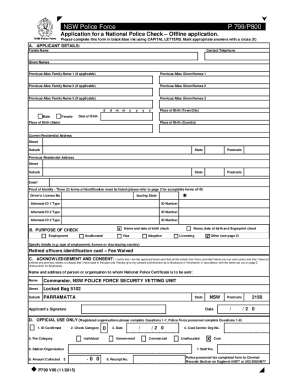
Police check form printable
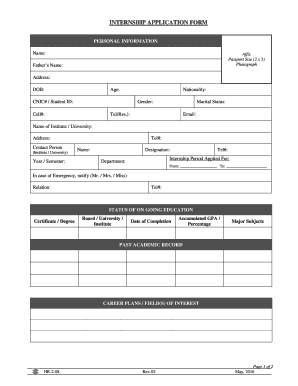
World vision internship application form
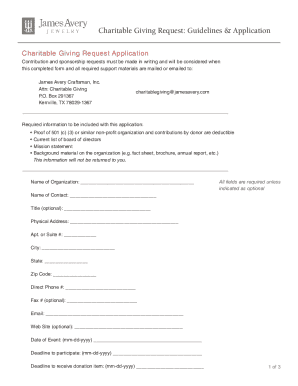
Charitable Giving Request Guidelines Application - James Avery
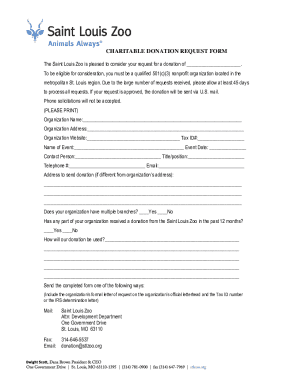
CHARITABLE DONATION REQUEST FORM - cdn2.assets-servd.host

Ocooch Mountain Humane Society Donation Form - ocoochmountainhumanesociety
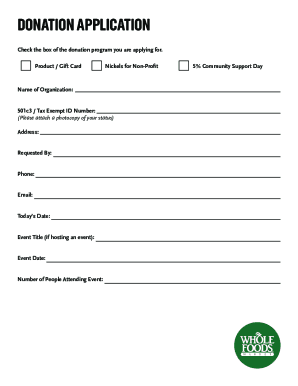
Whole foods donation request

To print the Donation Form - Canadian Cancer Society

UHN Donor Health History Form - Toronto General Hospital
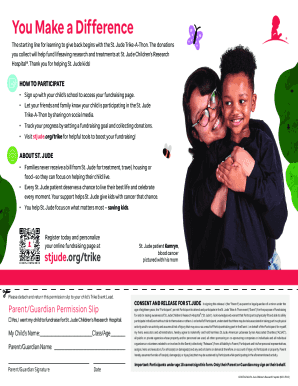
St Jude Trike-A-Thon Family Participant Donation Form FY24 St Jude Trike-A-Thon Family Participant D
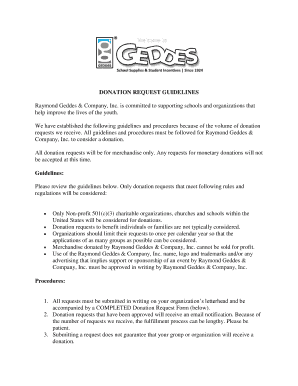
Donation Request Form - Geddes
Increase your work productivity with Background Donation Forms
Form managing occupies to half of your business hours. With DocHub, it is possible to reclaim your time and effort and enhance your team's productivity. Access Background Donation Forms category and discover all templates related to your daily workflows.
Effortlessly use Background Donation Forms:
- Open Background Donation Forms and utilize Preview to obtain the appropriate form.
- Click Get Form to begin working on it.
- Wait for your form to upload in our online editor and begin editing it.
- Add new fillable fields, icons, and images, adjust pages order, etc.
- Fill out your file or prepare it for other contributors.
- Download or share the form by link, email attachment, or invite.
Boost your daily file managing using our Background Donation Forms. Get your free DocHub account right now to discover all forms.
Video Guide on Background Donation Forms management

Commonly Asked Questions about Background Donation Forms
Contents What to put on a donation form?
Proof can be provided in the form of an official receipt or invoice from the receiving qualified charitable organization, but it can also be provided via credit card statements or other financial records detailing the donation.
What should be on a donation page?
Here are some customizations you must include: Pick colors that match your brand. Place your logo. Add a compelling background. Add a disclaimer to tell donors where their donation will be used. Add your donation policy. Add short descriptions of the impact different donation amounts will have.
How to create donation forms?
An online donation form is a website element that you embed in your website to allow your donors to give to your nonprofit. A good donation form is neat and easy to use, asking only the most vital information from donors and providing multiple payment options.
How to write content for donation?
How to Write a Donation Request Letter Your nonprofits mission statement. Your monetary goal and what youll use it for. Your organizations latest accomplishments. Your offered benefits for donating money or goods to your cause. Your acknowledgment of the recipients past history of support.
How to write a donation form?
1. The Basic Donation Letter Format Salutation. Greet your potential donor with a friendly opening, and personalize it with their name whenever possible. Explanation of your mission. Your project, event, or needs. Compelling details. A specific request. A call-to-action.
What is an example of a donation message?
Dear [Donor], Thank you for your generous support in the amount of $[gift size]. Your donation is helping us make a real impact in the lives of those we serve. We wanted to let you know about an exciting opportunity to make your gift go even further.
Related Templates

Key Club Service Verification Form
The document is a verification form for Key Club members to confirm the completion of a community service project, requi ...

Get the free APPLICATION FOR EMPLOYMENT - Town of Groton
The document is an employment application for the Town of Groton, emphasizing equal opportunity employment without discr ...
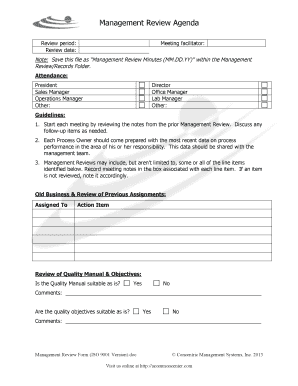
Management Review Form ISO 9001 Version
The document outlines the agenda for a Management Review meeting, detailing the structure and guidelines for conducting ...

Raley's cake order form
The document is a cake order form that allows customers to specify their cake preferences, including size, flavor, icing ...
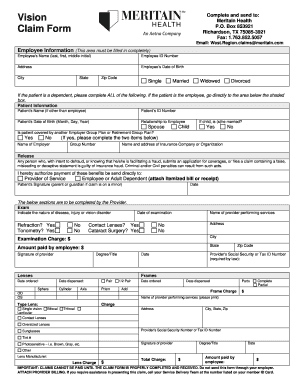
Meritain vision claim form
The document is a Vision Claim Form for Meritain Health, requiring detailed employee and patient information, including ...

AUTHORIZATION TO RELEASE CLAIM HISTORY
The document is an 'Authorization to Release Claim History and Coverage Verification Form' that allows providers to requ ...
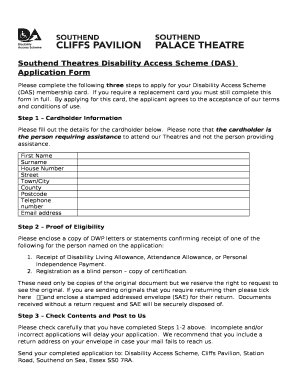
Cliffs pavilion disabled tickets
The document outlines the application process for the Southend Theatres Disability Access Scheme (DAS) membership card, ...
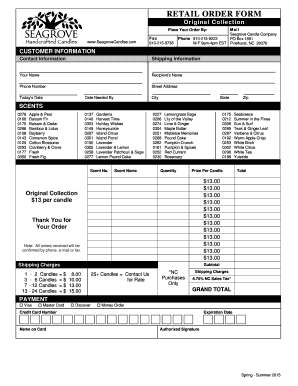
Wholesale Order Form - seagrovecandlescom
The document is a retail order form for Seagrove Candle Company, detailing customer and shipping information, a list of ...