
Create your South carolina court of common pleas summons Complaint Form from scratch
Start Building Now




Here's how it works
Create your South carolina court of common pleas summons Complaint Form in a matter of minutes
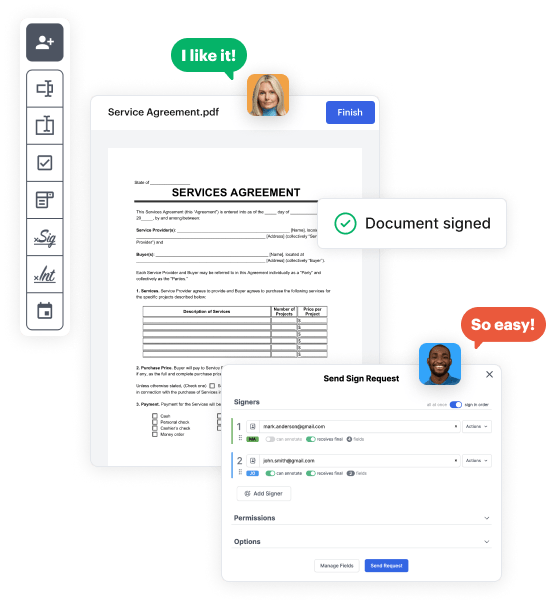
Step 1: Access DocHub to set up your South carolina court of common pleas summons Complaint Form.
Begin by accessing your DocHub account. Explore the pro DocHub functionality at no cost for 30 days.
Step 2: Navigate to the dashboard.
Once logged in, go to the DocHub dashboard. This is where you'll create your forms and handle your document workflow.
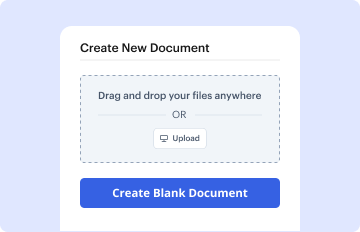
Step 3: Create the South carolina court of common pleas summons Complaint Form.
Hit New Document and choose Create Blank Document to be redirected to the form builder.
Step 4: Design the form layout.
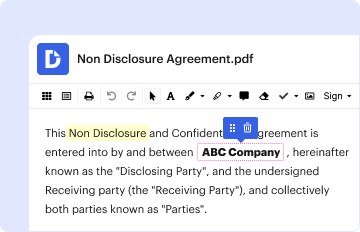
Use the DocHub toolset to insert and configure form fields like text areas, signature boxes, images, and others to your form.
Step 5: Insert text and titles.
Include needed text, such as questions or instructions, using the text tool to assist the users in your form.
Step 6: Customize field settings.
Alter the properties of each field, such as making them mandatory or formatting them according to the data you plan to collect. Designate recipients if applicable.
Step 7: Review and save.
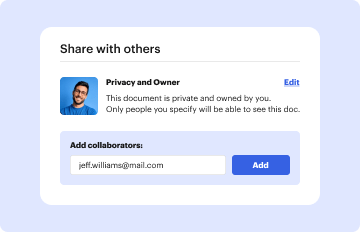
After you’ve managed to design the South carolina court of common pleas summons Complaint Form, make a final review of your form. Then, save the form within DocHub, send it to your chosen location, or distribute it via a link or email.



