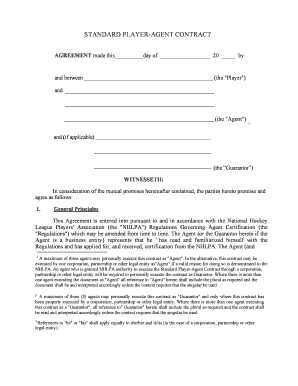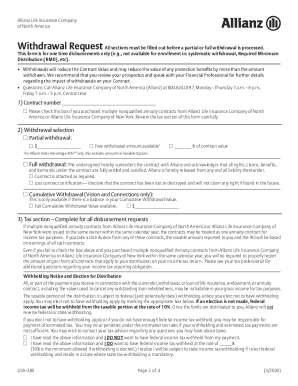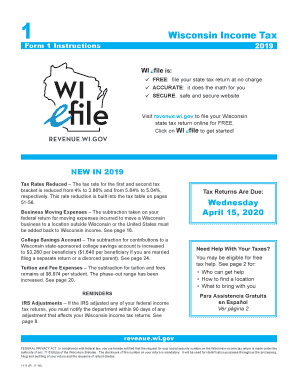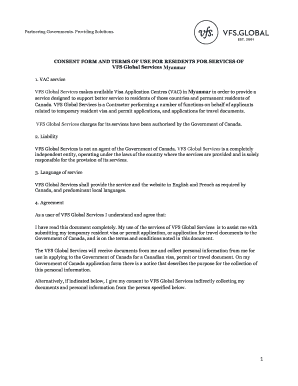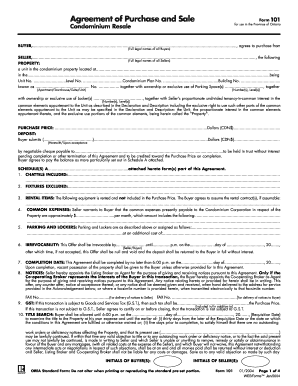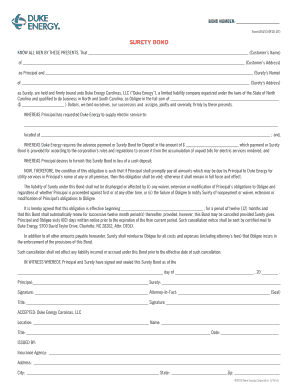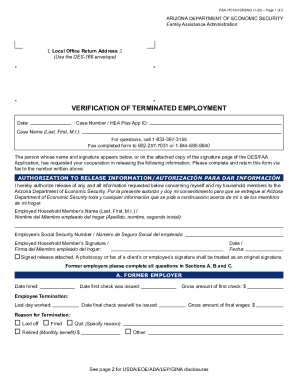
Raise your work productivity with Contract amendment Canada Forms

Form administration consumes to half of your business hours. With DocHub, you can reclaim your time and effort and improve your team's productivity. Get Contract amendment Canada Forms category and check out all document templates relevant to your daily workflows.

The best way to use Contract amendment Canada Forms:

  1. Open Contract amendment Canada Forms and employ Preview to get the relevant form.
  2. Click on Get Form to begin working on it.
  3. Wait for your form to open in the online editor and begin modifying it.
  4. Add new fillable fields, icons, and images, change pages order, and many more.
  5. Complete your template or set it for other contributors.
  6. Download or deliver the form by link, email attachment, or invite.

Boost your daily file administration with our Contract amendment Canada Forms. Get your free DocHub account right now to discover all forms.


Video Guide on Contract amendment Canada Forms management

video background

Commonly Asked Questions about Contract amendment Canada Forms

How to create a contract amendment Pinpoint what you want to change or add. Look at your contract and write down the parts you need to change. Date and title the new amendment. Next, add the current date and the title and date of the original agreement to the document. Draft and describe the changes. Finalize the changes.
An addendum typically provides additional information without altering the original documents terms. Amendments, on the other hand, introduce major changes to the original agreements terms. Addendum: Useful for adding supplementary details, such as clarifications, schedules, or attachments.
Always put a contract amendment in writing and make sure both parties sign and date it. Reference the title of the contract, if applicable; its original parties; and original signing date, so that it is clear what document you are amending. Attach the amendment to the original contract. Modify an existing contract with a contract amendment | .com articles modify-an-existi .com articles modify-an-existi
How to create a contract amendment Pinpoint what you want to change or add. Look at your contract and write down the parts you need to change. Date and title the new amendment. Next, add the current date and the title and date of the original agreement to the document. Draft and describe the changes. Finalize the changes. Contract Amendments 101 | Ironclad ironcladapp.com journal contract-management ironcladapp.com journal contract-management
Can you change a contract after it is signed? Unfortunately, it can be more difficult to amend a contract once signed, but it is still possible. This is because once a contract is signed, its legally binding. Therefore, everyone involved in the contract must agree to any amendments you wish to make.
A contract amendment is a process and result of deleting from, making changes to, correcting, or adding to an existing contract after it has been signed. Most businesses will enter many contracts, and once when they do, they and the other party are bound by the terms and conditions.
Make sure the parties involved sign and date the amendment, or it wont be legally enforceable. Attach any amendment to the original version of the contract. Be sure to reference the amendments title, date, parties, and signature date. Dont amend previous amendments or make multiple amendments.
Here are a few tips on how to complete the Sample Amendment to Contract and incorporate it into your contract. Introductory paragraph. Describe the amendment(s). Effective date of the amendment. The concluding paragraph. Proofread and sign your amendment.
The simplest way to define consideration is something of legal value. Typically, for one of the parties, consideration means money. In many cases, when you want to make a change to a contract, both parties need to have a new benefit. The benefit could be money, or it could be something else that the parties agree on.