Manage Chronological resume Canada Forms easily online

Document management can stress you when you can’t discover all of the documents you require. Luckily, with DocHub's considerable form library, you can get all you need and swiftly manage it without the need of switching among programs. Get our Chronological resume Canada Forms and begin working with them.

Using our Chronological resume Canada Forms using these simple steps:

  1. Check Chronological resume Canada Forms and select the form you require.
  2. Preview the template and click Get Form.
  3. Wait for it to upload in our online editor.
  4. Edit your document: include new information and images, and fillable fields or blackout some parts if needed.
  5. Prepare your document, preserve changes, and prepare it for sending.
  6. When ready, download your form or share it with your contributors.

Try out DocHub and browse our Chronological resume Canada Forms category without trouble. Get a free account right now!


Video Guide on Chronological resume Canada Forms management

video background

Commonly Asked Questions about Chronological resume Canada Forms

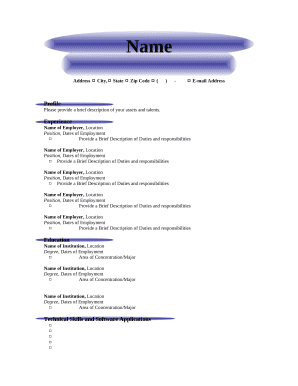
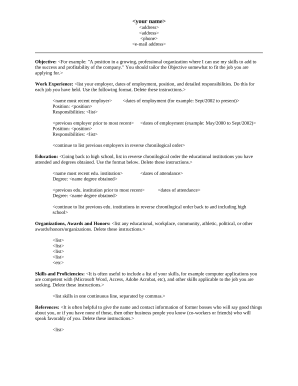
The most popular resume format in Canada is the reverse-chronological format (which is also called the chronological format). Its so widely used that its expected by most recruiters. The chronological format puts your most recent work experiences first and then goes back in time.
CVs in Canada typically follow a reverse-chronological format. Your CV format for Canada applications should follow this structure. The format concentrates primarily on your work experience. It also means adding your current or most recent employment and achievements first, followed by each preceding job or event.
How to create a resume in a Canadian format Complete a resume header. Creating a resume header in a Canadian format is similar to the format for a U.S. resume header. Write a professional summary. Describe your professional experience. List your skills. Provide your educational background.
Zety is a free online resume builder that offers a wide range of templates and customization options. You can create a professional and polished resume in just a few minutes. Zety offers a user-friendly interface and step-by-step instructions to help you create a unique and creative resume.
How to convert your resume to ATS-friendly format Use a traditional font. Dont use headers or footers. Use standard resume section headings. Avoid graphics. Use the right file format. Format your dates correctly. Use keywords and phrases from the job posting and match the criteria. Choose the right ATS-friendly resume format.
TIP: Reverse chronological order of job history is the most common Canadian resume format. Functional order is another option that prioritizes skills over employment history. Work history takes up the bulk of your resume.
A Canadian-style resume can be thought of as a more fluid document. This one- or two-page document provides a snapshot of your work experience and education and maybe repositioned and revised to suit targeted jobs. A CV is a running tally of all your major career accomplishments.