
Create your Sc tax Business Form from scratch

Start Building Now
Title decoration

Here's how it works

01. Start with a blank Sc tax Business Form
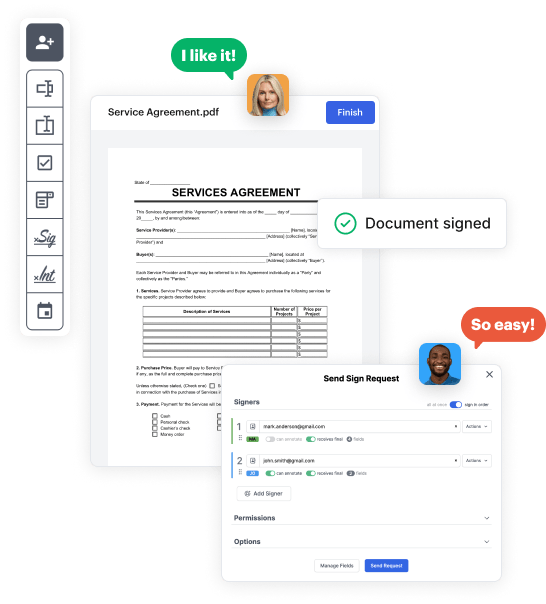
Open the blank document in the editor, set the document view, and add extra pages if applicable.
02. Add and configure fillable fields
Use the top toolbar to insert fields like text and signature boxes, radio buttons, checkboxes, and more. Assign users to fields.
03. Distribute your form
Share your Sc tax Business Form in seconds via email or a link. You can also download it, export it, or print it out.

A detailed walkthrough of how to craft your Sc tax Business Form online

Form edit decoration

Step 1: Start with DocHub's free trial.

Navigate to the DocHub website and sign up for the free trial. This provides access to every feature you’ll require to create your Sc tax Business Form without any upfront cost.

Step 2: Access your dashboard.

Log in to your DocHub account and proceed to the dashboard.

Step 3: Initiate a new document.

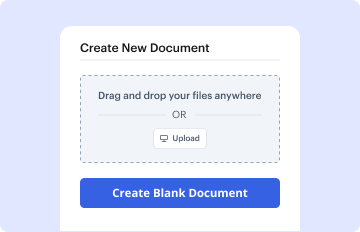
Hit New Document in your dashboard, and select Create Blank Document to create your Sc tax Business Form from the ground up.

Step 4: Utilize editing tools.

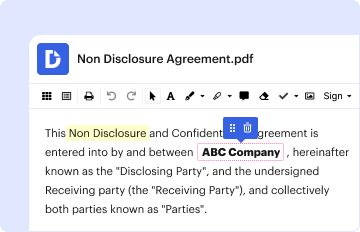
Place different elements such as text boxes, radio buttons, icons, signatures, etc. Organize these fields to suit the layout of your form and designate them to recipients if needed.

Step 5: Organize the form layout.

Rearrange your form easily by adding, moving, removing, or merging pages with just a few clicks.

Step 6: Set up the Sc tax Business Form template.

Convert your newly designed form into a template if you need to send multiple copies of the same document multiple times.

Step 7: Save, export, or share the form.

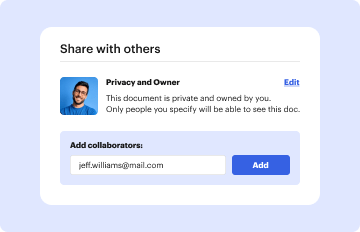
Send the form via email, share a public link, or even post it online if you wish to collect responses from a broader audience.


be ready to get more

Build your Sc tax Business Form in minutes

Start creating now

Got questions?

We have answers to the most popular questions from our customers. If you can't find an answer to your question, please contact us.
Contact us
Do business owners get w2? W2 for self employed. If you are operating your business under your own name, then technically, you are an independent contractor and not an employee. As an independent contractor, you wont be entitled to a W-2.
Small businesses frequently use the 1099-MISC. If a business spends $600 or more for services from an unincorporated business (s-corps, LLCs, sole proprietors, etc.) during a tax year, the total is reported on a 1099-MISC.
If small businesses pay certain expenses or receive certain forms of income, they will either need to send or receive a Form 1099. The IRS sets thresholds that will determine whether you need to fill out a 1099 form. For the most part, the IRS sets the minimum for 1099 forms at $600.
Forms are available at dor.sc.gov/forms.
You can report all of your business income and expenses on a Schedule C, which you file with your personal income tax return (Form 1040). The business itself is not taxed separately. You dont have to worry about the net worth of your Schedule C business from year to year, because you and the business are the same.
be ready to get more

Build your Sc tax Business Form in minutes

Start creating now

Related Q&A to Sc tax Business Form

Apply for a South Carolina Tax ID by Phone, Mail or Fax Its possible to find a paper application, and fill out the questionnaire by hand; after that, youll need to send it in via traditional mail or fax. You could also talk to a representative over the phone, assuming you call in during normal working hours.
To file your annual income tax return, you will need to use Schedule C (Form 1040), Profit or Loss from Business (Sole Proprietorship), to report any income or loss from a business you operated or profession you practiced as a sole proprietor, or gig work performed.
Get federal tax forms for current and prior years Download them from IRS.gov. Order online and have them delivered by U.S. mail. Order by phone at 1-800-TAX-FORM (1-800-829-3676)

Additional resources on building your forms


