
Metro denver Business Forms
Collect and arrange your business details with Metro denver Business Forms. Eliminate manual issues and improve your document accuracy with the DocHub online editing tools.

Create a new Metro denver Business Form
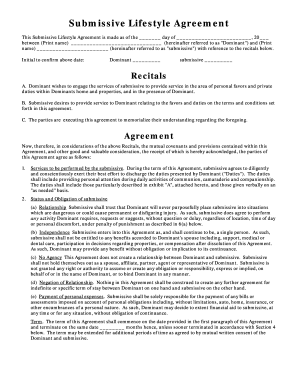
Submissive contract

How to colorado application unemployment
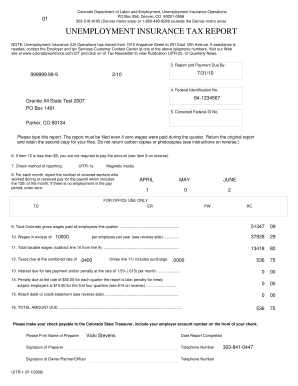
Uitr 1
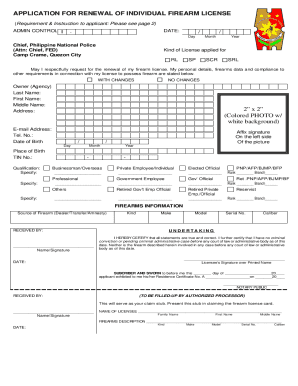
Firearms registration renewal form 2021
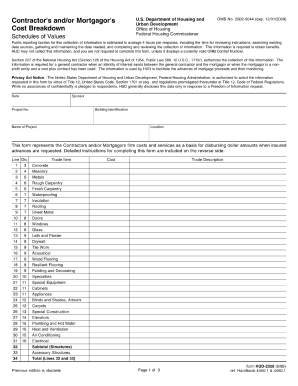
Hud 2328
Lbar
Avis accident report

Cdle request
Denver application guard

Dr 7511 form
Nys spousal refusal form
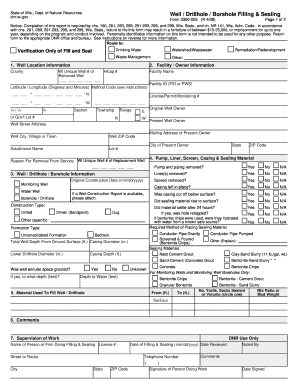
3300 005
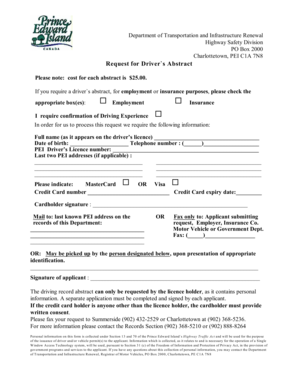
Ca prince edward island

Fort bend alarm permit

Unisa deferment form

Metro action online application
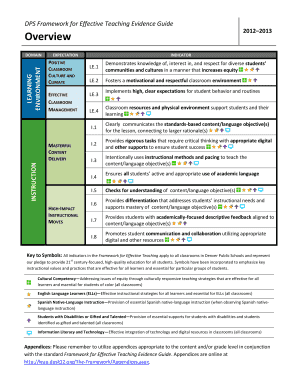
DPS Framework for Effective Teaching Evidence Guide Overview - leap dpsk12
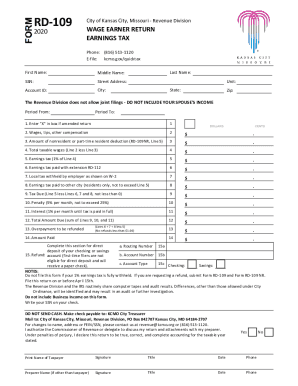
Rd 109 kansas city

City of denver department of excise and licenses general questionnaire instructions form
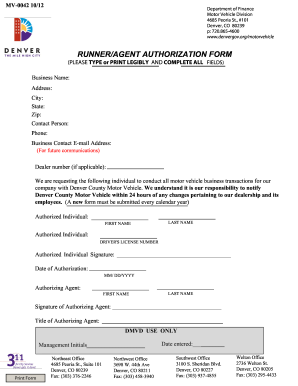
Denver dealer runner authorazation form
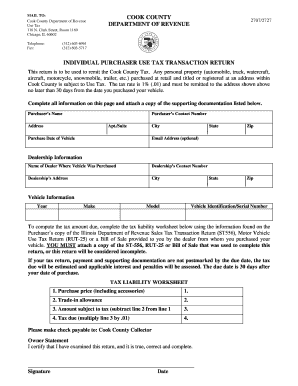
St556
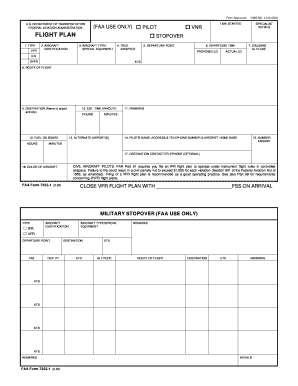
Faa federal aviation administration
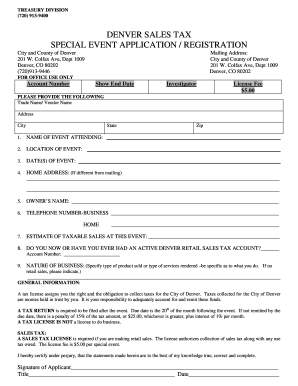
Special event denver sales tax

Arapahoe county concealed carry permit
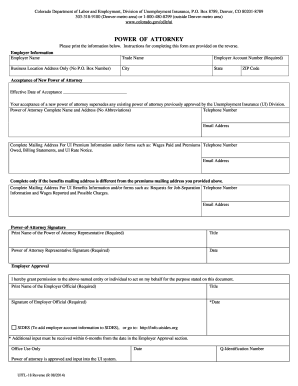
Colorado uitl 18
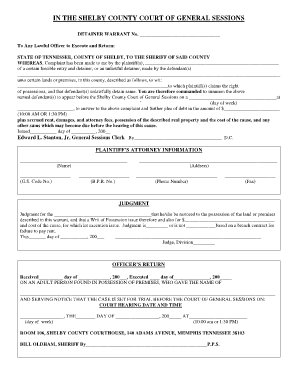
IN THE SHELBY COUNTY COURT OF GENERAL SESSIONS
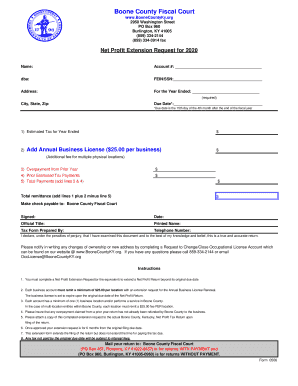
Kentucky extension request

Legacy Community Health: Health Clinic in Houston TX
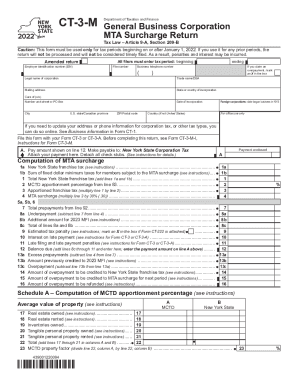
Form CT-3-M General Business Corporation MTA Surcharge Return Tax Year 2022

Denver birth certificate

Authorized signatory

DR 0734 - Colorado
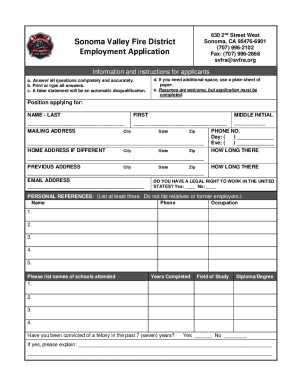
Sonoma Valley 630 2 Street West Fire & Rescue Authority
Manage Metro denver Business Forms effortlessly online
Document managing can stress you when you can’t discover all the forms you need. Luckily, with DocHub's considerable form categories, you can discover everything you need and easily handle it without changing between programs. Get our Metro denver Business Forms and begin working with them.
The best way to manage our Metro denver Business Forms using these easy steps:
- Examine Metro denver Business Forms and select the form you need.
- Preview the template and click on Get Form.
- Wait for it to open in our online editor.
- Alter your form: add new information and images, and fillable fields or blackout some parts if needed.
- Fill out your form, conserve modifications, and prepare it for sending.
- When you are ready, download your form or share it with other contributors.
Try out DocHub and browse our Metro denver Business Forms category with ease. Get your free account right now!
Video Guide on Metro denver Business Forms management

Commonly Asked Questions about Metro denver Business Forms
What are business forms examples?
What are the five forms of business organizations? Partnership. Corporation. Sole proprietorship. Cooperative. Limited liability company.
Is Denver a business city?
Home to over 40,000 business establishments, Denver is a prime locale for your business to flourish. Denvers key industry clusters are also highly appealing and lucrative.
What is the purpose of business forms?
They streamline processes and keep data consistent across departments. They can be used for decisions, analysis, and legal compliance. Common types of business forms include invoices, POs, applications, reports, and evaluations.
What is the purpose of a business form?
Business forms in accounting serve the purpose of providing information to make effective decisions in the management system of a business entity 1. They allow for informed management decisions, monitoring of their implementation, and the correct and complete use of available resources 1.
What is the definition of a business form?
A quick definition of business form: A business form is a type of document that is used for record-keeping and other business purposes. It is usually blank and needs to be filled in with information before it can convey any meaning. Blank forms are not protected by copyright law.
What are internal business forms?
Internal forms are used within a company and include purchase requests, receiving reports, and check vouchers. External forms are used between buying and selling companies and include purchase orders, delivery receipts, sales invoices, official receipts, and statements of account.
What is a business form example?
Another example of a business form is an invoice. It is a blank form that a business sends to a customer to request payment for goods or services provided. The invoice contains blank fields for the business to fill out with details about the products or services provided, the amount owed, and the payment due date.
Related Templates
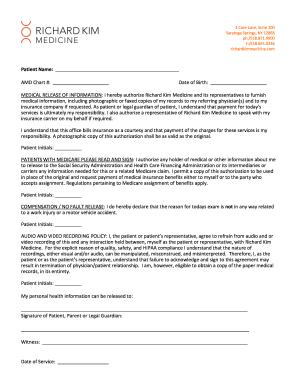
3 Care Lane, Suite 100
The document is a medical release form from Richard Kim Medicine, authorizing the release of patient medical information ...
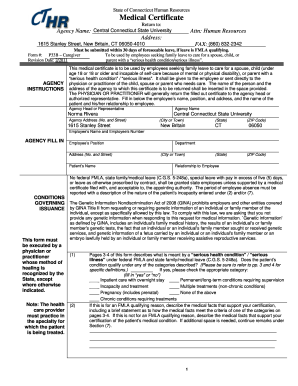
State of Connecticut Human Resources Medical Certificate
The document outlines the procedures and requirements for employees of Central Connecticut State University to obtain a ...

This is Riverside by Chamber Marketing Partners, Inc - Issuu
The document is a permission form for parents or legal guardians to authorize the treatment of minors at Riverside Commu ...
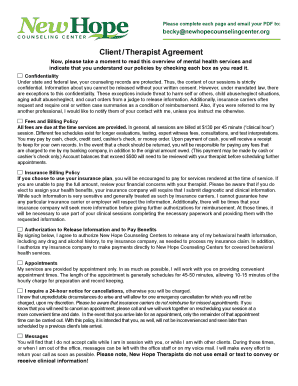
Therapist agreement
The document is a Client/Therapist Agreement from New Hope Counseling Center outlining the policies regarding confidenti ...

Ttfg classic 105
The document is a Classic 105 Medical Claim Reimbursement Form that outlines the process for employees to request reimbu ...

Fdtc nursing
The document outlines the application requirements and instructions for the Associate Degree Nursing Program at Florence ...
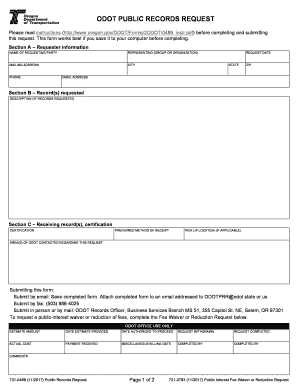
Odot public records request form
The document outlines the process for submitting a public records request to the Oregon Department of Transportation (OD ...

83045
The document is an application form from the Florida Department of Highway Safety and Motor Vehicles for registering str ...