
Checks Business Forms
Get industry-specific Checks Business Forms with the DocHub web catalog. Maintain security and compliance when modifying and completing your templates.

Create a new Checks Business Form
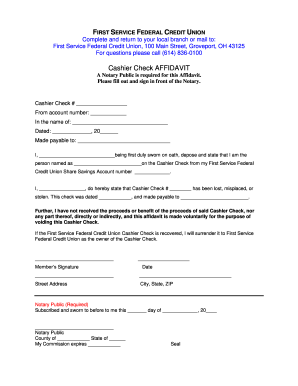
How to create a cashier's check
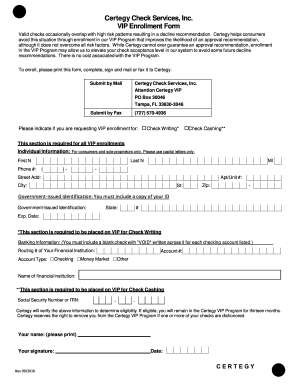
How to get around certegy
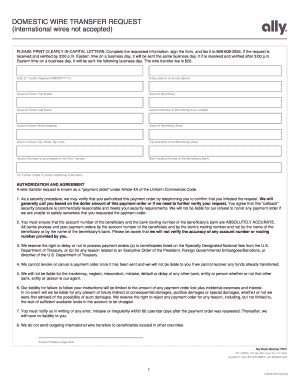
Wire check tutorial pdf
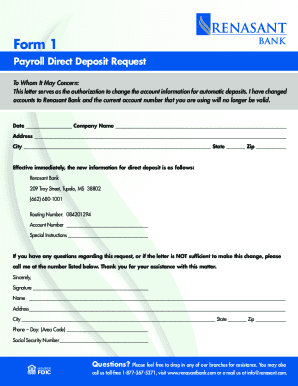
Renasant bank direct deposit form
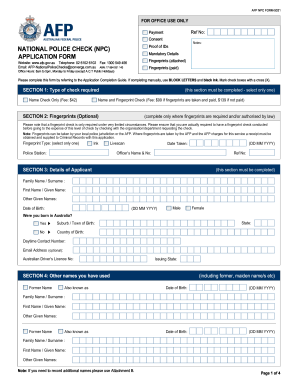
Afp national police check form
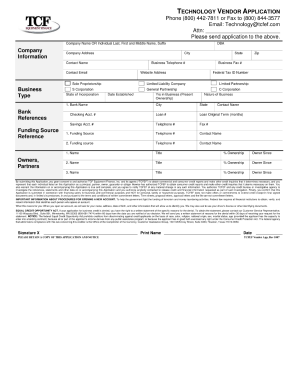
Tcf bank statement

Check register printable

Bpi manager's check form

Check printing software print checks online any printer or
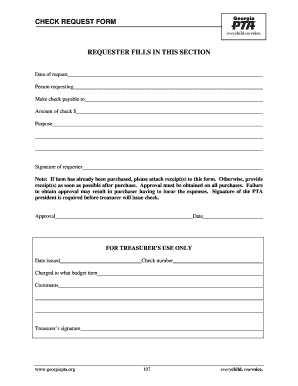
Check request form pdf
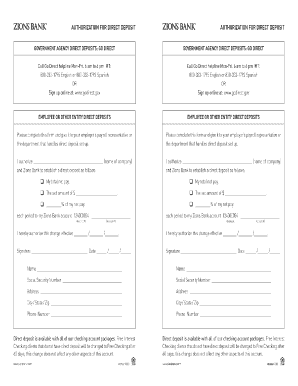
Zions bank direct deposit form

Check list for hiring a company or sub contractor

Reference check form
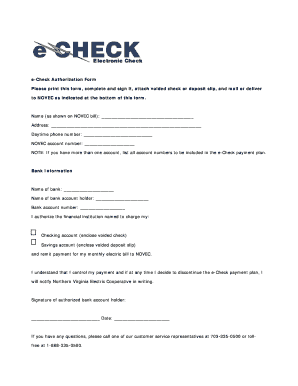
Echeck form
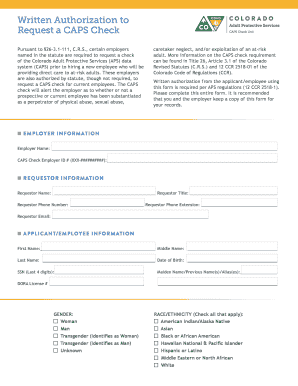
Caps form colorado
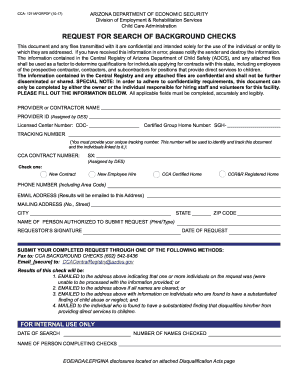
Az background checks form

Sterling bank reference form
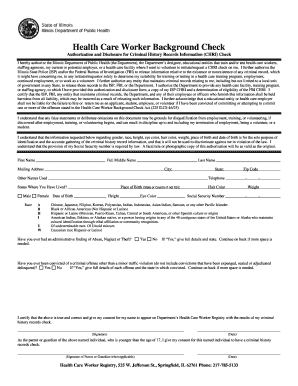
Printable healthcare worker background check form
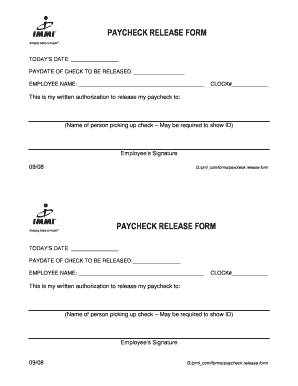
Paycheck release form template

Fax check authorization form

Business payroll services employee information setup
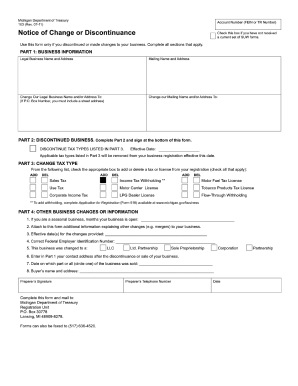
Discontinuance of business state of michigan 2011 form
Ohio check cashing application
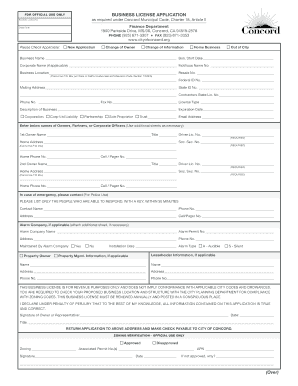
BUSINESS LICENSE APPLICATION (Over) - City of Concord - cityofconcord

Wells fargo addendum to certificate to authority deposit accounts only
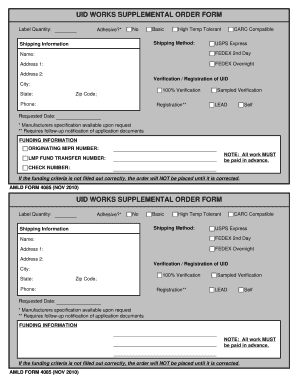
Fillable check
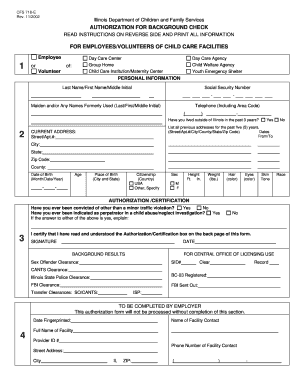
Background check illinois
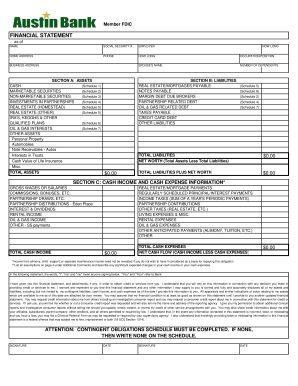
Austin bank financial statement
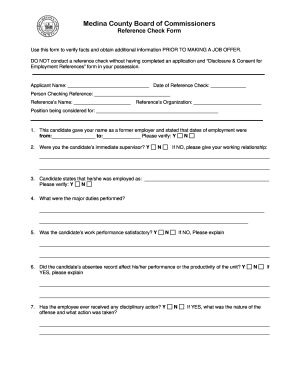
Business credit reference check form
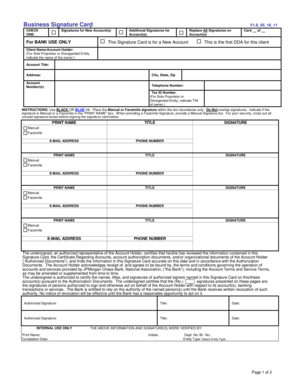
Business Signature Card (PDF) - Chase

Name customs eori search
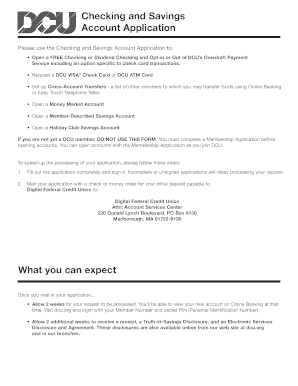
Checking account forms
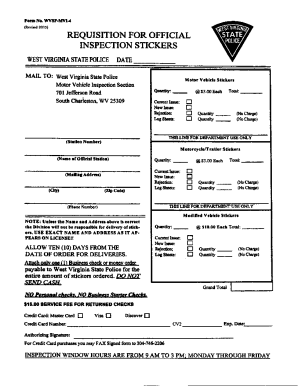
Requisition For Inspection Stickers Form
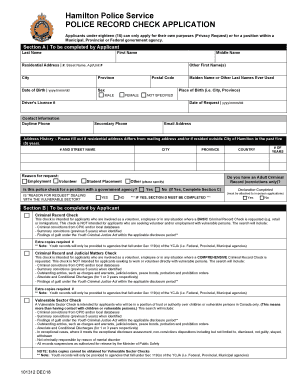
Vulnerable sector check hamilton

Police scotland vetting form
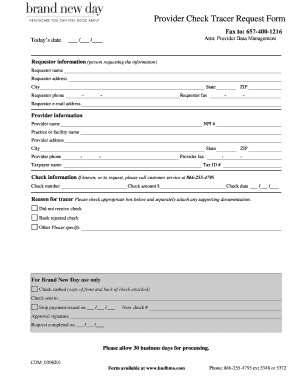
Brand new day check tracer
Get and handle Checks Business Forms online
Improve your document administration using our Checks Business Forms library with ready-made form templates that meet your needs. Get the form template, alter it, fill it, and share it with your contributors without breaking a sweat. Start working more efficiently with your forms.
The best way to use our Checks Business Forms:
- Open our Checks Business Forms and find the form you need.
- Preview your form to ensure it’s what you want, and click Get Form to begin working on it.
- Modify, add new text, or highlight important information with DocHub tools.
- Complete your form and preserve the changes.
- Download or share your document with other people.
Discover all of the opportunities for your online file management using our Checks Business Forms. Get your free free DocHub account right now!
Video Guide on Checks Business Forms management

Commonly Asked Questions about Checks Business Forms
Whats the difference between personal checks and business checks?
A business check is a payment method used to cover business expenses. Business checks are linked to business checking accounts while personal checks are linked to personal checking accounts and used to pay personal expenses.
Can I deposit a check that has my name and business name?
While you technically may be able to deposit a check in your name to your business account, its best to keep personal funds separate from your business finances to avoid potential issues or tax complications. Similarly, you also shouldnt deposit a business check made out to your business into your personal accounts.
Should checks be made out to me or my LLC?
A check destined for your personal checking account will be made out to you, using the same name as whats found on your license or ID card. A business check, on the other hand, is made out to the name of a small business instead of an individual.
Can you write a check to yourself from your LLC?
Paying yourself from your LLC is easier than you think If you have a single-member LLC, or a multi-member LLC operating as a partnership, you can take draws regularly by either writing a check to yourself from the LLC or simply transferring funds between your business account and your personal account.
Can I create my own business checks?
Check printing software like Checkeeper makes the process even easier and more convenient for small businesses. Overall, printing your own checks at home can save you time and money, and with the proper materials and software, it can be a safe and secure option.
How do I write a check for my LLC?
How to write a business check Step 1: Find out who you need to pay. Step 2: Fill out the rest of the details of the check. Payroll checks can be tricker to fill out because they often include tax withholdings. Step 3: Double-check the info for errors. Step 4: Sign the check. Step 5: Record the check.
PrintingHow to print your own business checks?
Vistaprint - Best place to order business checks overall. Deluxe - Best for a wide variety of check types. Costco Checks - Best for affordability. Carouselchecks - Best for high-security checks. Top 10 Best Business Checks for Companies 2024: Order Online top10.com business-checks top10.com business-checks
How do you endorse a check made out to an LLC?
If a check is made payable to a business, then an authorized person must endorse the check on behalf of the business. Sign the name of the business as it appears on the pay-to line. Sign your name. Write your title with the company (Owner, Accountant, etc.) Add any restrictions like For Deposit Only
What kind of checks are best for a small business?
The most popular type of business check, voucher checks typically come with one or more attached stubs. These stubs allow you to give employees or vendors a receipt of payment for their records. Theyre great if you need business checks for payroll or for your accounts payable.
Related Templates

Order Granting Name Change of a Minor - Form NAM208
The document is a court order from the State of Minnesota District Court regarding the application for a name change of ...

OATH OF COURT APPOINTED SPECIAL ADVOCATE - kansasjudicialcouncil
The document is an oath for a Court Appointed Special Advocate (CASA) in Kansas, affirming the volunteer's commitment to ...

- courts state co
The document is an acknowledgment form for individuals appointed as guardians and/or conservators in the Denver Probate ...

JUV10 Uniform Forms
The document is a legal notice from the Juvenile Court in Georgia informing a child and their parent or guardian about a ...

Form 3 board
The document is a form for individuals applying for admission to the bar of the State of Hawaii, granting authorization ...

Instructions - Hawaii State Judiciary - courts state hi
The document provides detailed instructions for filing an uncontested civil union divorce with minor children in the Fam ...

UNIFORM BAR (UBE)
The document is an Administrative Order from the Supreme Court of Arizona regarding the implementation of the Arizona Un ...

New jersey action order
The document is a court order from the Superior Court of New Jersey regarding family law matters, specifically addressin ...