
At your Business Forms
Get state-specific At your Business Forms and simplify their handling with DocHub. Effortlessly get, adjust, and send documents and remain safe and compliant at every step of the workflow.

Create a new At your Business Form
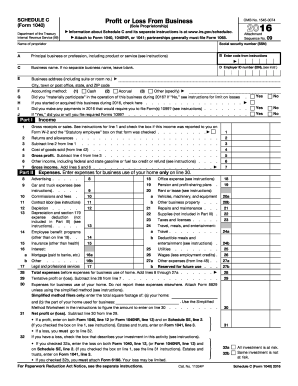
Schedule c form 2016

Lease business form
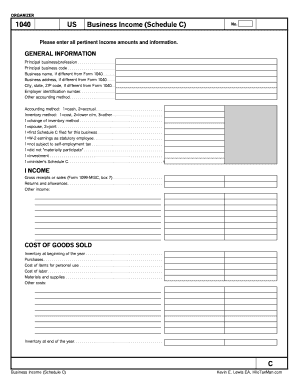
Schedule c business codes
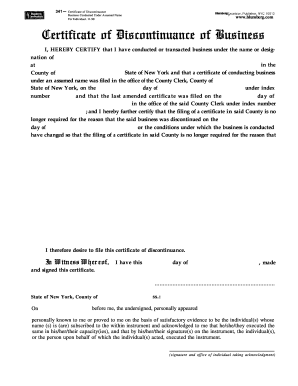
Discontinuance of business form
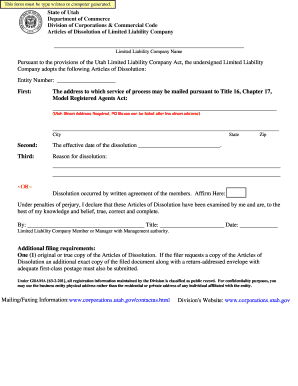
Utah dissolution
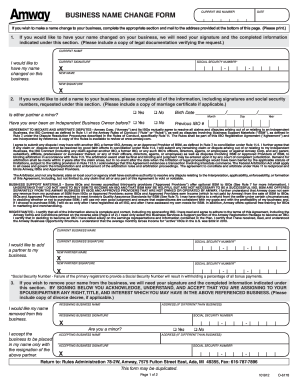
Amway business name change form

Kids guide business
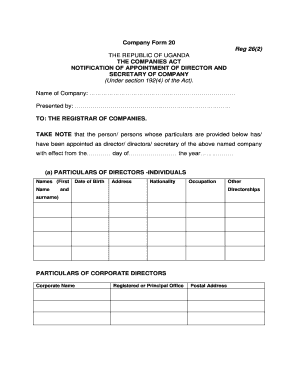
Company form 20

Tustin business license
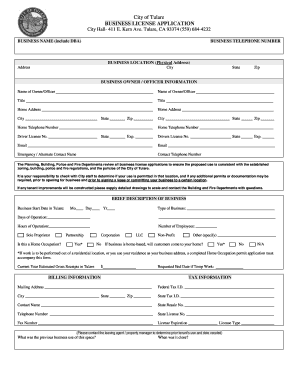
Tulare county business license
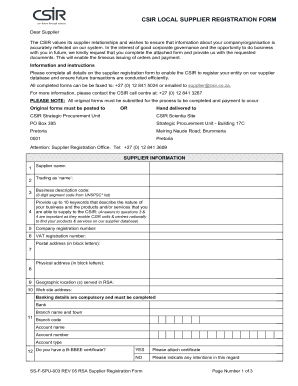
Business form
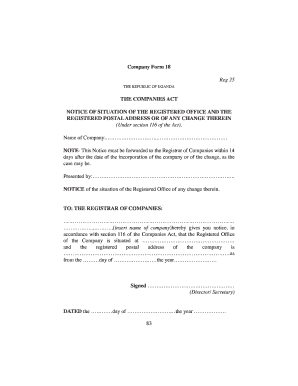
Company form 18 uganda
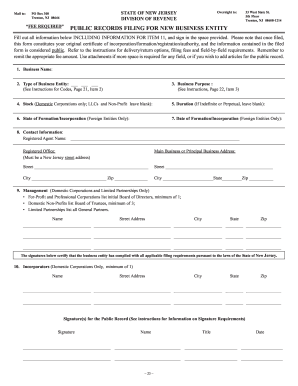
Nj records filing business
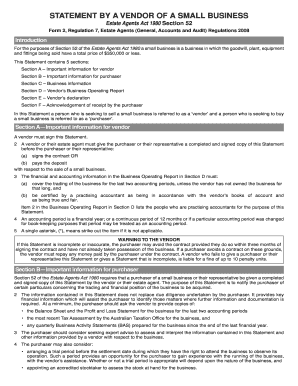
Statement vendor business
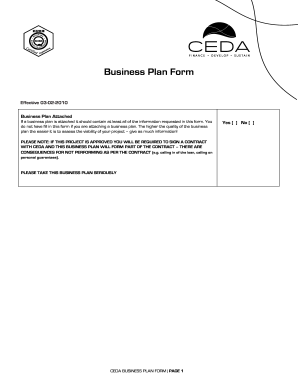
Ceda business plan

Fictitious business name fillable form
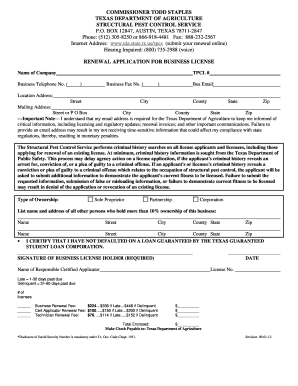
Texas business license application form
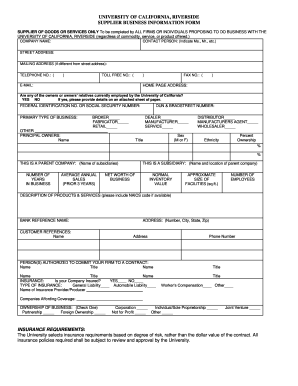
Business information template
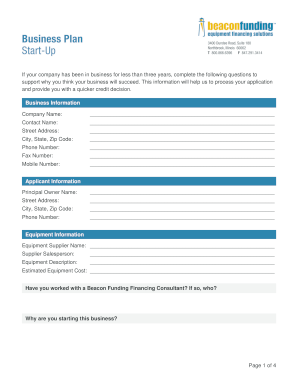
Business plan template
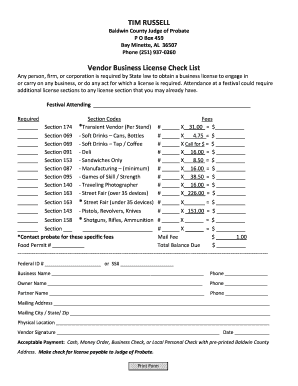
Baldwin county business license
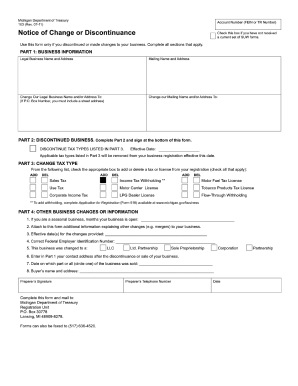
Discontinuance of business state of michigan 2011 form

Limited liability company operating agreement form
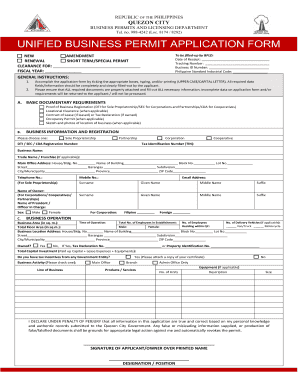
Unified application form for business permit
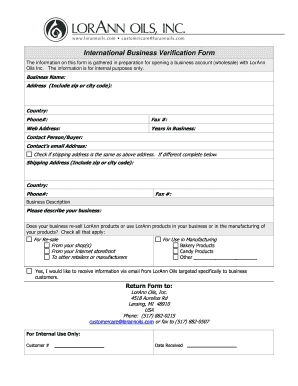
Business verification form
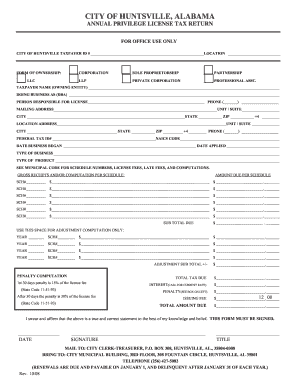
Business license huntsville al
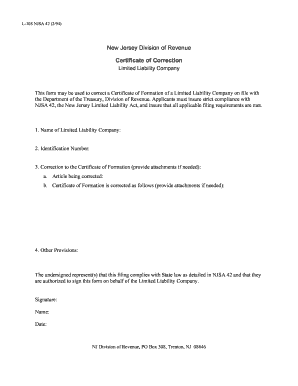
Business registration in nj form l108
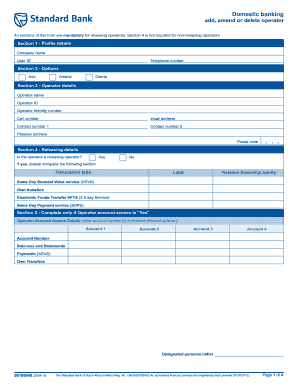
Business application form of fnb
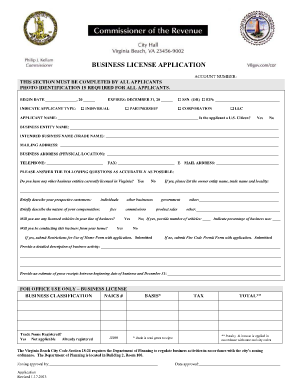
Va business license application

Business loan application form
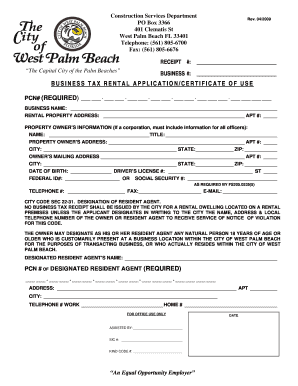
Business tax rental application/certificate of use - City of West Palm ... - wpb

Reeves business forms
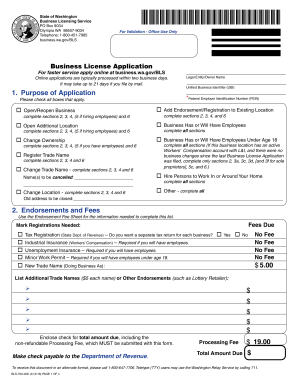
Washington business license

City of long beach business license
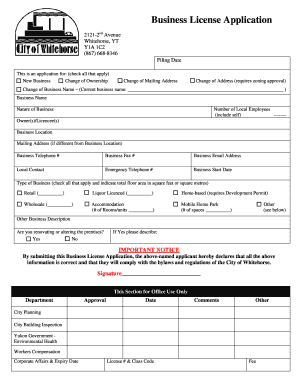
Yukon business license

Arkansas business form
How to Change Your Business' Name with the State
-
1
- 2
Handle At your Business Forms quickly online
Document management can stress you when you can’t find all of the forms you require. Luckily, with DocHub's extensive form collection, you can get everything you need and easily take care of it without switching between programs. Get our At your Business Forms and begin utilizing them.
The best way to manage our At your Business Forms using these simple steps:
- Examine At your Business Forms and choose the form you require.
- Preview the template and click on Get Form.
- Wait for it to open in the online editor.
- Edit your document: add new information and pictures, and fillable fields or blackout some parts if necessary.
- Fill out your document, conserve adjustments, and prepare it for delivering.
- When you are ready, download your form or share it with your contributors.
Try out DocHub and browse our At your Business Forms category without trouble. Get a free account today!
Video Guide on At your Business Forms management

Commonly Asked Questions about At your Business Forms
What is the meaning of business form?
A quick definition of business form: A business form is a type of document that is used for record-keeping and other business purposes. It is usually blank and needs to be filled in with information before it can convey any meaning. Blank forms are not protected by copyright law.
Why are business forms important?
Selecting the best business form for a new business is one of the most important start-up steps. Oftentimes, this step can be overlooked and its importance undervalued but it should not be because the business form selected will impact taxation, management and liability concerns.
What are examples of accounting forms?
7 Accounting Forms Every Small Business Needs Employee Timesheets. Train your employees to consistently keep track of daily, weekly and monthly amounts of time spent in office or on the clock. Income Statement. Journal Sheet. Bank Reconciliation Form. Balance Sheet. Delivery Docket.
What are forms used for in business?
Forms are all about collecting and presenting information that organizations rely on to conduct their business operations, whether these are with customers, the public or internal staff.
Related Templates
Consent collection use disclosure
The document outlines the Informed Consent for participation in the Fostering System of Care Initiative (SOCI) Program, ...
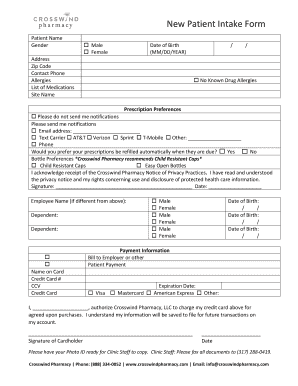
Pharmacy patient form
The document is a New Patient Intake Form for Crosswind Pharmacy, collecting essential patient information such as name, ...

Chapter 3 Medical Legal and Ethical Issues Flashcards
The document is a comprehensive medical history and patient registration form used by Mid-America Dental & Hearing Cente ...
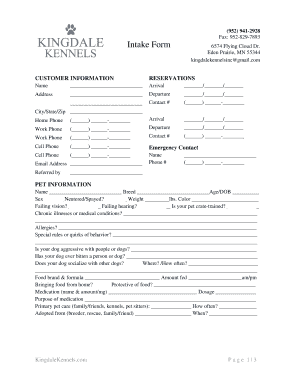
Kennels intake
The document is an intake form for Kingdale Kennels, Inc., located in Eden Prairie, MN. It collects customer and pet inf ...

EMERGENCY LEGAL GUARDIAN CONTACT:
The document is a comprehensive Patient Intake Form used by Mid America Rehab, which collects essential patient informat ...

Rheumatology enrollment form
The document is a comprehensive enrollment form for rheumatology patients seeking specialty pharmacy services. It includ ...
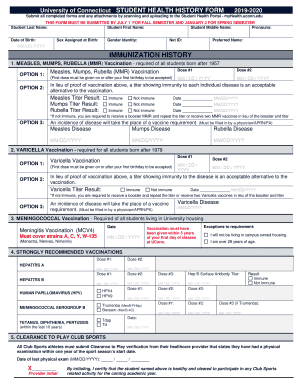
Connecticut university student health form
The University of Connecticut Student Health History Form for the 2019-2020 academic year requires students to submit th ...

Mercy Springfield Communities Short-Term Job Shadowing Application
The document outlines the application process for short-term job shadowing at Mercy Springfield Communities, specificall ...