
Email a tour Booking Templates - Page 2
Obtain easy-to-customize Email a tour Booking Templates and streamline your reservation processes and avoid issues. Adjust, complete, and safely store your templates all in one location with DocHub account.

Create a new Email a tour Booking Template

Loews team member travel

Generali patient authorization form
ORANGE COUNTY JAIL BOOKING REPORT

TOUR RESERVATION FORM - Abbott Bus
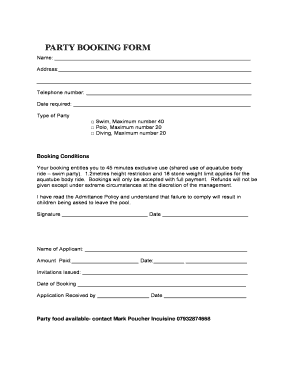
Pool Party Booking Form
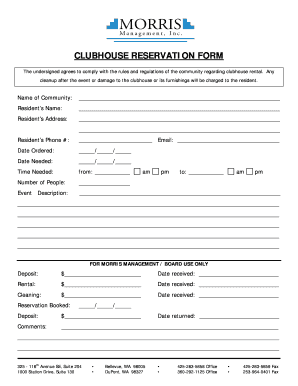
Clubhouse Reservation Form - Morris Management
Greyhound refund form

Travel pre approval request

Associate clinical social worker
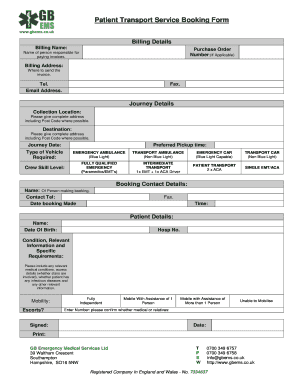
Patient transport service booking form
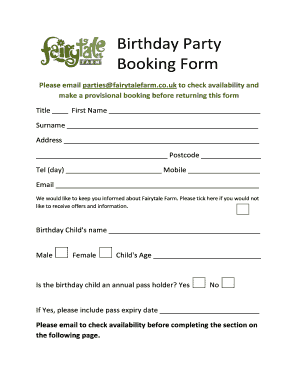
Party booking form
- 1
-
2
Raise your output with Email a tour Booking Templates
Record management consumes to half of your business hours. With DocHub, it is simple to reclaim your time and improve your team's productivity. Access Email a tour Booking Templates category and explore all document templates related to your daily workflows.
Effortlessly use Email a tour Booking Templates:
- Open Email a tour Booking Templates and use Preview to find the appropriate form.
- Click Get Form to begin working on it.
- Wait for your form to open in our online editor and start editing it.
- Add new fillable fields, icons, and pictures, adjust pages order, and many more.
- Fill out your file or prepare it for other contributors.
- Download or share the form by link, email attachment, or invite.
Boost your daily file management using our Email a tour Booking Templates. Get your free DocHub profile right now to explore all templates.
Video Guide on Email a tour Booking Templates management

Commonly Asked Questions about Email a tour Booking Templates
How do I write an email for a reservation?
Say clearly the dates you want, the room type and whether you want breakfast or not. Dont forget to mention any additional information or special requests. Ask them to confirm your booking. Give them your phone number if you prefer to be contacted that way.
How to write an email for an appointment request?
To determine how to write a meeting request email, follow these steps: Start with an explanatory subject line. Use a professional salutation. Introduce yourself. State the purpose of the meeting. Suggest a possible date and time. Request for a reply. Proofread before sending. Follow up and remind.
How do I send a travel request via email?
Step #1: Write a concise subject line. Step #2: State the reason for your email. Step #3: Include exact dates. Step #4: State the reason for your request (optional) Step #5: State the steps youre taking to prepare for your leave. Step #6: Express that youre open to questions. Step #7: Include a Thank you.
How do you write an email for a travel plan?
When writing an email to request your bosss approval for a travel plan, be concise and professional. Clearly outline the purpose, dates, and destination of the trip. Highlight the benefits and objectives of the travel. Provide details on expenses and any necessary arrangements.
Related Templates

Alaska cr 325 speedy trial form get
The document is a legal form titled 'Waiver of Speedy Trial' used in the District/Superior Court for the State of Alaska ...
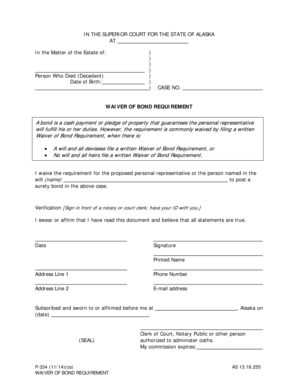
P334 waiver bond
The document is a legal form used in the Superior Court for the State of Alaska, specifically regarding the waiver of th ...

From Administrative Agency to Superior Court
The document is a Notice of Appeal form used in the Superior Court for the State of Alaska, indicating that an appellant ...
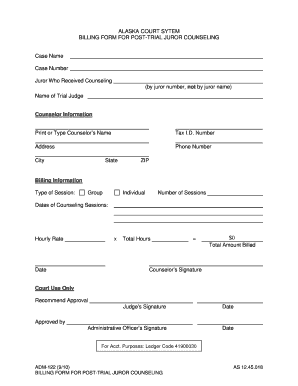
Alaska adm 122
The document is a billing form for post-trial juror counseling used by the Alaska Court System. It includes sections for ...

ADM-800 Customer Service Questionnaire - Alaska Court Records
The document is a customer service questionnaire aimed at gathering feedback from individuals who have interacted with t ...
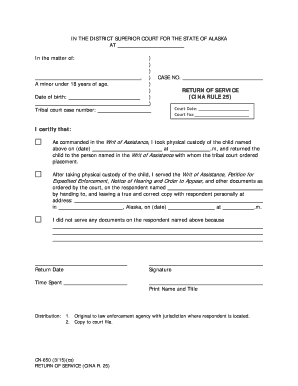
CN-650, Return of Service (CINA R 25) (3-15) Fill-in CINA Forms
The document is a legal Return of Service form used in the District Superior Court for the State of Alaska, pertaining t ...
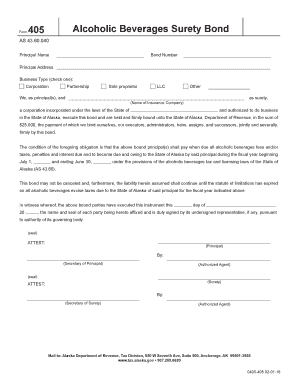
Alaska 405 surety bond template
The document is an Alcoholic Beverages Surety Bond form for the State of Alaska, which outlines the obligations of a pri ...
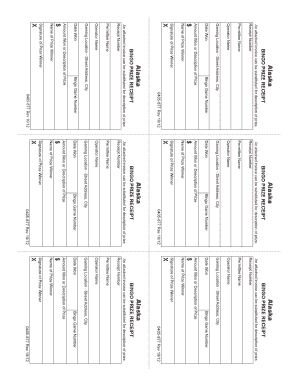
Alaska bingo receipt
The document is a Bingo Prize Receipt used in Alaska, detailing the necessary information for claiming bingo prizes. It ...