
To an expense by month Balance Sheet Templates
Obtain the best up-to-date To an expense by month Balance Sheet Templates with DocHub online library. Customize and cooperate on your balance sheets with your team in real-time without losing important data.

Create a new To an expense by month Balance Sheet Template
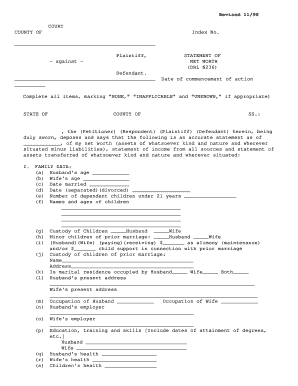
Net worth statement

Fsa 2038
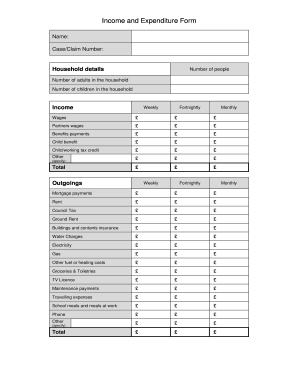
Income and expenditure form

Profit and loss statement for self employed hairdresser
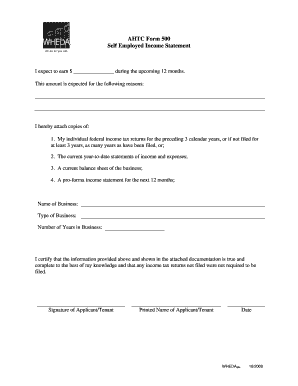
Employed income statement

Judicial title

Rental property statement
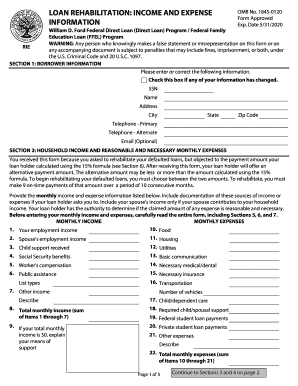
Loan rehabilitation income and expense form fax number
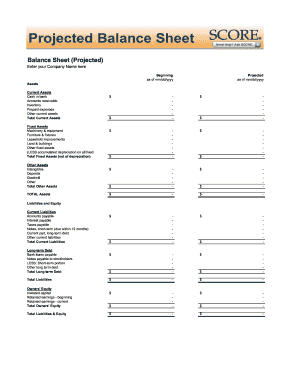
Balance sheet fill in the blank
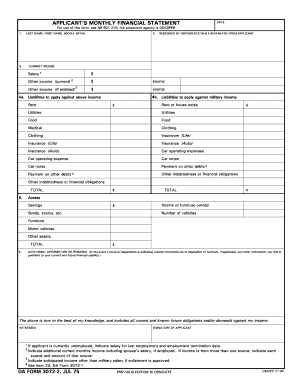
Monthly financial statements
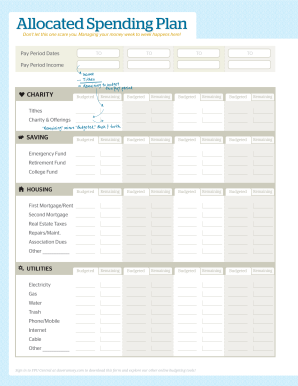
Dave ramsey allocated spending form
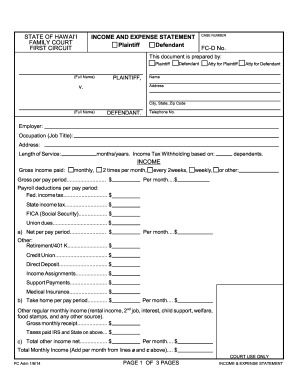
Income and expense statement hawaii
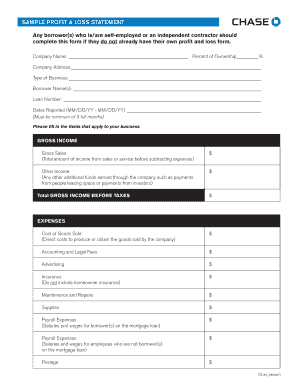
Sample Profit and Loss Statement PDF - Chase
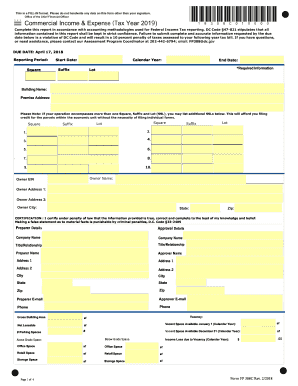
Dc expense
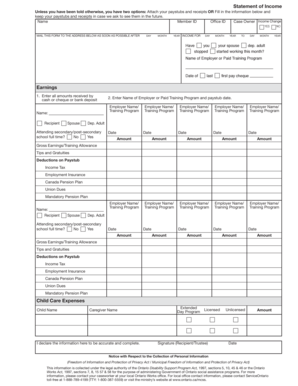
Ontario works income statement

Citibank personal financial summary form
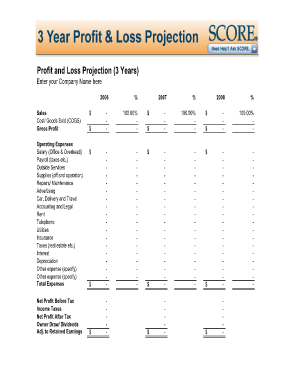
12 month profit and loss projection pdf

Reconciliation worksheet

Checkbook worksheet form blank
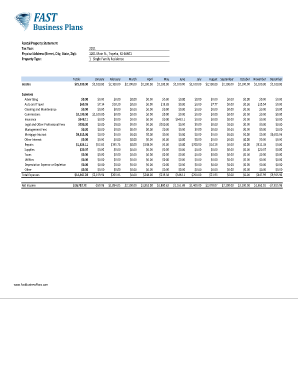
Income and expense worksheet pdf
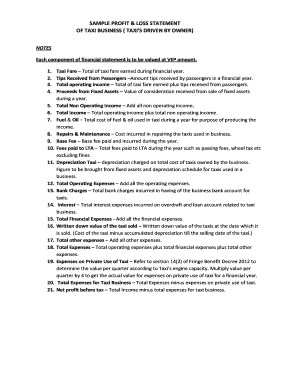
Profit and loss statement for uber driver
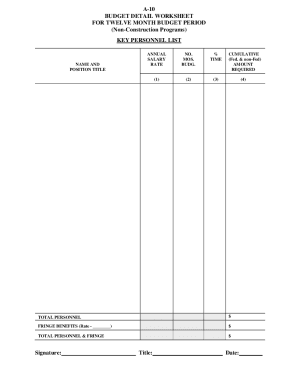
Budget detail worksheet
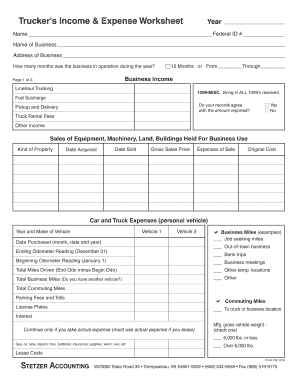
Profit and loss statement for trucking company pdf
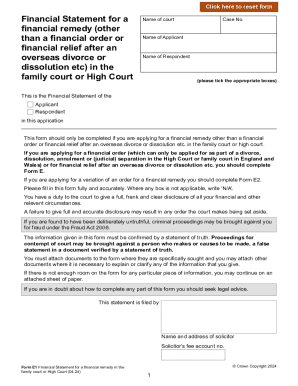
Form e1 financial statement
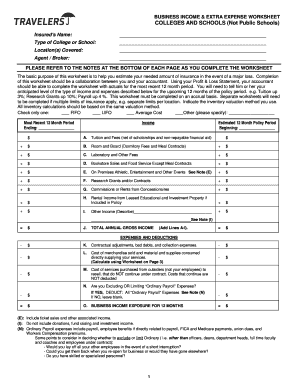
Business interruption worksheet excel
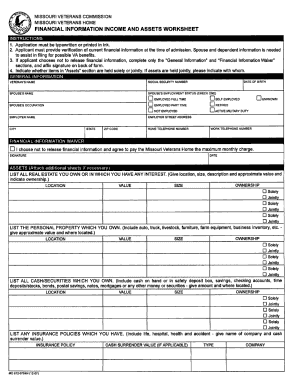
Financial worksheet form
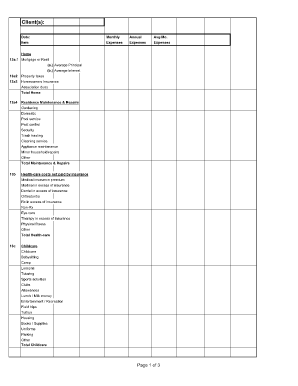
Divorce living expenses fillable worksheet form

Statement monthly income calculation
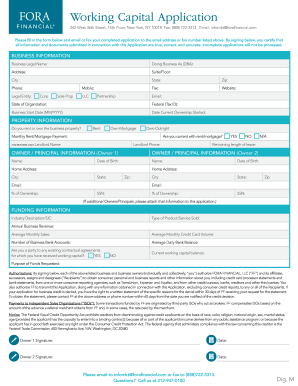
Working Capital Application

Financial report template
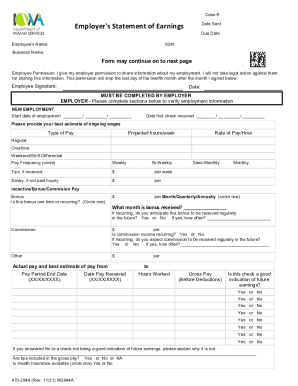
Employer statement of earnings
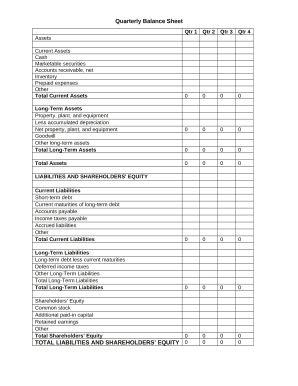
Quarterly Balance Sheet
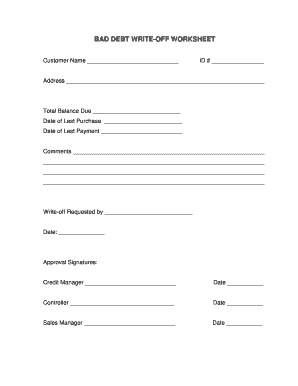
Debt write off worksheet
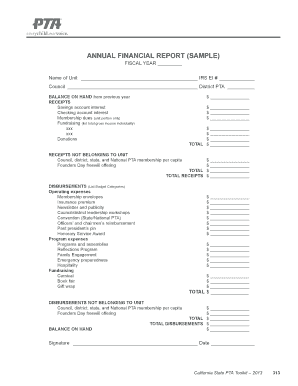
Pta financial sample

Fillable SBA Form 770: Financial Statement of Debtor

Rc376 form
Handle To an expense by month Balance Sheet Templates quickly online
Document management can overwhelm you when you can’t locate all of the forms you require. Luckily, with DocHub's vast form collection, you can get everything you need and swiftly take care of it without switching among programs. Get our To an expense by month Balance Sheet Templates and begin working with them.
The best way to manage our To an expense by month Balance Sheet Templates using these easy steps:
- Examine To an expense by month Balance Sheet Templates and select the form you require.
- Preview the template and click on Get Form.
- Wait for it to open in our online editor.
- Alter your document: include new information and images, and fillable fields or blackout certain parts if needed.
- Fill out your document, conserve modifications, and prepare it for delivering.
- When you are ready, download your form or share it with other contributors.
Try out DocHub and browse our To an expense by month Balance Sheet Templates category with ease. Get a free account right now!
Video Guide on To an expense by month Balance Sheet Templates management

Commonly Asked Questions about To an expense by month Balance Sheet Templates
How to show expenses in balance sheet?
What expenses are included in the balance sheet? Mostly, expenses are recorded on the income statement. However, there is one type of expense that gets recorded on the balance sheet- capital expenditure. These expenditures are typically related to long-term assets and are known as capex.
How to prepare a monthly balance sheet in Excel?
How to prepare a balance sheet? Gather financial information on assets, liabilities, and equity. Organize assets into current and non-current categories. List liabilities, including current and non-current obligations. Calculate equity by subtracting liabilities from assets.
Is there a balance sheet template in Excel?
The Balance Sheet Template for Excel is a pre-designed spreadsheet that allows users to enter their companys financial information, including assets, liabilities, and equity. This template is useful for businesses of all sizes, as it can be customized to fit each companys specific needs.
How do you calculate monthly balance sheet?
(The equation at work in creating your Monthly Balance Sheet is simply: Assets = Liabilities + Equity.) A Balance Sheet can be generated at any point in time that you wish daily, weekly, monthly, quarterly, annually, etc. However, much like the Income Statement, we recommend creating one every month.
How do I create a monthly balance sheet in Excel?
Excel Setup: Asset Section: Under the Assets heading, create two sub-sections: Current Assets and Non-Current Assets. List current assets like cash, accounts receivable, and inventory. Liability Section: Equity Section: Formatting Cells: Calculating Totals: Accuracy Check: Additional Information: Regular Updates:
How to make a monthly balance sheet?
Follow these steps: Step 1: Pick the balance sheet date. Step 2: List all of your assets. Step 3: Add up all of your assets. Step 4: Determine current liabilities. Step 5: Calculate long-term liabilities. Step 6: Add up liabilities. Step 7: Calculate owners equity. Step 8: Add up liabilities and owners equity.
Can I create my own balance sheet?
You can create a personal balance sheet by completing the following steps, including getting all relevant documents, listing your assets and liabilities, and calculating your net worth.
Can you do a monthly balance sheet?
Note: There are various kinds of balance sheet formats. Some balance sheets track assets and liabilities on a monthly basis or quarterly basis. You can choose your preferred time period for tracking your finances.
Related Templates

278 COLONY STREET, MERIDEN CT 06451
The document is a request form for the examination of specimens for alcohol and drugs by the Connecticut Department of E ...

Public Health Fee Assessment Report
The document is a Public Health Fee Assessment Request from the Connecticut Insurance Department, requiring insurers and ...
Health and Welfare Fee (Childhood Vaccinations) Assessment Request
The document is a request from the Connecticut Insurance Department for insurers, health care centers, and third-party a ...

State Variations in Nursing Home Social Worker Qualifications
The document is an application form for licensing End Stage Renal Disease Facilities in Maine, detailing required inform ...

Forms & ApplicationsOFI DHHS Maine
The document provides information about the Emergency Assistance Program offered by the Maine Department of Health and H ...

Maine individual identification card
The document is an application form for the Maine Adult Use Marijuana Individual Identification Card (IIC). It outlines ...
Copy of divorce papers
The document is an application form for obtaining certified copies of marriage and divorce certificates in Kentucky. It ...
Spanish Translation Isn't One-Size-Fits-All - Verbal Ink
The document is a comprehensive patient information and consent form for Aspen Family Care, detailing demographic and bi ...