
Monthly and yearly Balance Sheet Templates
Enhance your productivity and business document accuracy with DocHub's Monthly and yearly Balance Sheet Templates. Stay compliant and complete your financial statements online.

Create a new Monthly and yearly Balance Sheet Template
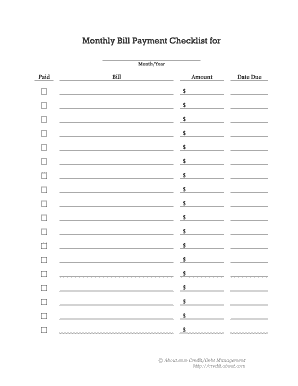
Printable monthly bill payment log
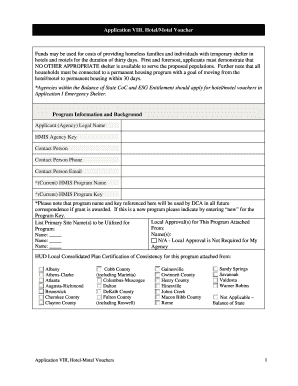
Hotel stay voucher
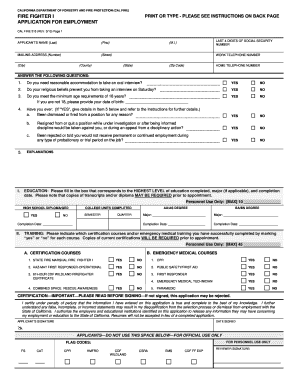
Application for calfire

Fsa 2038

Society annual return alberta
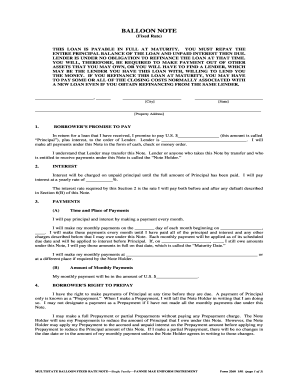
Balloon mortgage note
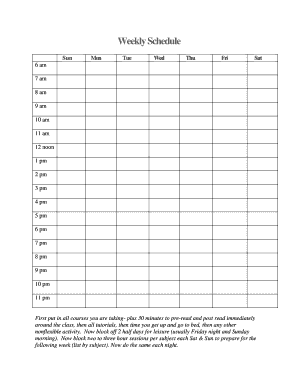
Fillable weekly schedule
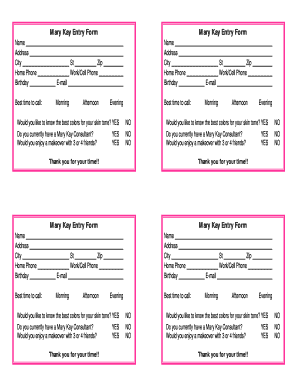
Mary kay printables
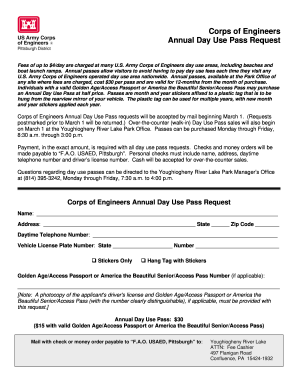
Corp of engineers boat ramp pass
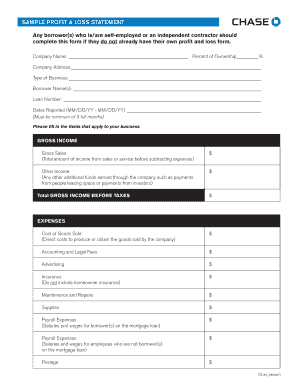
Sample Profit and Loss Statement PDF - Chase
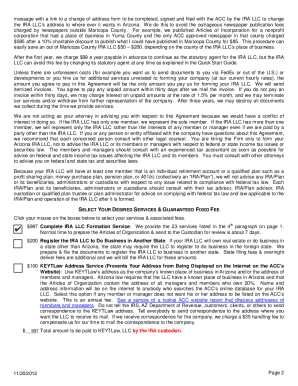
Ira llc operating agreement template
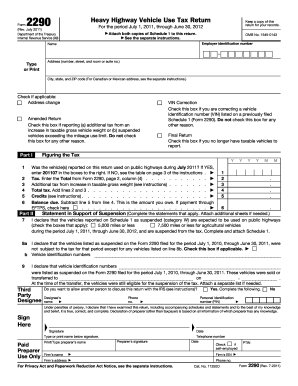
2011 2290 form
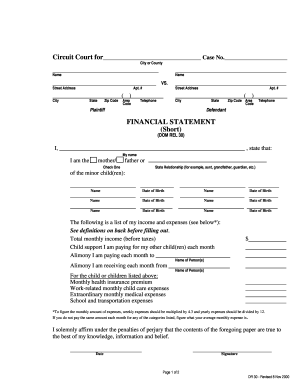
Md financial statement
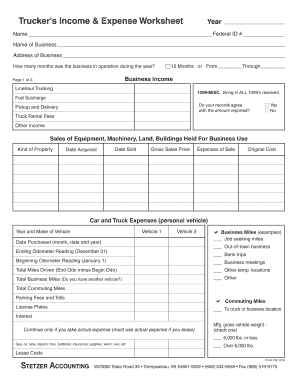
Profit and loss statement for trucking company pdf
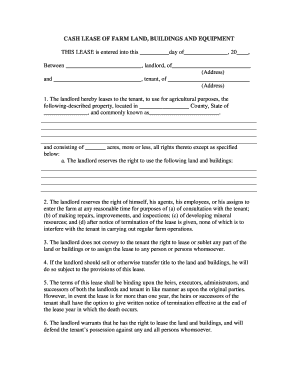
Cash lease of farm land buildings and equipment
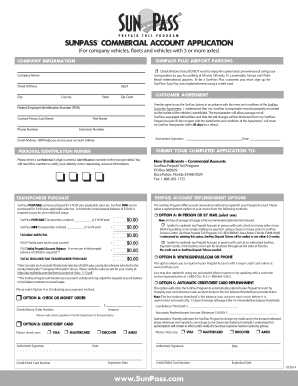
Sunpass commercial application online

Help to buy property information form south east
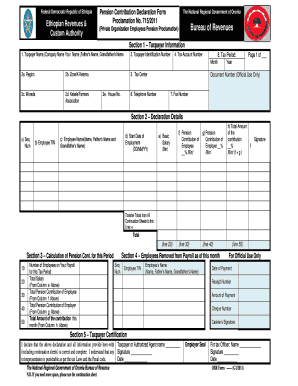
Ethiopian pension form
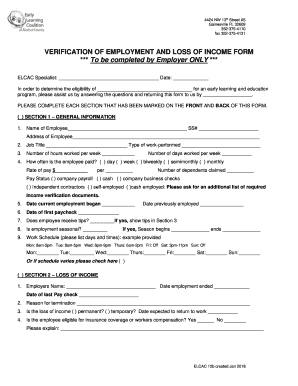
VERIFICATION OF EMPLOYMENT AND LOSS OF INCOME FORM
Behavior template fill fillable
Tablet checkout
Gifi short fillable forms
New york certificate acceptance
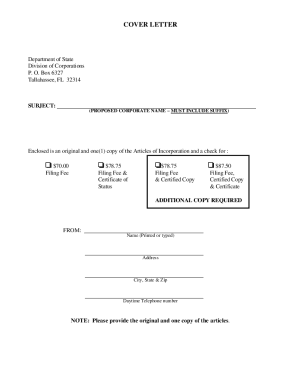
Non-profit articles of incorporation - Florida Incorporation
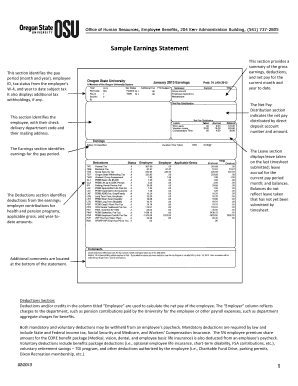
Earning statement

Financial report template
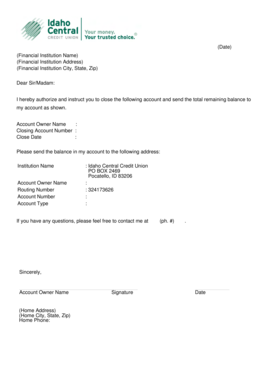
Letter of Closure - Idaho Central Credit Union
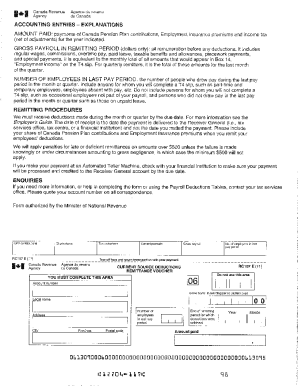
Yearly payroll breakdown form

Divorce with children sample
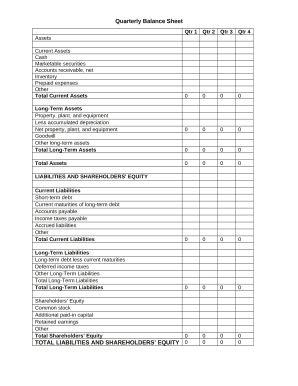
Quarterly Balance Sheet

Pool Service Agreement
Form 3586
Dshs request
Nycers durable
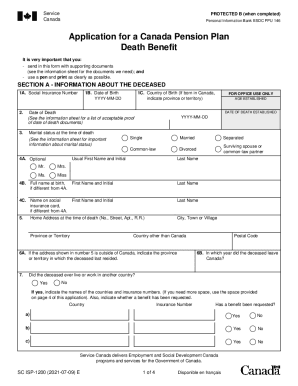
Canada canada pension plan
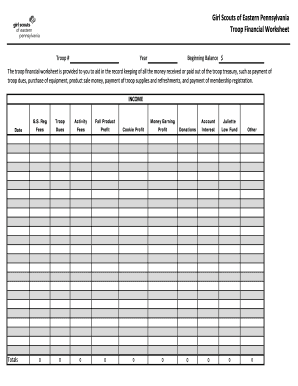
Girl scout finance spreadsheet
-
1
- 2
Enhance your document managing with Monthly and yearly Balance Sheet Templates
Your workflows always benefit when you can get all the forms and files you need at your fingertips. DocHub supplies a vast array of forms to relieve your daily pains. Get a hold of Monthly and yearly Balance Sheet Templates category and quickly browse for your form.
Begin working with Monthly and yearly Balance Sheet Templates in several clicks:
- Gain access to Monthly and yearly Balance Sheet Templates and locate the document you need.
- Click Get Form to open it in our online editor.
- Start modifying your form: add more fillable fields, highlight paragraphs, or blackout sensitive data.
- The app saves your adjustments automatically, and once you are ready, you can download or distribute your form with other contributors.
Enjoy effortless document administration with DocHub. Discover our Monthly and yearly Balance Sheet Templates online library and discover your form right now!
Video Guide on Monthly and yearly Balance Sheet Templates management

Commonly Asked Questions about Monthly and yearly Balance Sheet Templates
How often should you produce a balance sheet?
A balance sheet provides a snapshot of a companys financial position at any given time, and is usually prepared at the end of a quarter or financial year. Some businesses find it useful to refer to their balance sheet on a monthly basis, however, particularly if they fear that insolvency may be a threat.
Is a balance sheet monthly or yearly?
Balance Sheet Basics This financial statement details your assets, liabilities and equity, as of a particular date. Although a balance sheet can coincide with any date, it is usually prepared at the end of a reporting period, such as a month, quarter or year.
Should a balance sheet be monthly or yearly?
Although a balance sheet can coincide with any date, it is usually prepared at the end of a reporting period, such as a month, quarter or year. Financial Statements 101: How to Read and Use Your Balance Sheet APA Services business finances balan APA Services business finances balan
Is balance sheet prepared annually?
Balance sheets are prepared as of a specific point in time (e.g., month-end, quarter-end, year-end). Note: Not a period of time as the balance sheet is prepared at a point in time. A balance sheet is a financial statement that reports a companys assets, liabilities and shareholders equity.
Is it recommended to complete a balance sheet each year?
A balance sheet is a statement of a businesss assets, liabilities, and owners equity as of any given date. Typically, a balance sheet is prepared at the end of set periods (e.g., every quarter; annually).
How do you make a yearly balance sheet?
How to make a balance sheet Invest in accounting software. Create a heading. Use the basic accounting equation to separate each section. Include all of your assets. Create a section for liabilities. Create a section for owners equity. Add total liabilities to total owners equity. Step-by-Step: How To Make a Balance Sheet | Chase for Business Chase Bank knowledge-center start how Chase Bank knowledge-center start how
How to make a monthly balance sheet?
Follow these steps: Step 1: Pick the balance sheet date. Step 2: List all of your assets. Step 3: Add up all of your assets. Step 4: Determine current liabilities. Step 5: Calculate long-term liabilities. Step 6: Add up liabilities. Step 7: Calculate owners equity. Step 8: Add up liabilities and owners equity. How To Create a Balance Sheet: A Step-by-Step Guide - Ramp Ramp blog how-to-make-a-balance-sheet Ramp blog how-to-make-a-balance-sheet
Is there a balance sheet template in Excel?
The Balance Sheet Template for Excel is a pre-designed spreadsheet that allows users to enter their companys financial information, including assets, liabilities, and equity. This template is useful for businesses of all sizes, as it can be customized to fit each companys specific needs. How to Create a Comprehensive Balance Sheet Template for Excel Altametrics topics how-to-create-a-compre Altametrics topics how-to-create-a-compre
Related Templates

Al criminal form
The document is a form used in the State of Alabama's Unified Judicial System for ordering a reporter's transcript in cr ...
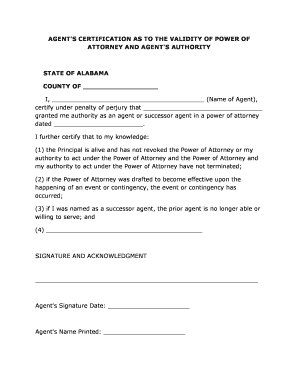
Alabama Agent's Certification for Power of Attorney
The document is an Agent's Certification regarding the validity of a Power of Attorney in Alabama. It certifies that the ...
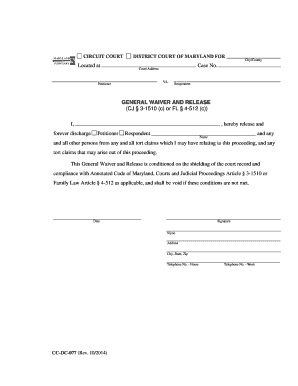
Cc dc 077
The document is a General Waiver and Release form used in the Circuit Court of Maryland, where the petitioner discharges ...
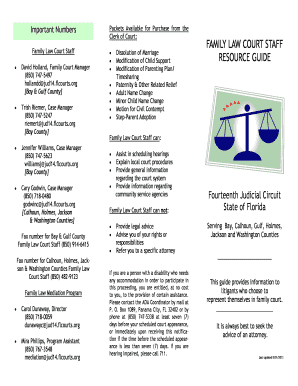
Florida family court guide fourteenth judicial trial
The document serves as a resource guide for individuals navigating family law court in the Fourteenth Judicial Circuit o ...

Instructionsdesignation of registered agent - Washington
The document provides detailed instructions for filing a Certificate of Formation for a Professional Limited Liability C ...
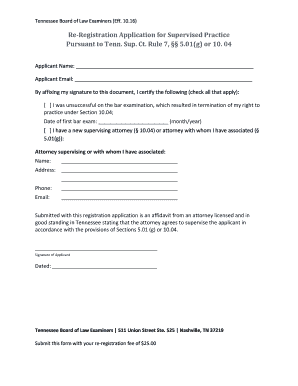
Re registration application pursuant
The document is a re-registration application for supervised practice by the Tennessee Board of Law Examiners, intended ...

07 2016 KSJC 1 361 1 IN THE DISTRICT COURT OF - kansasjudicialcouncil
The document is a Notice of Permanency Hearing for a juvenile in Kansas, informing the juvenile (aged 14 or older) about ...

Tennessee application pest control applicator
The document outlines the application process for obtaining a TN Pest Control Applicator License and Charter from the Te ...