
Create your Intuit Balance Sheet Template from scratch

Start Building Now
Title decoration

Here's how it works

01. Start with a blank Intuit Balance Sheet Template
Open the blank document in the editor, set the document view, and add extra pages if applicable.
02. Add and configure fillable fields
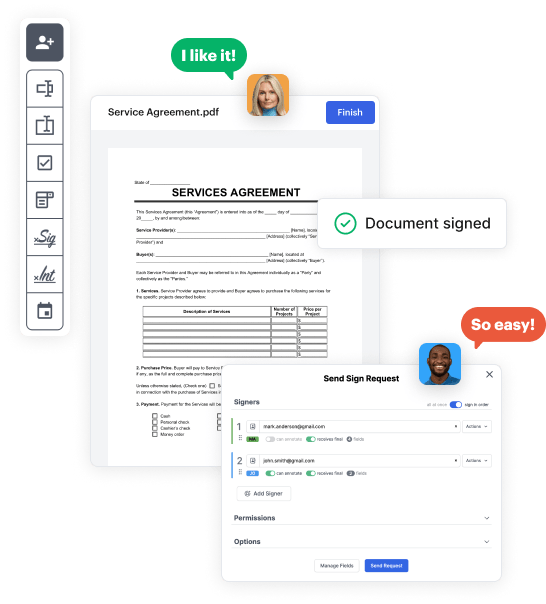
Use the top toolbar to insert fields like text and signature boxes, radio buttons, checkboxes, and more. Assign users to fields.
03. Distribute your form
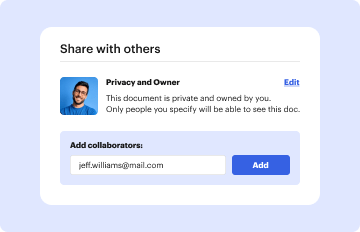
Share your Intuit Balance Sheet Template in seconds via email or a link. You can also download it, export it, or print it out.

A brief guide on how to set up a professional-looking Intuit Balance Sheet Template

Form edit decoration

Step 1: Sign in to DocHub to begin creating your Intuit Balance Sheet Template.

First, log in to your DocHub account. If you don't have one, you can simply sign up for free.

Step 2: Navigate to the dashboard.

Once logged in, navigate to your dashboard. This is your central hub for all document-related operations.

Step 3: Launch new document creation.

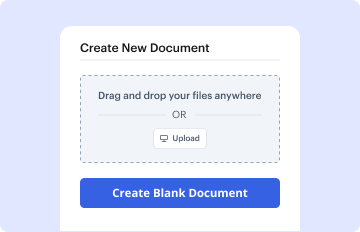
In your dashboard, click on New Document in the upper left corner. Pick Create Blank Document to put together the Intuit Balance Sheet Template from scratch.

Step 4: Incorporate form fillable areas.

Add numerous elements like text boxes, photos, signature fields, and other interactive areas to your form and designate these fields to certain users as necessary.

Step 5: Fine-tune your document.

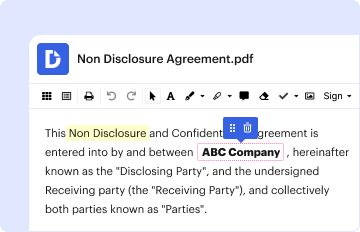
Customize your template by including walkthroughs or any other vital tips utilizing the text tool.

Step 6: Double-check and refine the content of the form.

Meticulously check your created Intuit Balance Sheet Template for any mistakes or required adjustments. Take advantage of DocHub's editing features to polish your document.

Step 7: Distribute or export the document.

After completing, save your file. You can choose to save it within DocHub, transfer it to various storage options, or forward it via a link or email.


be ready to get more

Build your Intuit Balance Sheet Template in minutes

Start creating now

Got questions?

We have answers to the most popular questions from our customers. If you can't find an answer to your question, please contact us.
Contact us
Follow these steps: Step 1: Pick the balance sheet date. Step 2: List all of your assets. Step 3: Add up all of your assets. Step 4: Determine current liabilities. Step 5: Calculate long-term liabilities. Step 6: Add up liabilities. Step 7: Calculate owners equity. Step 8: Add up liabilities and owners equity.
QuickBooks does the math for you and can rapidly turn out accurate balance sheets so you dont have to spend all that time crunching numbers.
Does QuickBooks provide financial statements? Yes, you can use QuickBooks financial reporting software to help generate your financial and accounting reports seamlessly.
Create a custom template From the left menu, under Your Practice, select Work. Select Manage templates. Select Create template and enter a template name. Select Repeat to set up repeated due dates, and use the fields that appear to specify the interval between due dates.
You can create a personal balance sheet by completing the following steps, including getting all relevant documents, listing your assets and liabilities, and calculating your net worth.
be ready to get more

Build your Intuit Balance Sheet Template in minutes

Start creating now

Related Q&A to Intuit Balance Sheet Template

You will see QuickBooks automatically generating a Balance Sheet Report in the sections Assets, Liabilities, and shareholders equity.
Go to Settings ⚙ then select Budgeting. Select Create new. Select Budget type: Balance sheet.

Additional resources on building your forms


