
Google budget the Balance Sheet Templates
Download the best up-to-date Google budget the Balance Sheet Templates with DocHub online catalog. Customize and work together on your balance sheets with your team in real-time without losing crucial information.

Create a new Google budget the Balance Sheet Template
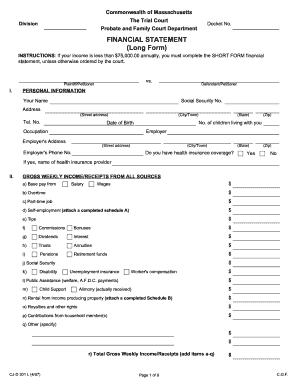
Financial statement long form
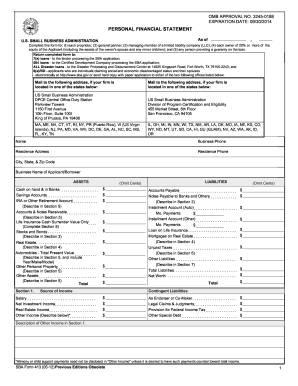
How to do a financial report 2012 form
Printable ledger sheets pdf

Fillable budget worksheet

Ma statement short
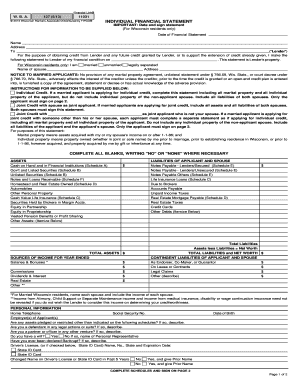
Individual financial statement
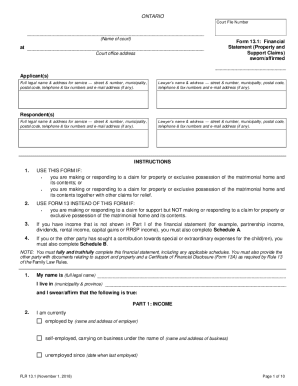
Form 13 1 financial statement
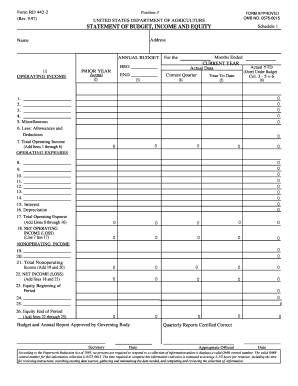
Form statement equity
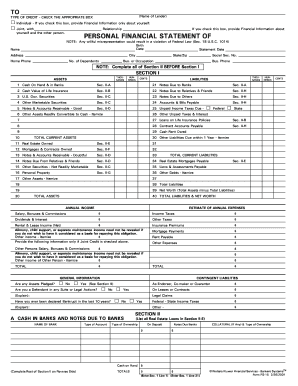
Form ps 15
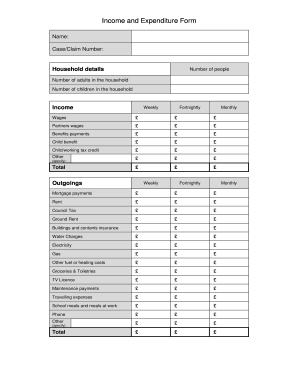
Income and expenditure form
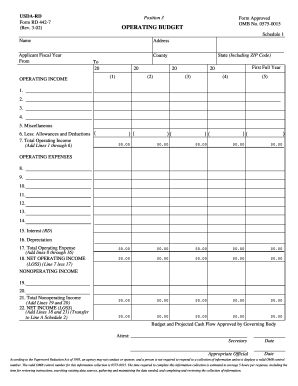
Usda form rd 442 7 operating budget
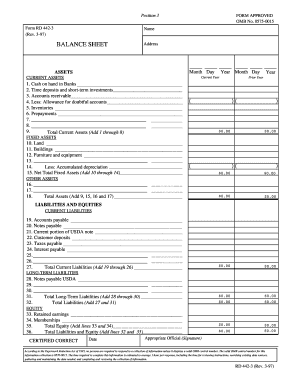
Form rd 442 3

Form rd 442 2
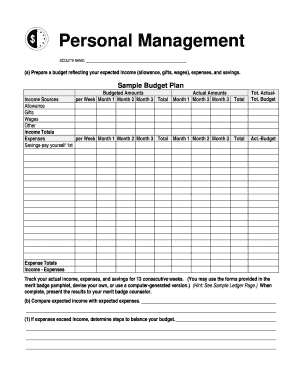
Personal management merit badge excel spreadsheet
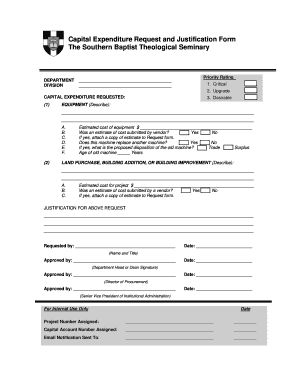
Capital expenditure request form template
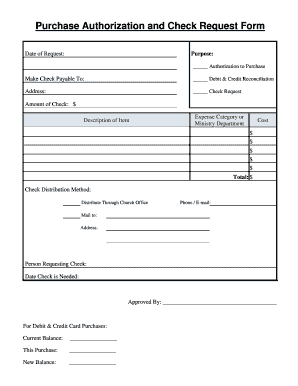
Church accounting forms

Dave ramsey monthly cash flow plan
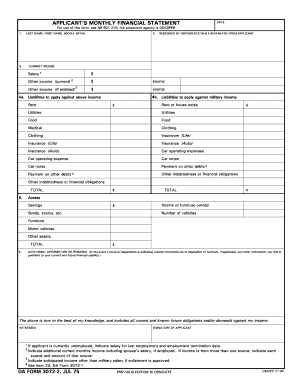
Monthly financial statements
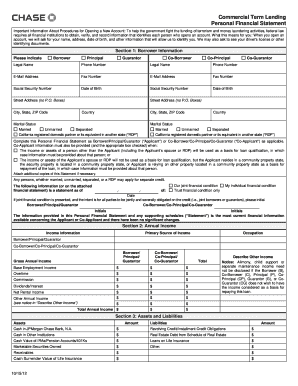
How to complete a chase personal financial statement form

Zero your account

Printable financial forms
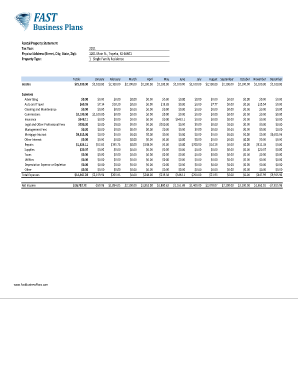
Income and expense worksheet pdf
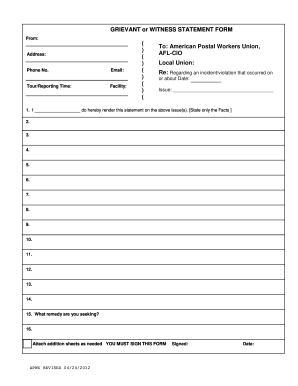
Blank statement form
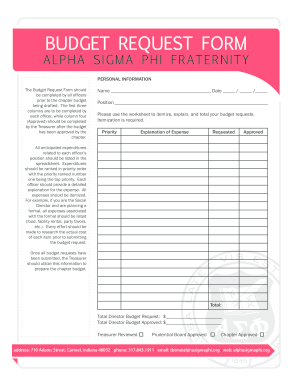
Budget request form
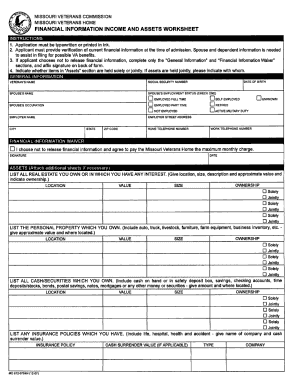
Financial worksheet form
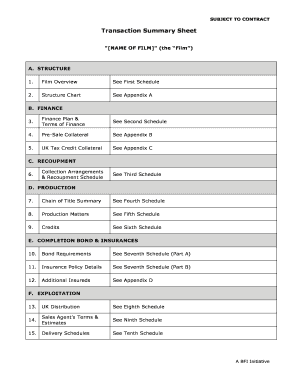
Transaction Summary Sheet

Rd 442 7 form
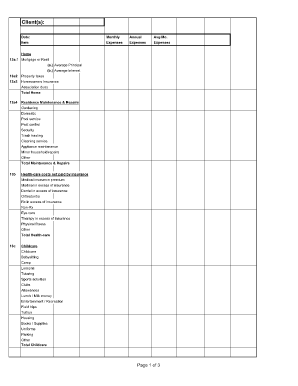
Divorce living expenses fillable worksheet form

Financial worksheet mortgage
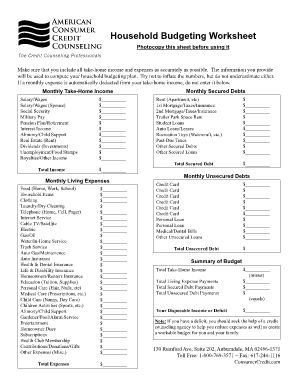
Household budgeting worksheet
Financial projections
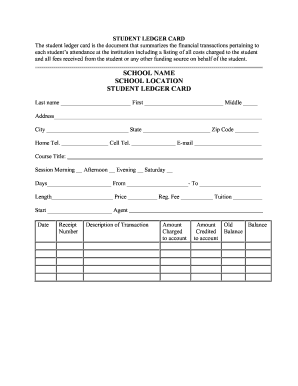
Student ledger template

Financial report template
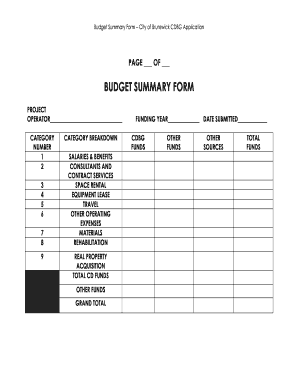
Budget summary form
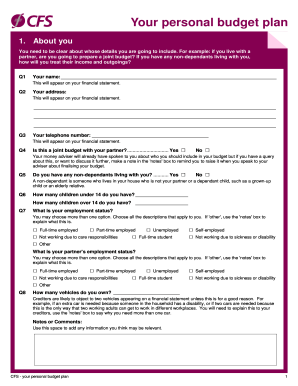
Cfs budget
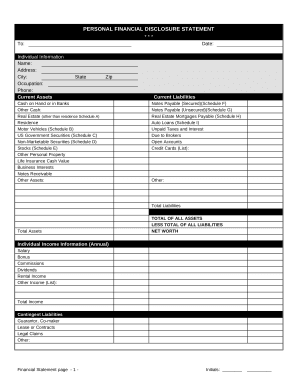
Financial statement form
-
1
- 2
Increase your productivity with Google budget the Balance Sheet Templates
Papers administration occupies to half of your office hours. With DocHub, you can reclaim your time and effort and increase your team's efficiency. Access Google budget the Balance Sheet Templates collection and explore all form templates related to your everyday workflows.
Easily use Google budget the Balance Sheet Templates:
- Open Google budget the Balance Sheet Templates and apply Preview to find the appropriate form.
- Click on Get Form to begin working on it.
- Wait for your form to open in our online editor and begin editing it.
- Add new fillable fields, symbols, and pictures, change pages order, and many more.
- Fill your document or prepare it for other contributors.
- Download or share the form by link, email attachment, or invite.
Boost your everyday document administration using our Google budget the Balance Sheet Templates. Get your free DocHub account today to discover all templates.
Video Guide on Google budget the Balance Sheet Templates management

Commonly Asked Questions about Google budget the Balance Sheet Templates
Is there a free budget template?
Google Sheets budget templates The Sheets app for Drive includes pre-made templates, such as an annual budget and monthly budget. Google Sheets also provides annual business budget templates for entrepreneurs who want to track their expenses.
How to create a balance sheet in Google Sheets?
Google Sheets Balance Sheet Template Create a new Google Sheets Document. Name the Document as Balance Sheet. Setup Headers: Date, Description, Income, Expenses, Total. Enter initial balance as date and description. Input the income under the Income header for a specific date and description.
Does Google Sheets have a budget template?
Once your Google account is set up, you can explore the wide variety of budget templates available in Google Sheets. These templates are designed to suit different financial needs and preferences. Here are a few types of budget templates you can find: Monthly budget.
Is there a Google Sheets budget template?
Google Sheets native free monthly budget template is a user-friendly income and expense tracker. It allows you to plan and track your expenses every month, ensuring you stay on top of your financial goals.
How do I create an automated budget in Google Sheets?
Steps to Create Automated Budgeting Spreadsheets with Excel or Google Sheets Step 1: Set Up the Spreadsheet. The first step in creating an automated budgeting spreadsheet is to set up the spreadsheet. Step 2: Enter the Data. Step 3: Set Up the Formulas. Step 4: Set Up the Charts. Step 5: Set Up the Automation.
How to create a balance sheet budget?
Preparing a projected balance sheet, or financial budget, involves analyzing every balance sheet account. The beginning balance for each account is the amount on the balance sheet prepared at the end of the preceding period. Then, managers consider the effects of any planned activities on each account.
Related Templates

Tricare waiver form
The document is a TRICARE Noncovered Services Waiver, which outlines the patient's acknowledgment of financial responsib ...

USLA - Champions Premier Registration PacketFALL2017SPRING2018
The document is a medical and media release form for participants in the Urban Soccer Leadership Academy. It collects pl ...
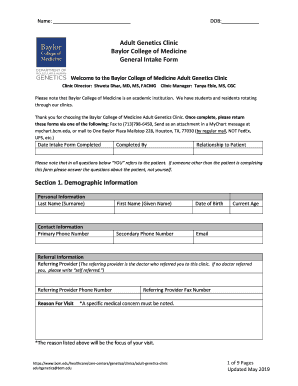
Adult Genetics Clinic
The document is a General Intake Form for the Adult Genetics Clinic at Baylor College of Medicine. It collects essential ...

WTCSB - Western Tidewater Community Services Board
The document is an incident report form for the WTCSB (Western Tidewater Community Services Board) that requires staff t ...
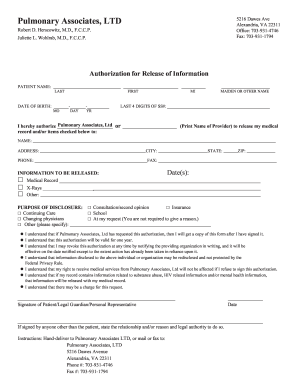
Pulmonary Associates, LTD
The document is an authorization form from Pulmonary Associates, LTD for the release of a patient's medical information. ...
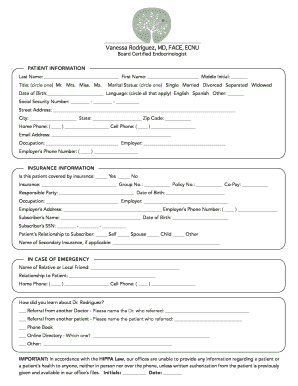
The Uses and Meanings of the Female Title "Ms " - Semantic
The document is a comprehensive patient information form used by The Endocrinology Wellness Institute. It collects perso ...
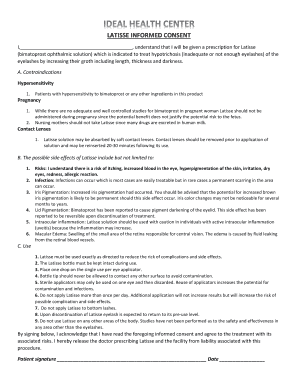
Consent form
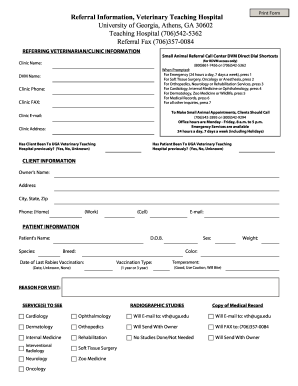
Uga veterinary teaching hospital
The document is a referral form for the Veterinary Teaching Hospital at the University of Georgia, providing essential c ...