
Customer account Balance Sheet Templates
Pick and preview Customer account Balance Sheet Templates online. Obtain a template relevant to your situation, edit and eSign it, and safely distribute it with your business partners and banks.

Create a new Customer account Balance Sheet Template

Personal financial statement template
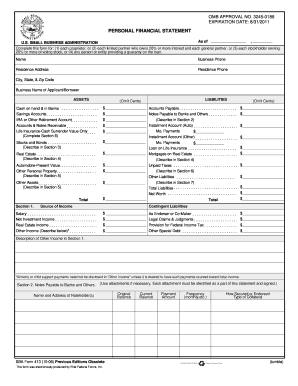
Personal financial statement template 2008 form
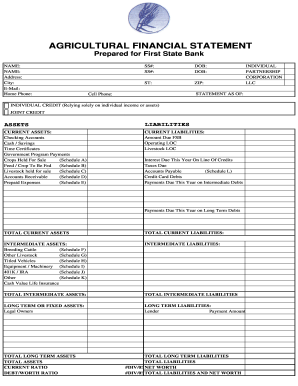
Agriculture financial statement excel
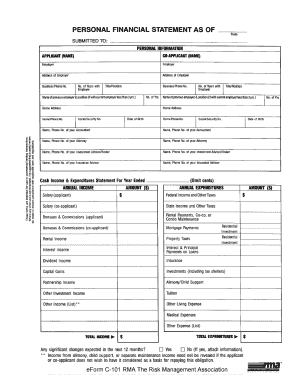
Rma personal financial statement pdf
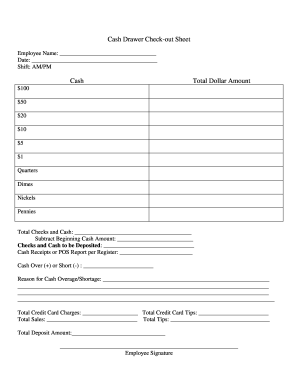
Cash drawer reconciliation template
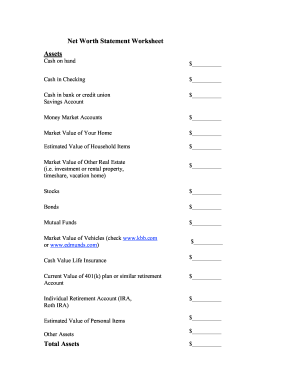
Net worth statement
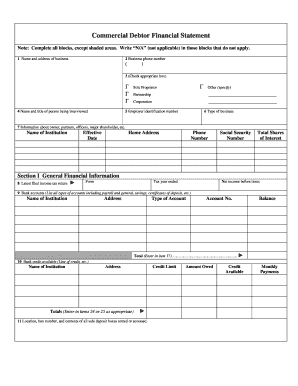
Commercial debtor financial statement
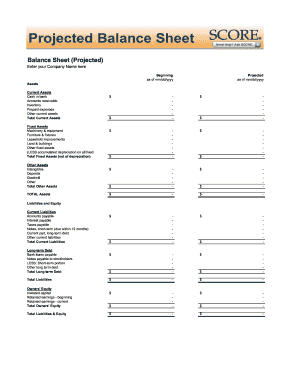
Balance sheet fill in the blank
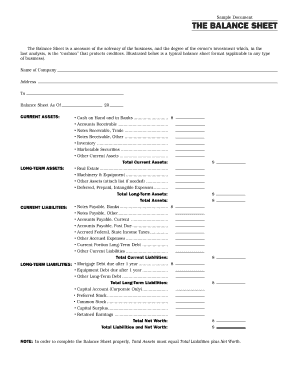
Interim ytd balance sheet pdf

Personal balance sheet pdf
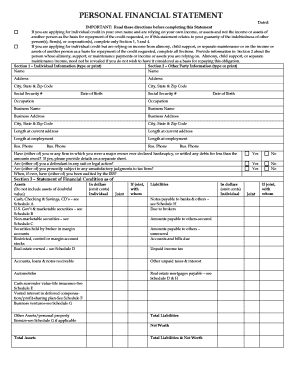
Personal financial statement form
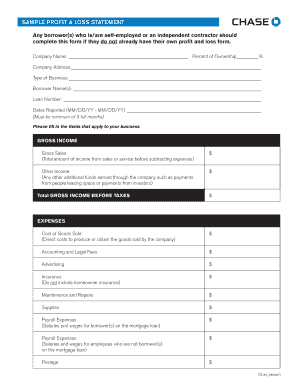
Sample Profit and Loss Statement PDF - Chase
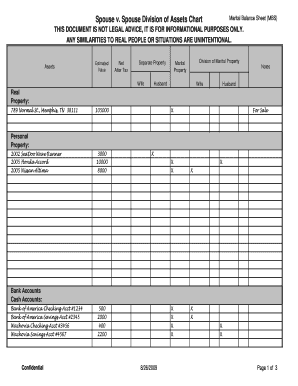
Marital balance sheet
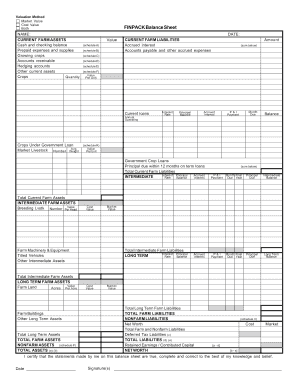
Finpack balance sheet
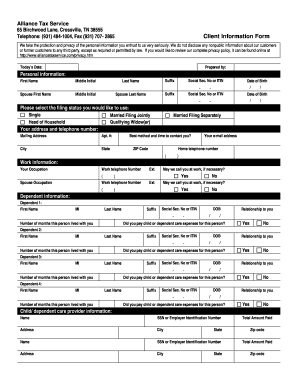
Client sign in accountant sheet pdf
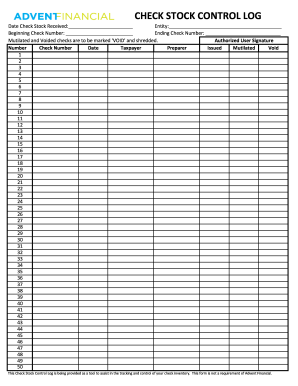
Check log template
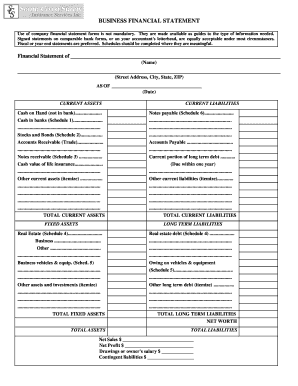
Business financial statement form
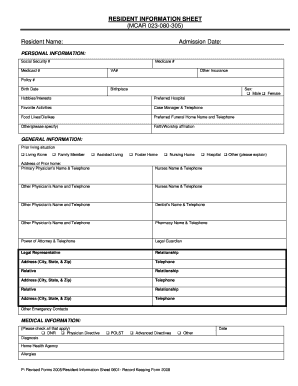
Resident information sheet template

Client Tax Information Sheet - Eva Smith & Associates
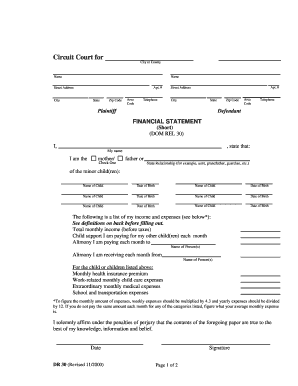
Financial statement short dr 30 form
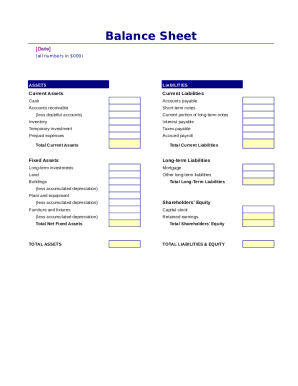
Simple balance sheet
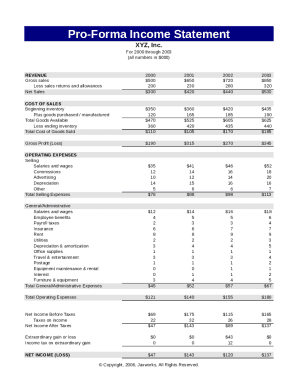
Pro forma income statement

Consultation record template
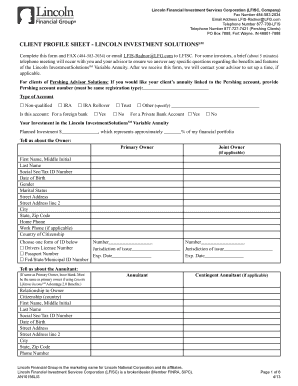
Client profile sheet - Lincoln Financial Group Fulfillment

Account opening form

Financial report template
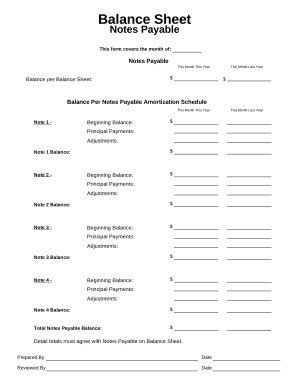
Balance sheet form
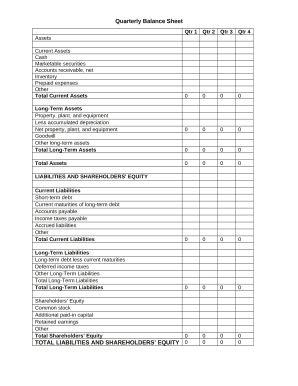
Quarterly Balance Sheet

Family Financial Statement
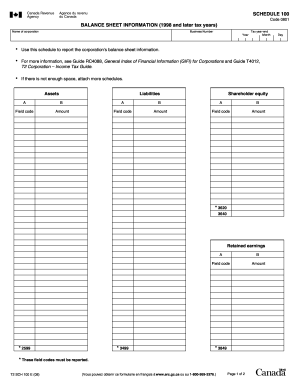
Balance sheet information schedule 100 2020

Sba form 413
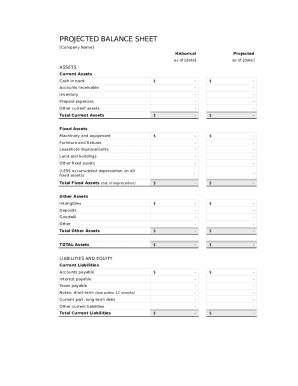
Balance sheet template fillable
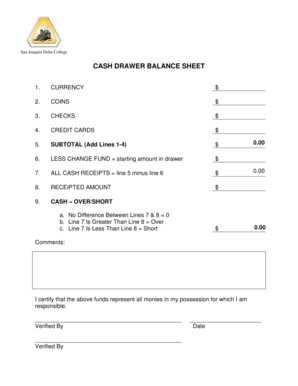
Cash drawer balance sheet
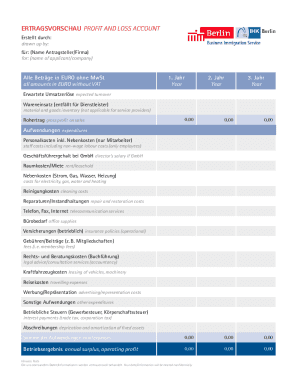
ERTRAGSVORSCHAU PROFIT AND LOSS ACCOUNT

CODE REVISER USE ONLY PROPOSED RULE MAKING - dshs wa
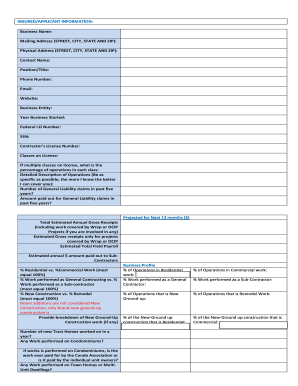
GL LEAD SHEET
Get and handle Customer account Balance Sheet Templates online
Speed up your file administration with the Customer account Balance Sheet Templates library with ready-made form templates that meet your requirements. Get the document template, modify it, complete it, and share it with your contributors without breaking a sweat. Start working more effectively with your forms.
The best way to use our Customer account Balance Sheet Templates:
- Open our Customer account Balance Sheet Templates and find the form you need.
- Preview your document to ensure it’s what you want, and click on Get Form to start working on it.
- Change, include new text, or point out important information with DocHub tools.
- Complete your form and preserve the modifications.
- Download or share your form template with other recipients.
Explore all of the possibilities for your online document management using our Customer account Balance Sheet Templates. Get your totally free DocHub profile today!
Video Guide on Customer account Balance Sheet Templates management

Commonly Asked Questions about Customer account Balance Sheet Templates
Is there an accounting template in Excel?
If you open up Excel and then use the relevant keyword in the Search All Templates box, you should be able to find a basic template that will fit your needs. For example, Excel has an inbuilt profit and loss statement template, business expenses budget template, budget planner template, and more.
How do you write a simple balance sheet?
How to make a balance sheet Invest in accounting software. Create a heading. Use the basic accounting equation to separate each section. Include all of your assets. Create a section for liabilities. Create a section for owners equity. Add total liabilities to total owners equity.
Does QuickBooks have a balance sheet template?
The QuickBooks Online balance sheet template makes it easy The difference between assets and liabilities is displayed at the bottom as the equity or net worth of the business. Simply choose Reports Balance Sheet in QuickBooks Online and the pre-installed template is populated with your data in seconds.
What is the basic format of a balance sheet?
It consists of transactions recorded under two sides namely, assets and liabilities. Assets are placed in the left hand side, while the liabilities are placed on the right hand side. The total of both side should always be equal. The balance sheet discloses financial position of the business.
What is the basic layout of a balance sheet?
The left side of the balance sheet outlines all of a companys assets. On the right side, the balance sheet outlines the companys liabilities and shareholders equity. The assets and liabilities are separated into two categories: current asset/liabilities and non-current (long-term) assets/liabilities.
Is there a balance sheet template in Excel?
The Balance Sheet Template for Excel is a pre-designed spreadsheet that allows users to enter their companys financial information, including assets, liabilities, and equity. This template is useful for businesses of all sizes, as it can be customized to fit each companys specific needs.
What is the basic structure of balance sheet?
The Structure of a Balance Sheet A companys balance sheet is comprised of assets, liabilities, and equity. Assets represent things of value that a company owns and has in its possession, or something that will be received and can be measured objectively.
What is the simple format of a balance sheet?
What is the basic format of a balance sheet? The basic format of a balance sheet includes three main sections: assets, liabilities, and equity. Assets list resources owned, liabilities outline obligations, and equity shows net worth or ownership.
Related Templates

Dhs permission field trip
The document is a permission slip from the Arizona Department of Health Services Bureau of Child Care Licensing, allowin ...
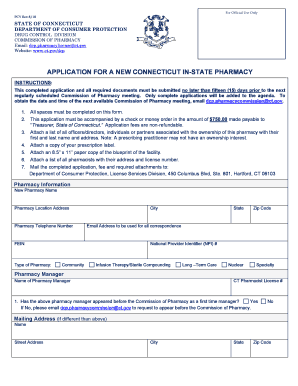
APPLICATION FOR A NEW CONNECTICUT IN-STATE PHARMACY
The document is an application form for establishing a new in-state pharmacy in Connecticut, detailing the submission re ...

St Vincent's Medical Center - CT
The document outlines the agreed settlement for the transfer of ownership of St. Vincent’s Medical Center (SVMC) to SVMC ...

Connecticut conrad 30
The Connecticut Conrad 30 / J-1 Visa Waiver Program aims to alleviate the physician shortage in the state by waiving the ...

Pharmacy Prior Authorization Form - Connecticut Medical
The document is a Drug Prior Authorization Request Form from the Connecticut Department of Social Services, designed for ...
1 19 (Rev
The document is a medical information form used by the Connecticut Department of Children and Families to collect geneti ...
About Us - River Valley Ambulatory Surgical Center in Norwich
The document is a final decision from the Office of Health Care Access regarding a Certificate of Need application by Ri ...
2015 Maine EMS Treatment Protocols - Effective July 1 - Maine
The document outlines the process for filing complaints against individuals and agencies within the Maine Emergency Medi ...